Audit log streaming for Automation HQ
Enable an audit log streaming system for your entire organization. This includes all current and future workspaces that Automation HQ manages.
INFO
You can't modify log settings within managed workspaces.
Automation HQ adapts Audit log streaming to provide a single logging mechanism and destination for all workspaces in your organization.
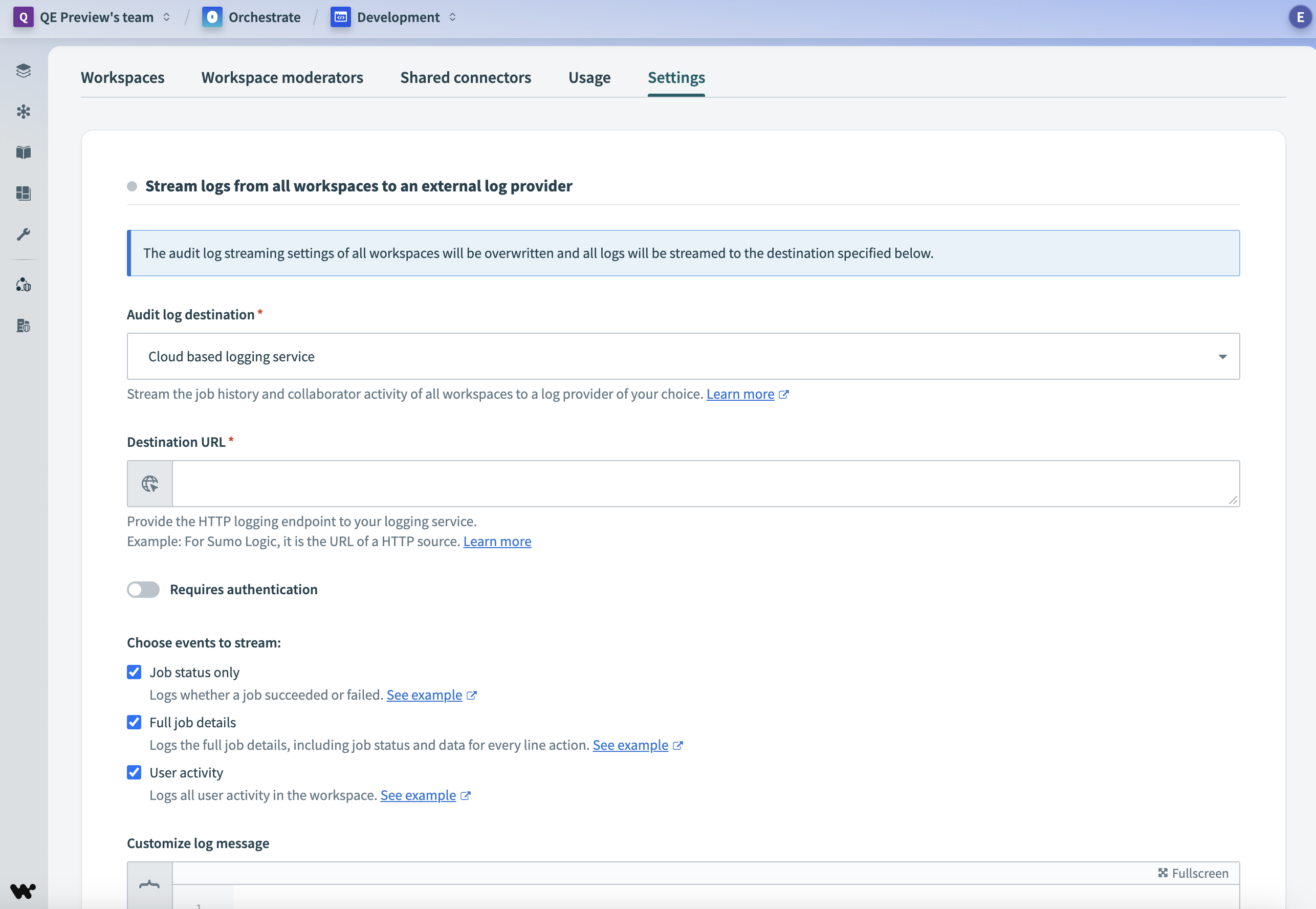 Automation HQ audit log streaming
Complete the following steps to enable audit log streaming:
Go to Automation HQ.
Click the Settings tab.
Click Set up audit log streaming. The Stream logs from all workspaces to an external log provider interface appears.
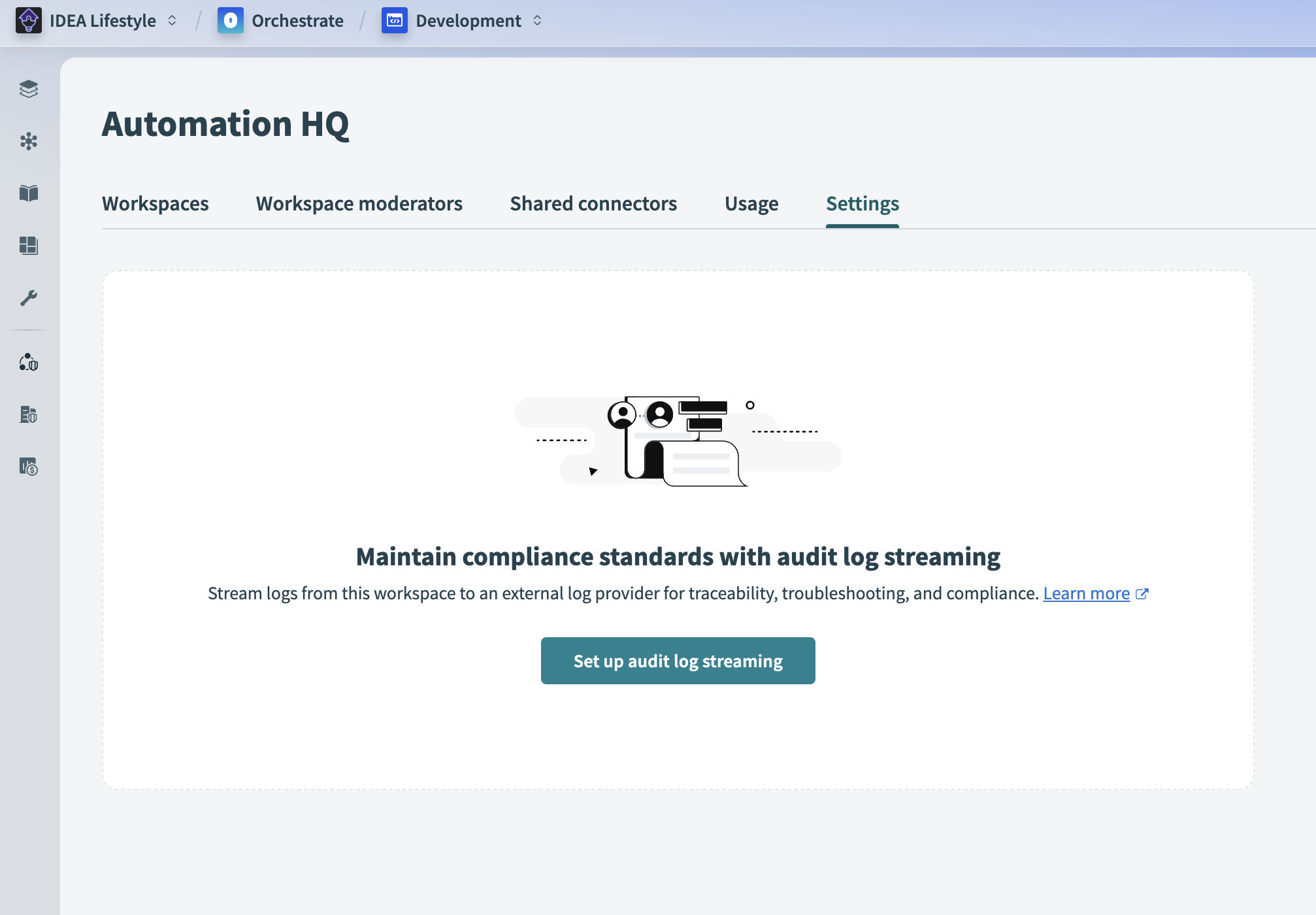 Set up audit log streaming
Choose an Audit log destination from the drop-down menu. Refer to Audit log streaming destinations for more information on destination types.
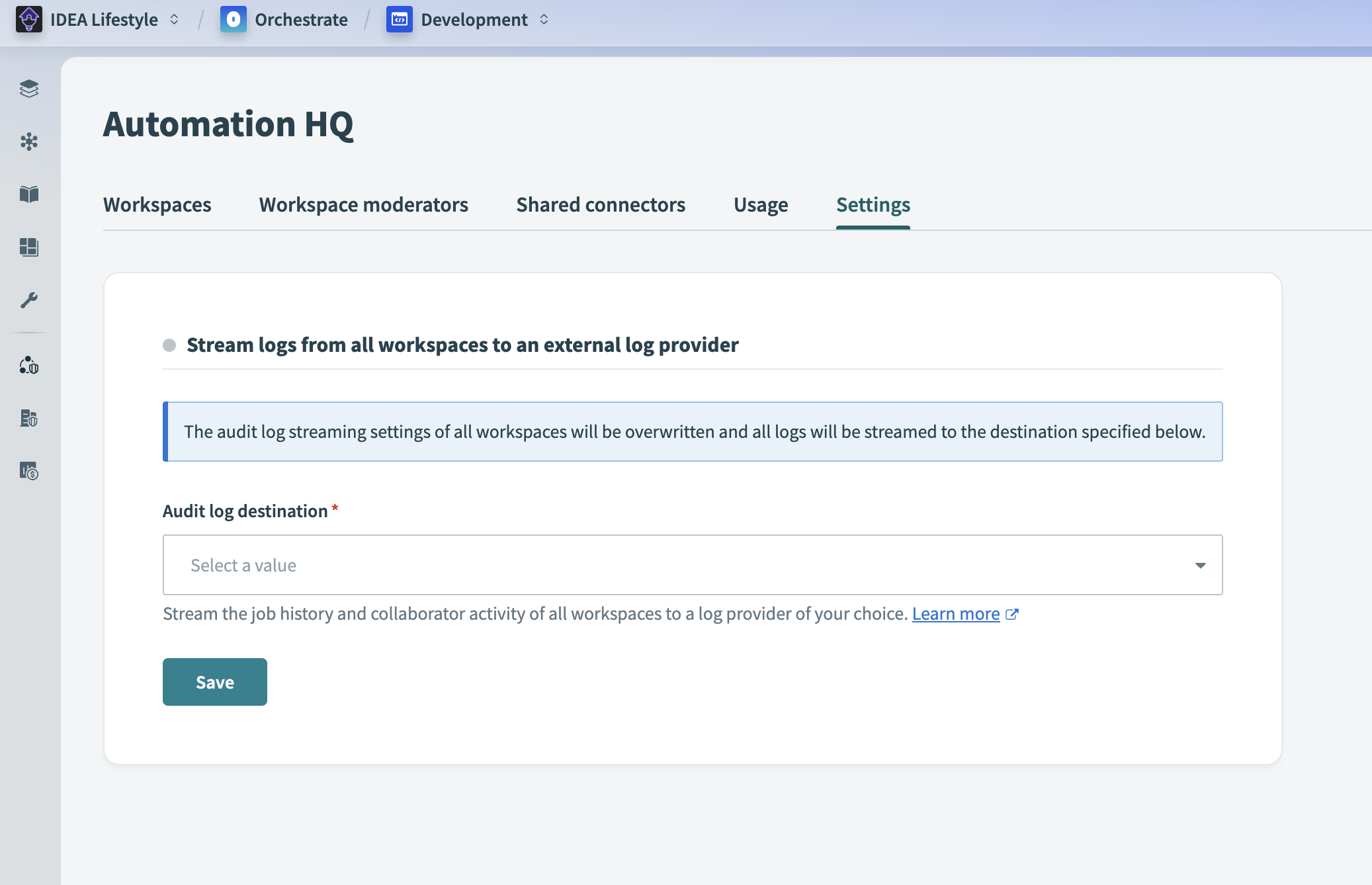 Choose audit log streaming destination
Use the following tabs to complete the steps for your selected destination:
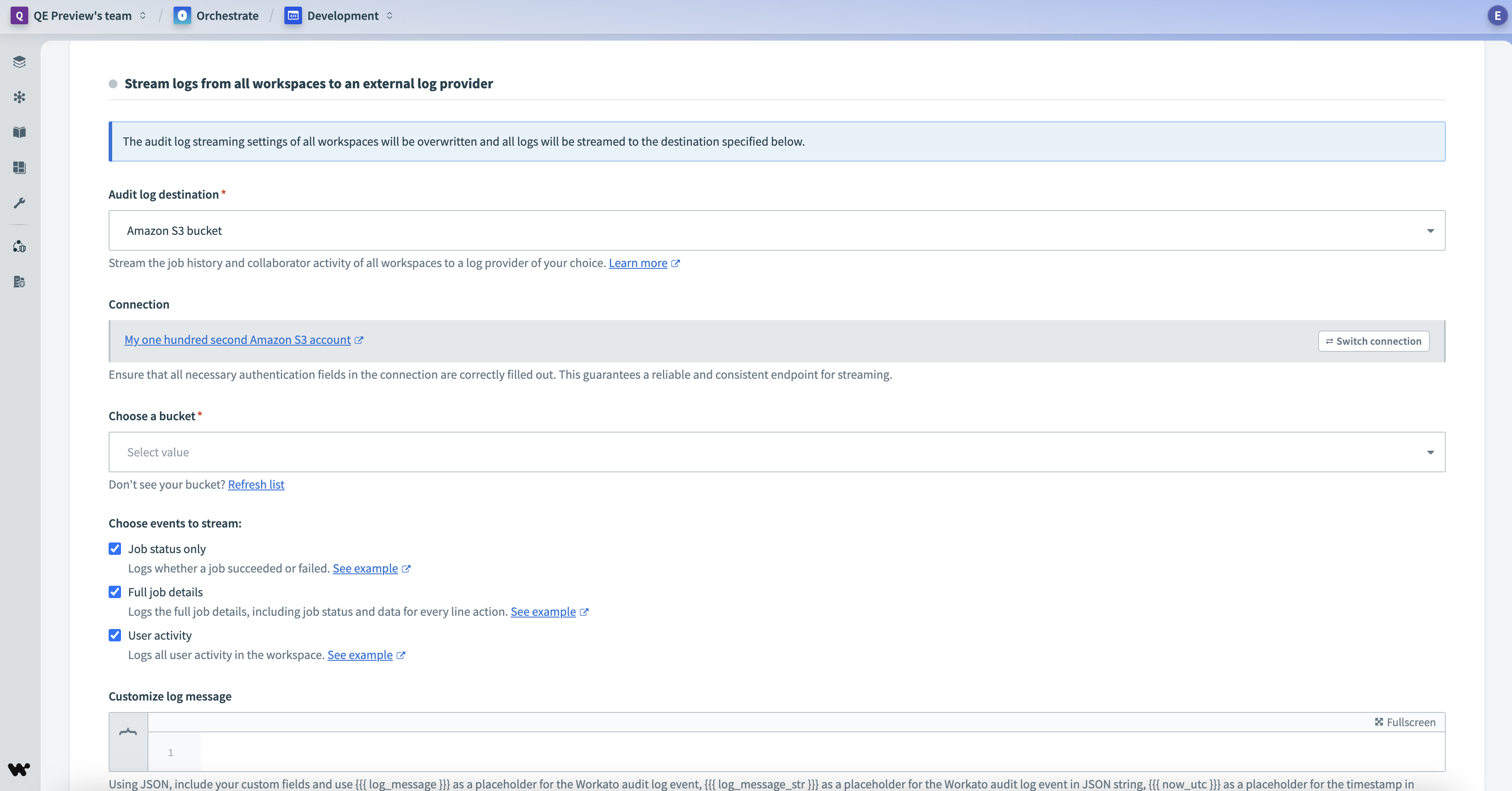 Configure Amazon S3 as your audit log destination
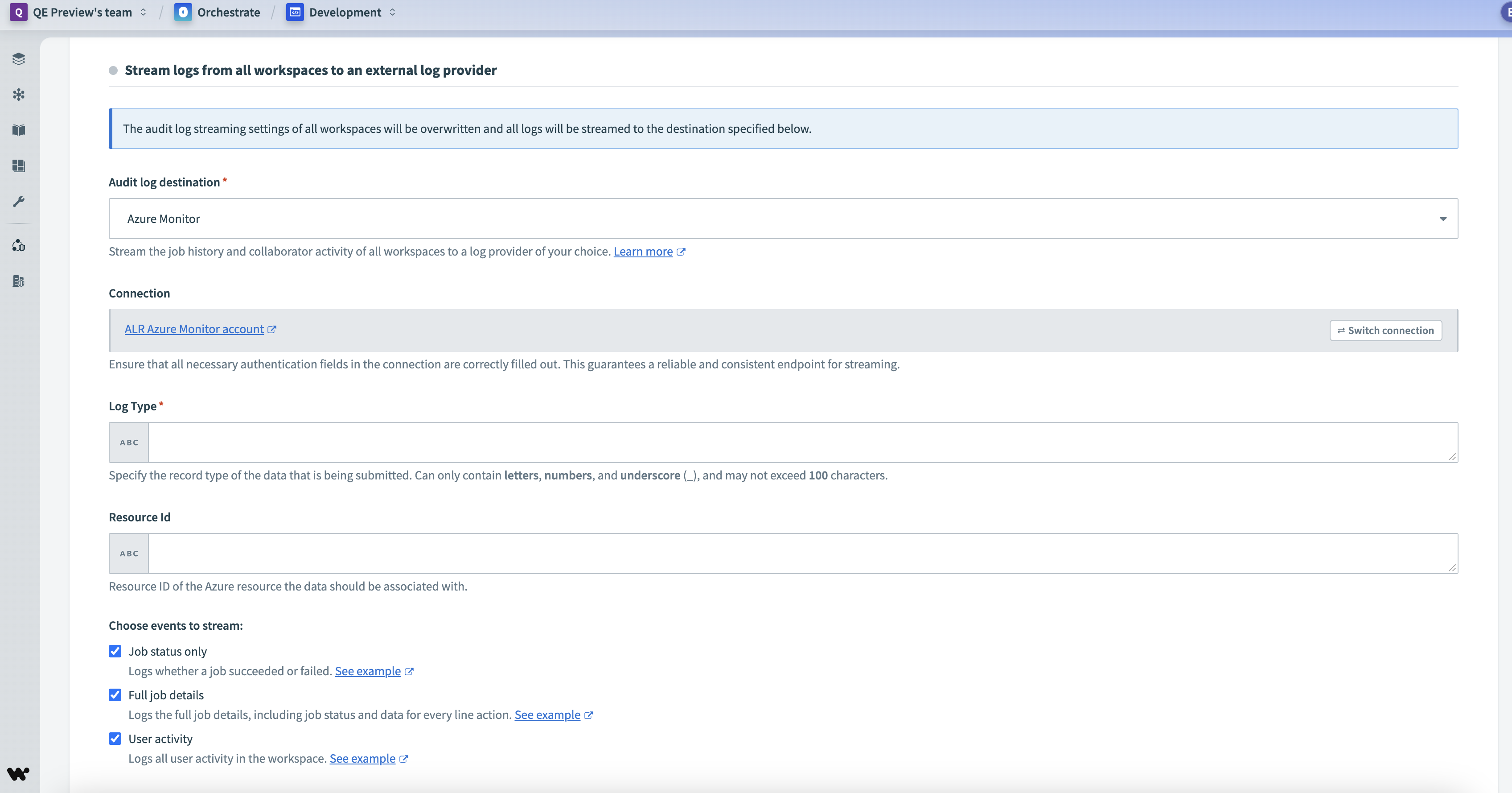 Configure Azure Monitor as your audit log destination
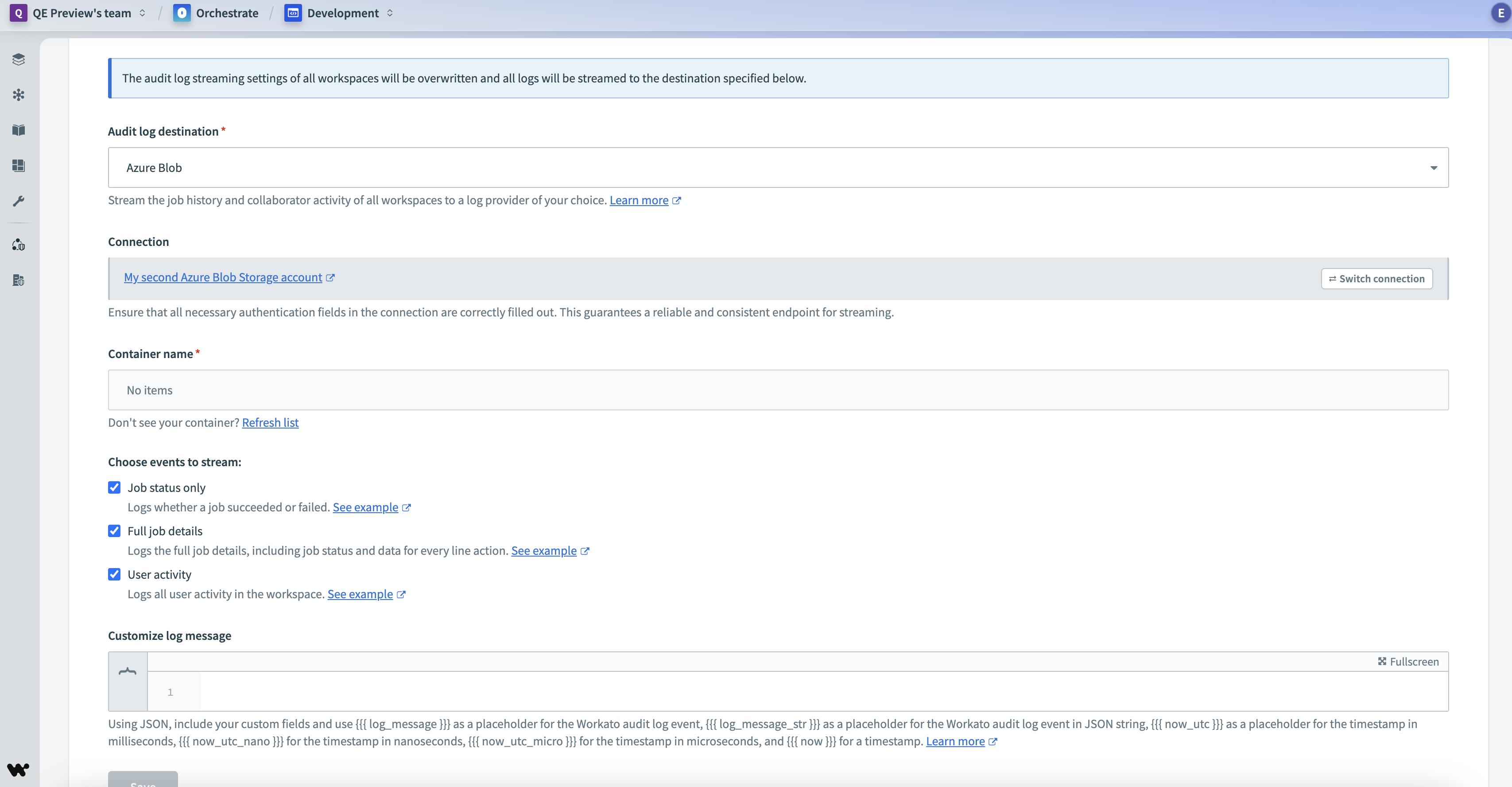 Configure Azure Blob Storage as your audit log destination
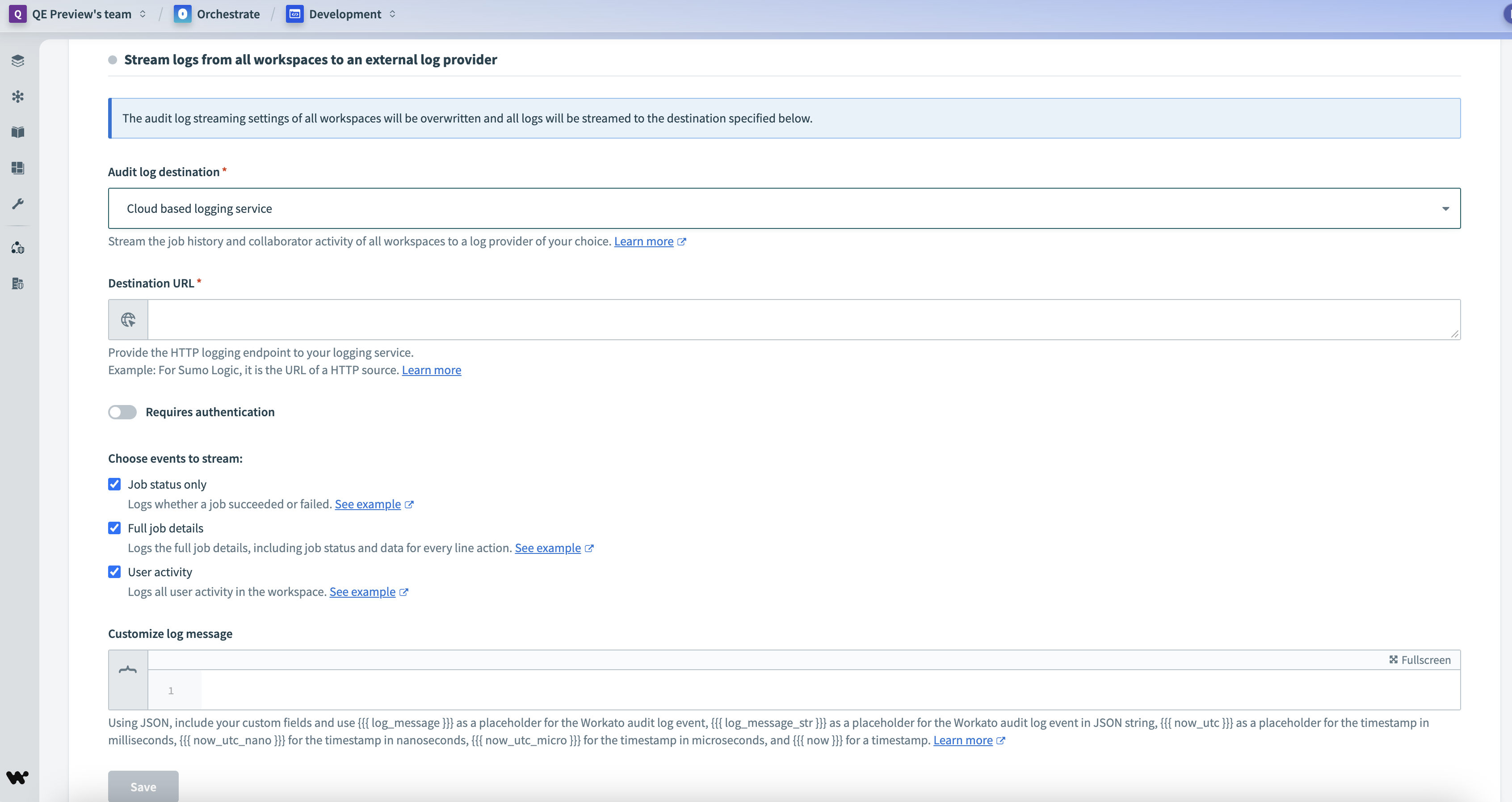 Configure a cloud based logging service
Audit log streaming is now enabled and configured for all workspaces in Automation HQ.
Last updated: