API logs
Use API logs to view a detailed record of all incoming API requests across your workspace. Logs help you monitor usage, troubleshoot failures, and track performance over time.
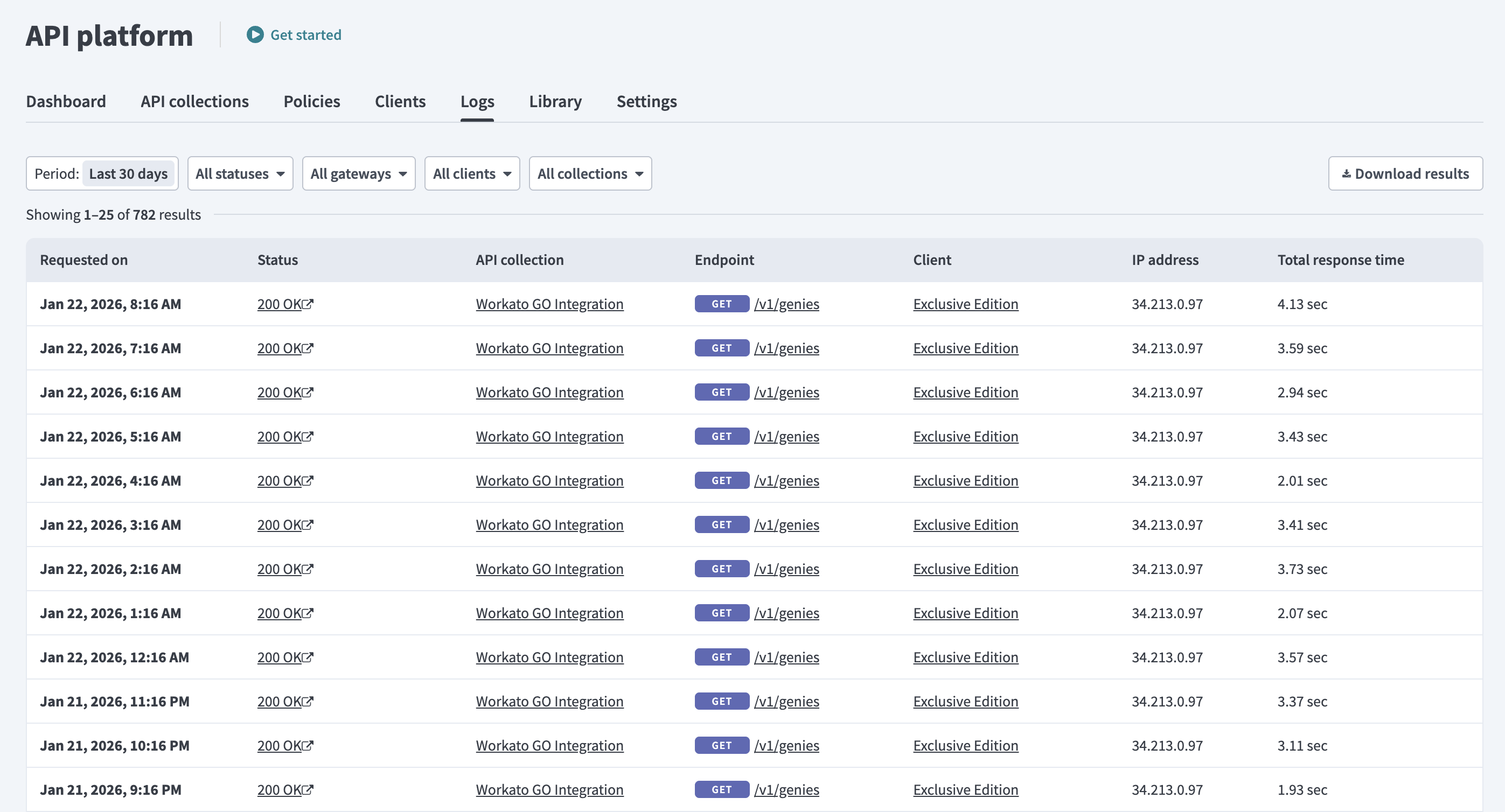 API logs
The logs table includes the request date and time, status, API collection, endpoint, client identity, IP address, and response time.
Filters
Use the filters at the top of the Logs tab to narrow the results. You can filter by the following:
| Filter type | Description |
|---|---|
| Period | Filter logs by time period, such as Last 30 days. |
| Status | Filter logs by status, such as 200 OK or 404 Not Found. |
| Client | Filter logs by specific clients, such as Customer Success Team. |
| Collection type | Filter logs by Recipe collections or Proxy collections types. |
| Collection | Select specific API collections to include in the results. |
Filters reset after you leave the page.
Download logs as a CSV file
Select the Download results button to export the logs table as a CSV file. The CSV includes all visible fields from the logs UI and additional details to help diagnose API behavior.
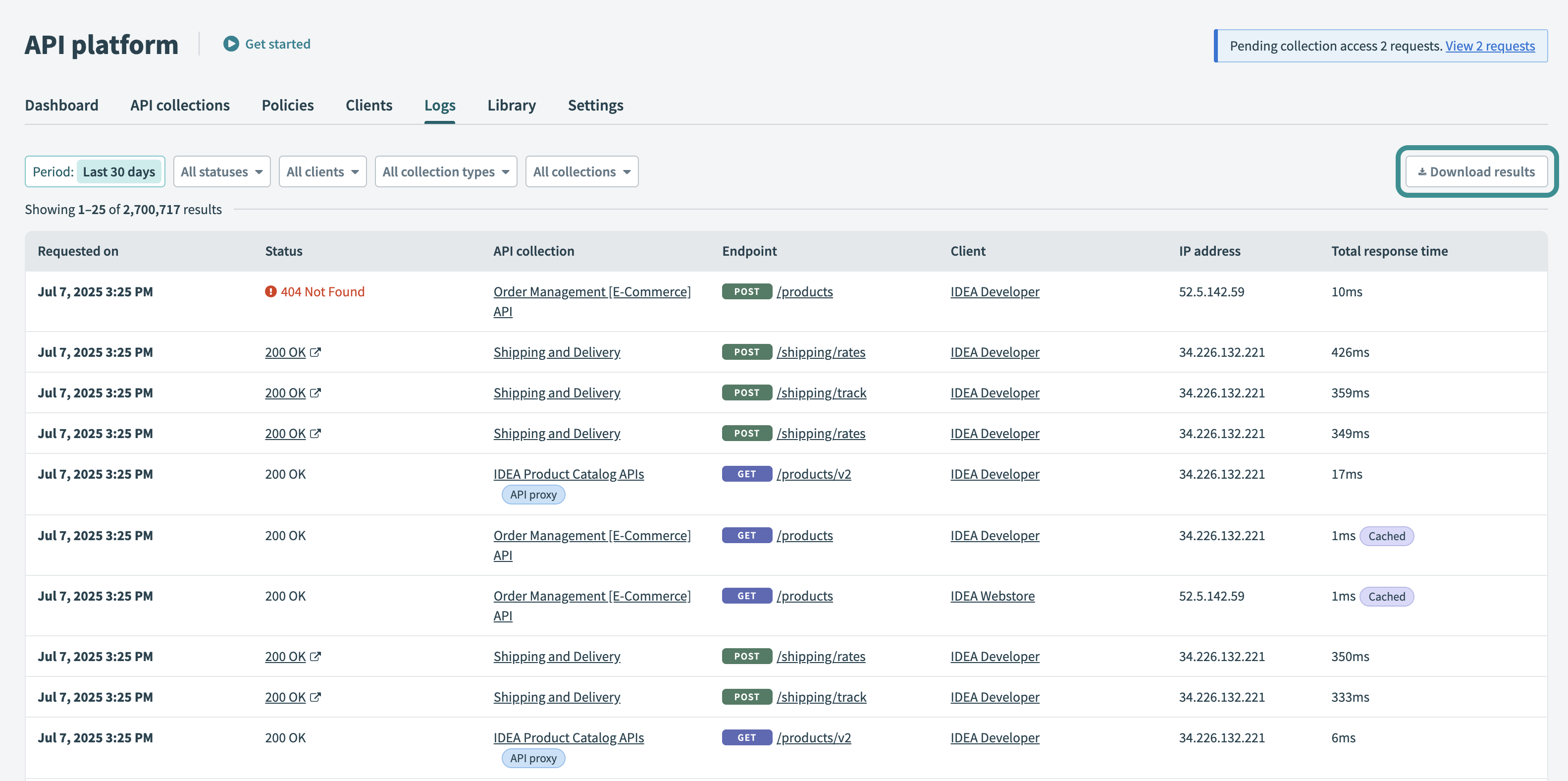 Download logs as a CSV file
The exported CSV includes the following fields:
| Field | Description |
|---|---|
| Date | Timestamp when the API request was received. |
| Type | General outcome of the request, such as Success or Error. |
| Code | HTTP status code returned, such as 200, 401, or 404. |
| Status | HTTP status text corresponding to the code, such as OK or Not Found. |
| Gateway code | Extended diagnostic code for failed requests, such as 4011 or 4012. |
| Status details | Diagnostic message for failed requests, such as Unrecognized token, Missing token, and Recipe is inactive. |
| IP | Client IP address. |
| Timing | Time taken to process the request. |
| Delay | Time between receiving the request and starting execution. |
| API collection | Collection associated with the API endpoint. |
| Endpoint | API endpoint path defined in the collection. |
| Client | Name of the client making the request. |
| Job details | Link to the recipe job triggered by the request, if applicable. |
Status details for failed requests
The Status details column includes diagnostic messages for common client-side errors, such as 401 and 404. These messages appear in downloaded logs, but not in the logs UI or client-facing responses.
Refer to Status details for 401 and 404 errors for more information on status codes and messages.
Last updated: