Egnyte
Egnyte provides a secure, cloud-based file sharing platform, allowing you to share documents or folders with varying privilege levels, such as view, download, or edit. This provides a more secure alternative to email and enables you to locate and manage sensitive content stored in multiple repositories.
API version
The Egnyte connector uses the Egnyte API v1.
Connection setup
Complete the following steps to create an Egnyte connection in Workato:
Provide a Connection name that identifies which Egnyte instance Workato is connected to.
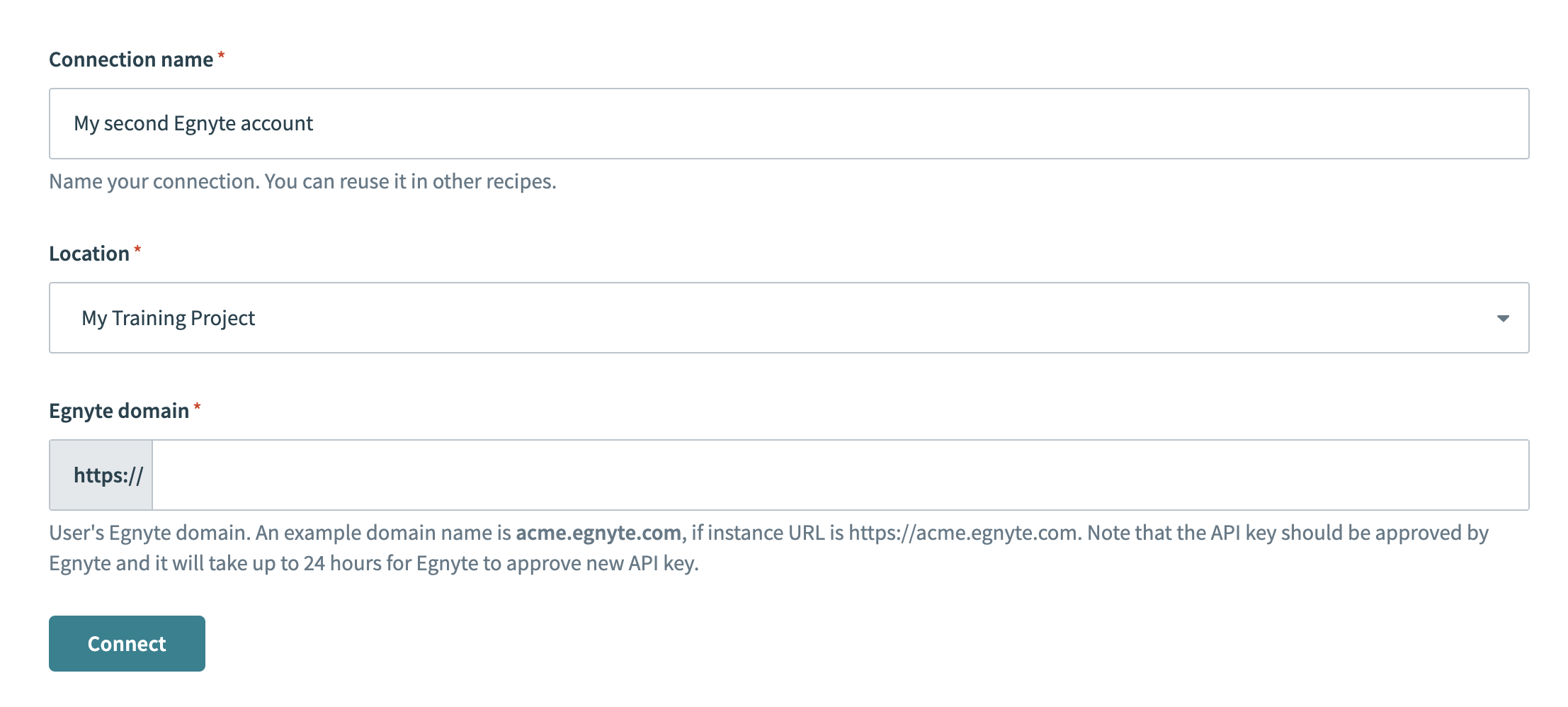 Connection setup
Use the Location drop-down menu to select the location where you plan to store your connection.
Enter the domain for your Egnyte account in the Egnyte domain field. For example: acme.egnyte.com.
Optional. Use the Custom OAuth profile drop-down menu to select a custom OAuth profile for your connection.
Click Connect.
Click Allow access when prompted to authorize access for Workato.
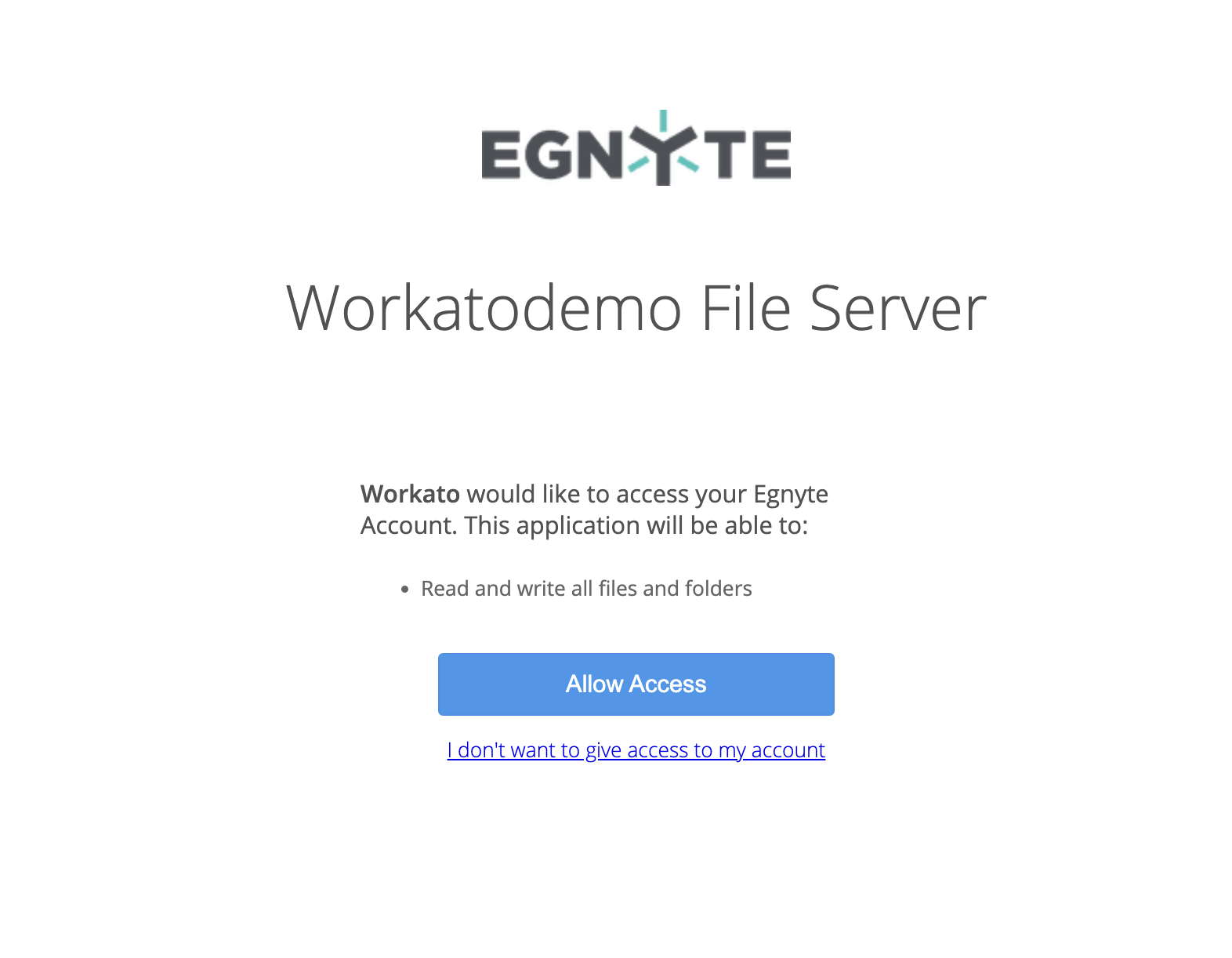 Authorize access
Last updated: