Goto Webinar
GoTo Webinar is a platform designed for hosting and managing webinars. It provides tools for scheduling, promoting, and conducting webinars, as well as features for engaging with attendees and analyzing webinar performance.
API version
The GoTo Webinar connector uses the GoTo Webinar API.
Connection setup
Complete the following steps to create a Goto Webinar connection in Workato:
Sign in to Workato.
Select the project where you plan to store the Goto Webinar connection.
Click Create > Connection.
Search for the Goto Webinar connector.
Select the connector.
Enter a name for your connection in the Connection name field.
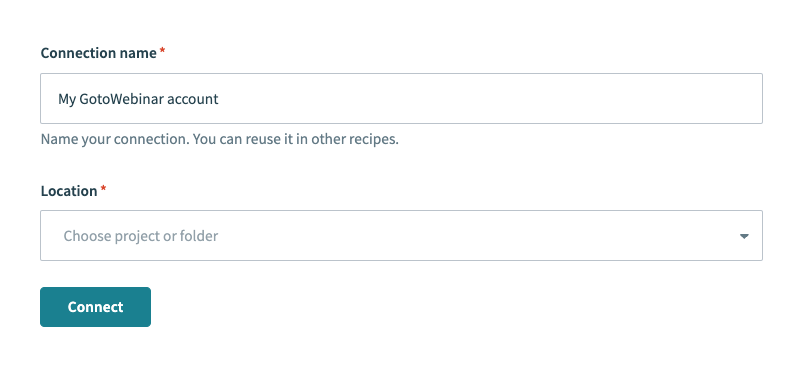 Goto Webinar connection setup
Select the project or folder where you plan to store the connection from the Location drop-down menu.
Click Connect.
Click Allow when prompted to authorize Workato to access your Goto Webinar account.
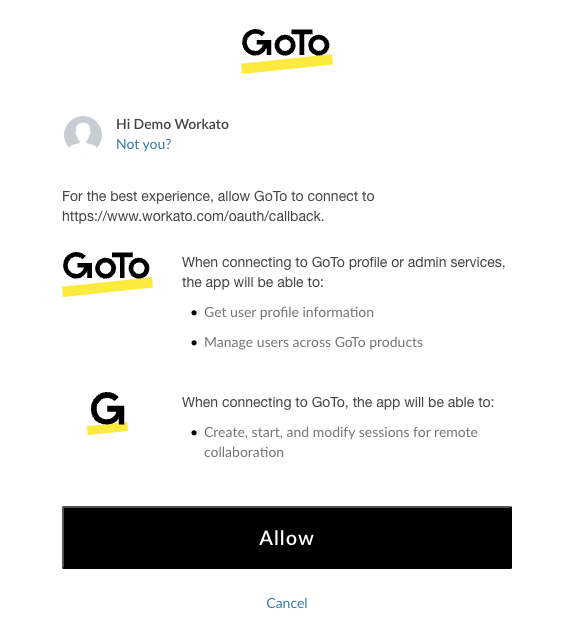 Authorize access for Workato
Last updated: