Percolate
Percolate provides a dynamic content marketing platform designed for enterprise-scale planning, creation, and execution. You can engage customers and enhance visibility using Percolate's comprehensive tools.
API version
Percolate's connector uses Percolate's REST-based API for integration. For more information, refer to Percolate's API documentation.
Connection setup
To establish a connection with Percolate in Workato, follow these steps:
Enter a unique Connection name to identify your Percolate account in Workato.
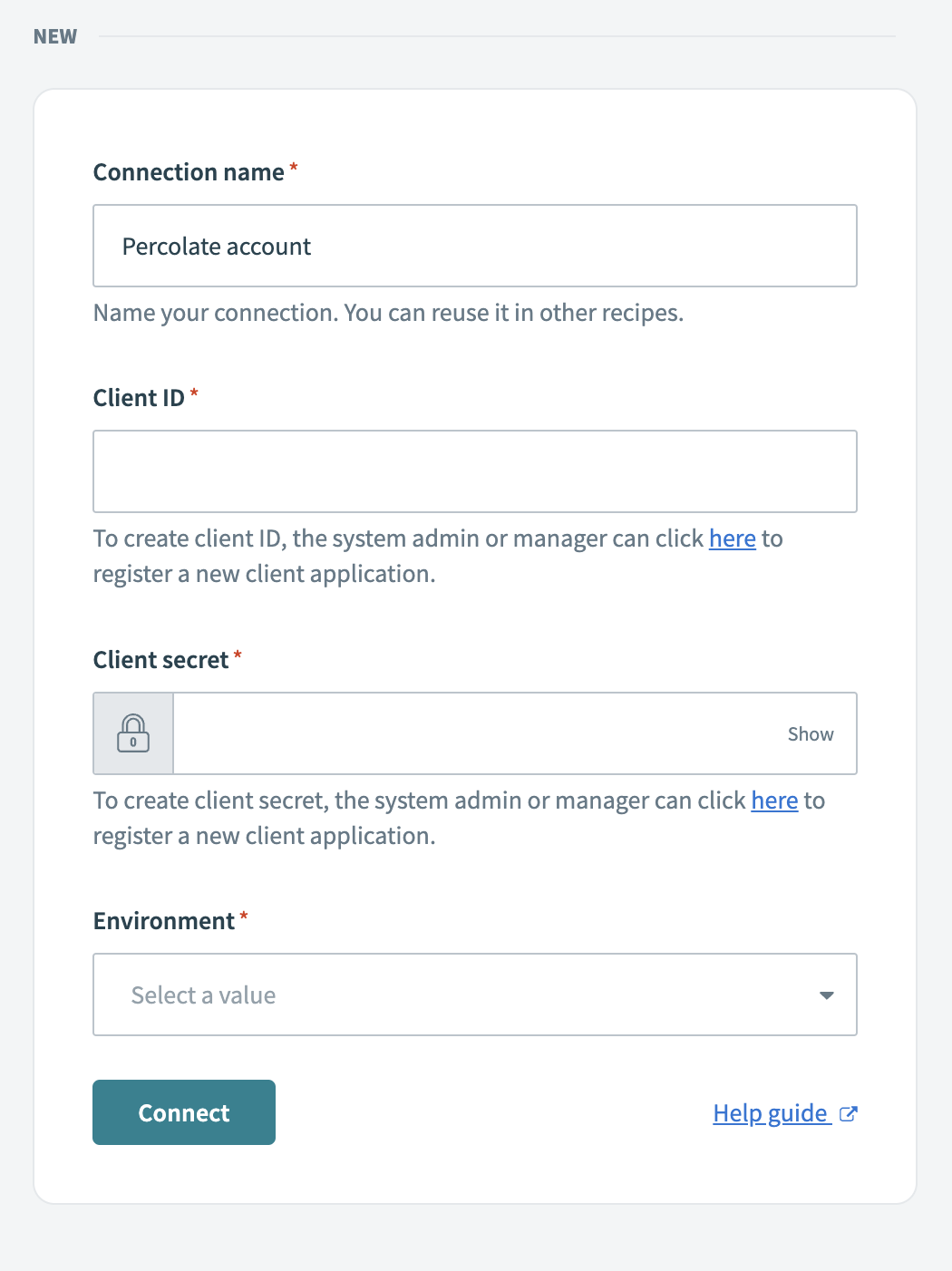 Name your connection
Obtain a Client ID and Client Secret by registering a new client application in Percolate. If you're a system admin or manager, follow the Percolate API client creation guide to create these credentials.
Select the relevant Environment for your connection from the drop-down menu. This determines which Percolate workspace you can access.
Verify all connection details for accuracy, including the connection name, client ID, client secret, and environment.
Click Connect to authorize a connection between Workato and your Percolate account.
Last updated: