Workday - New/updated business object (batch) trigger
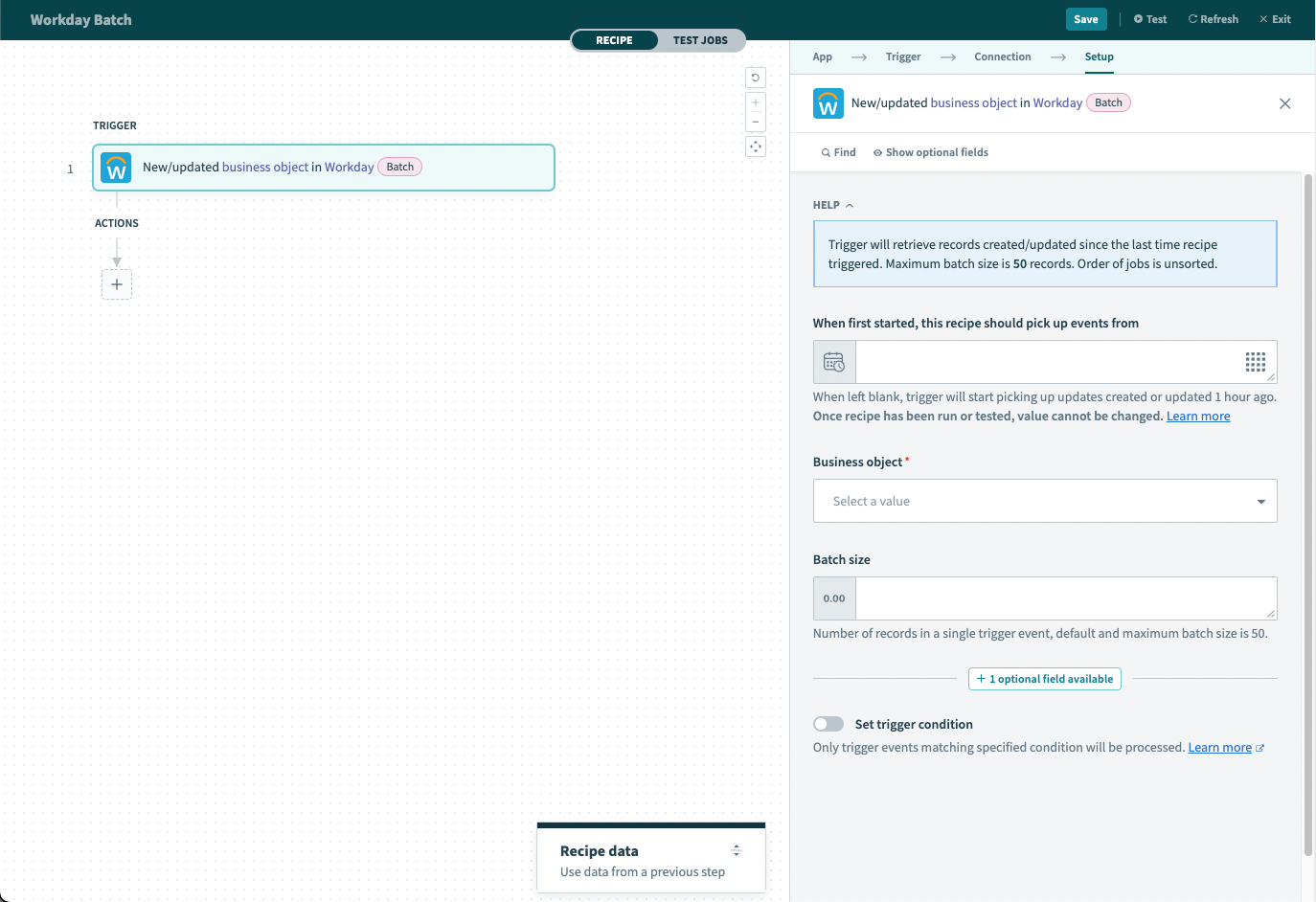 New/updated business object (batch) trigger
This trigger uses Workday Web Services (WWS) to check for new/updated business object in batches from a connected Workday instance. By defaults, objects will be processed in batches of 50.
Supported business objects are:
- Workers
- Organizations
- Job Profiles
- Payees
- Positions
- Job Requisitions
- Evergreen Requisitions
- Customer Contracts
Input
| Input field | Description |
|---|---|
| When first started, this recipe should pick up events from | Workday objects that are created after this date and time will be processed in the trigger. If left blank, the trigger will pick up entries created 1 hour before the first time this recipe is started. Refer to Triggers to learn more about this input field. |
| Business object | The object type. |
| [Optional] Batch size | Number of records in a single trigger event, default and maximum batch size is 50. |
| [Optional] Request criteria | The request criteria element lets you apply additional criteria to identify the specific instance(s) desired. |
| [Optional] Trigger poll interval | Select how frequently to check for new events. |
Additional/advanced input fields may be present for specific business objects.
Output
We will output the complete set of fields and attributes for the selected operation as the output datatree, except in cases where additional/advanced input fields dictate we return a subset of the available object data.
Limitations
Based on the Workday documentation:
- Responses with attachments/images, the maximum size of each attachment/image is 30MB.
- Rich text string responses have a size limit of 1,048,576 characters or 1MB.
Last updated: