Xero - Upsert line item to bill or invoice action
The Upsert line item to bill or invoice action allows you to insert or update a single line item on an existing Xero bill. If the line item ID is provided, the action updates the whole line.
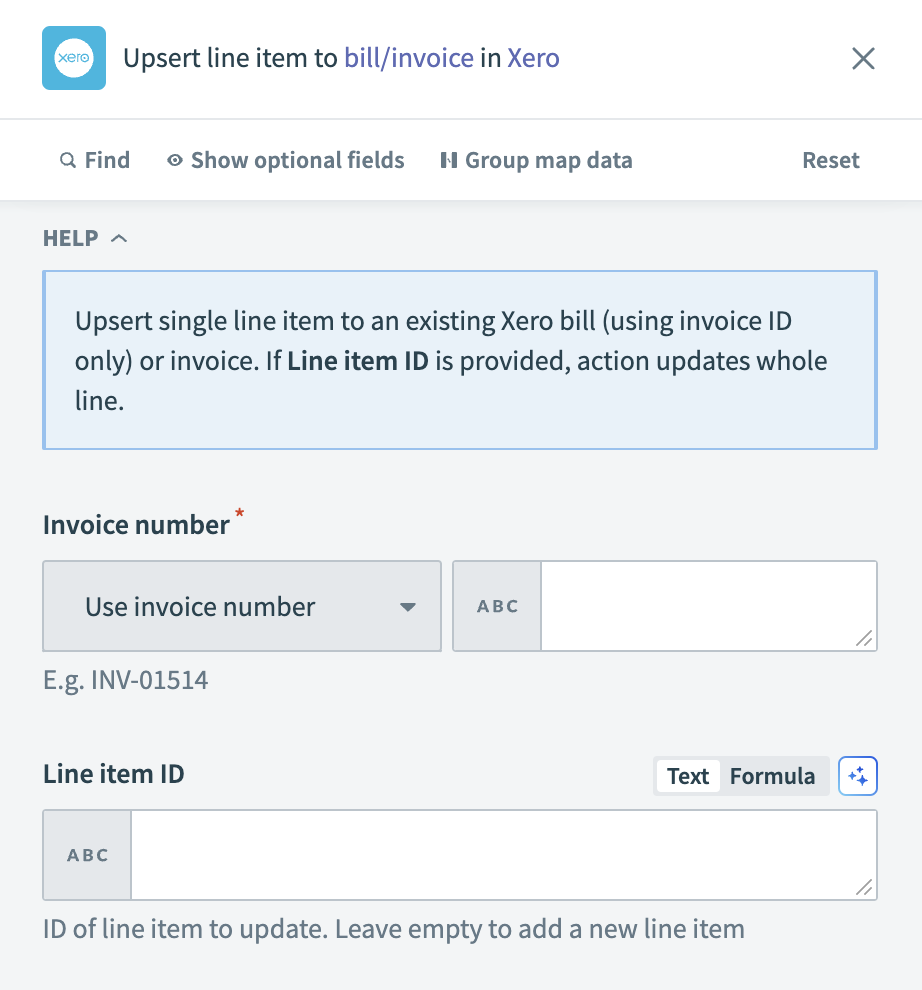 Xero - Upsert line item to bill or invoice action
Input
| Input field | Description |
|---|---|
| Invoice ID | Enter the unique identifier of the invoice. |
| Line item ID | Provide the identifier of the line item to update. Leave this field empty to add a new line item. |
| Description | Input a description for the line item. |
| Item name | Specify the name of the item for the line item. |
| Quantity | Enter the quantity of the item in the line item. |
| Unit price | Specify the price per unit of the item. |
| Line amount | Enter the total amount for the line item. |
| Discount rate | Provide the discount rate, if applicable, for the line item. |
| Account code | Input the account code from your Xero chart of accounts for this line item. |
| Tax type name | Specify the name of the tax type applied to the line item. |
| Tax amount | Enter the amount of tax for the line item, if applicable. |
| Item code | Provide the item code. If both the item name and item code are provided, the item code takes precedence. |
Output
| Output field | Description |
|---|---|
| Reference | Reference information for the updated line item. |
| Type | The type of document updated (bill or invoice). |
| Invoice ID | The unique identifier of the invoice or bill. |
| Invoice number | The number of the invoice or bill. |
| Payments | Details of payments associated with the invoice. |
| Credit notes | Details of credit notes applied to the invoice. |
| Amount due | The total amount due on the invoice or bill. |
| Amount paid | The total amount paid on the invoice or bill. |
| Amount credited | The total amount credited to the invoice or bill. |
| URL | The link to the invoice or bill in Xero. |
| Currency code | The currency code used for the invoice or bill. |
| Currency rate | The exchange rate applied to the currency. |
| Has errors | Indicates if there are errors related to the invoice or bill. |
| Is discounted | Indicates if a discount has been applied to the invoice or bill. |
| Has attachments | Indicates if there are attachments included with the invoice or bill. |
| Contact | Details of the contact associated with the invoice or bill. |
| Date | The date of the invoice or bill. |
| Due date | The due date for payment of the invoice or bill. |
| Status | The current status of the invoice or bill. |
| Branding theme ID | The identifier for the branding theme applied to the invoice or bill. |
| Line amount types | The type of line amounts on the invoice or bill. |
| Line items | Details of each item listed on the invoice. |
| Sub total | The subtotal amount of the invoice or bill before tax. |
| Total tax | The total tax amount for the invoice or bill. |
| Total | The total amount of the invoice or bill, including tax. |
| Updated date | The date when the invoice or bill details were last updated. |
| Paid date | The date when the invoice or bill was fully paid, if applicable. |
Last updated: