Wrike
Wrike is an online project management software that enables collaboration between co-located and distributed teams.
API version
The Wrike connector uses Wrike REST API v4.
How to connect to Wrike on Workato
The Wrike connectors uses OAuth 2.0 authentication. This allows you to:
- Define the scopes for the connector
- Authenticate with Wrike
Scopes for Wrike connector
Entailed in the permissions are scopes that define how the connectors is allowed to interact with Wrike data. For example, the create task action requires the following scopes: Default, wsReadWrite.
You can edit the scope of the connectors by selecting Advanced settings > Api scope.
| Field | Description |
|---|---|
| Api scope | Select permissions to request for this connection. To enable the full suite of Workato triggers and action, you can select all to request for all scopes. If left blank, the connector will only request: Default. |
| Custom OAuth profile | Optional. Select a custom OAuth profile for this connection. |
Authenticate with Wrike
To log in with your user credentials, select Link your account.
A popup will appear that requests for your Wrike login credentials. Input your Username / Password into the fields provided.
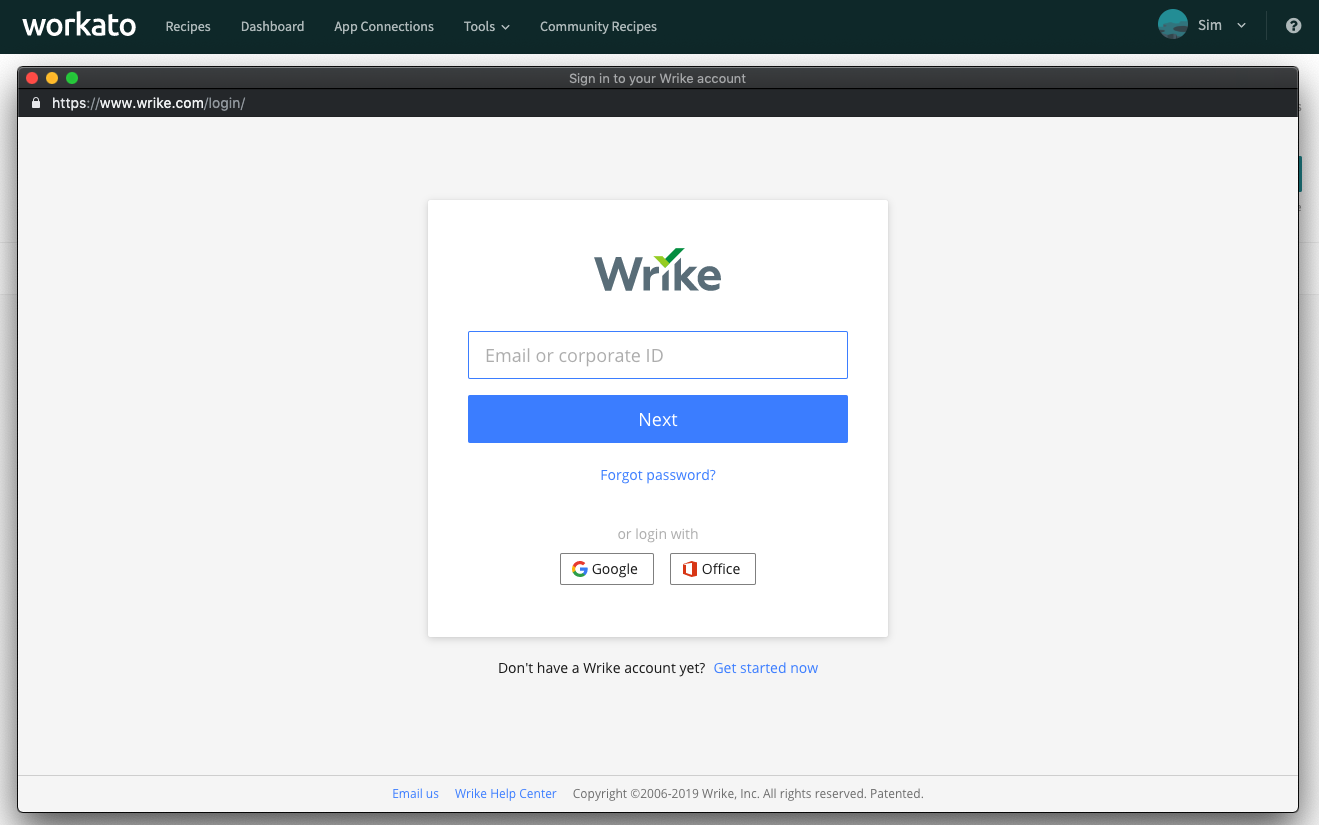 Username/Password connection
| Field | Description |
|---|---|
| The email of the Wrike account to connect. | |
| Password | The password of the Wrike account to connect. |
Last updated: