Xero - Create prepayment action
The Create prepayment action allows you to create a prepayment with a list of line items in Xero.
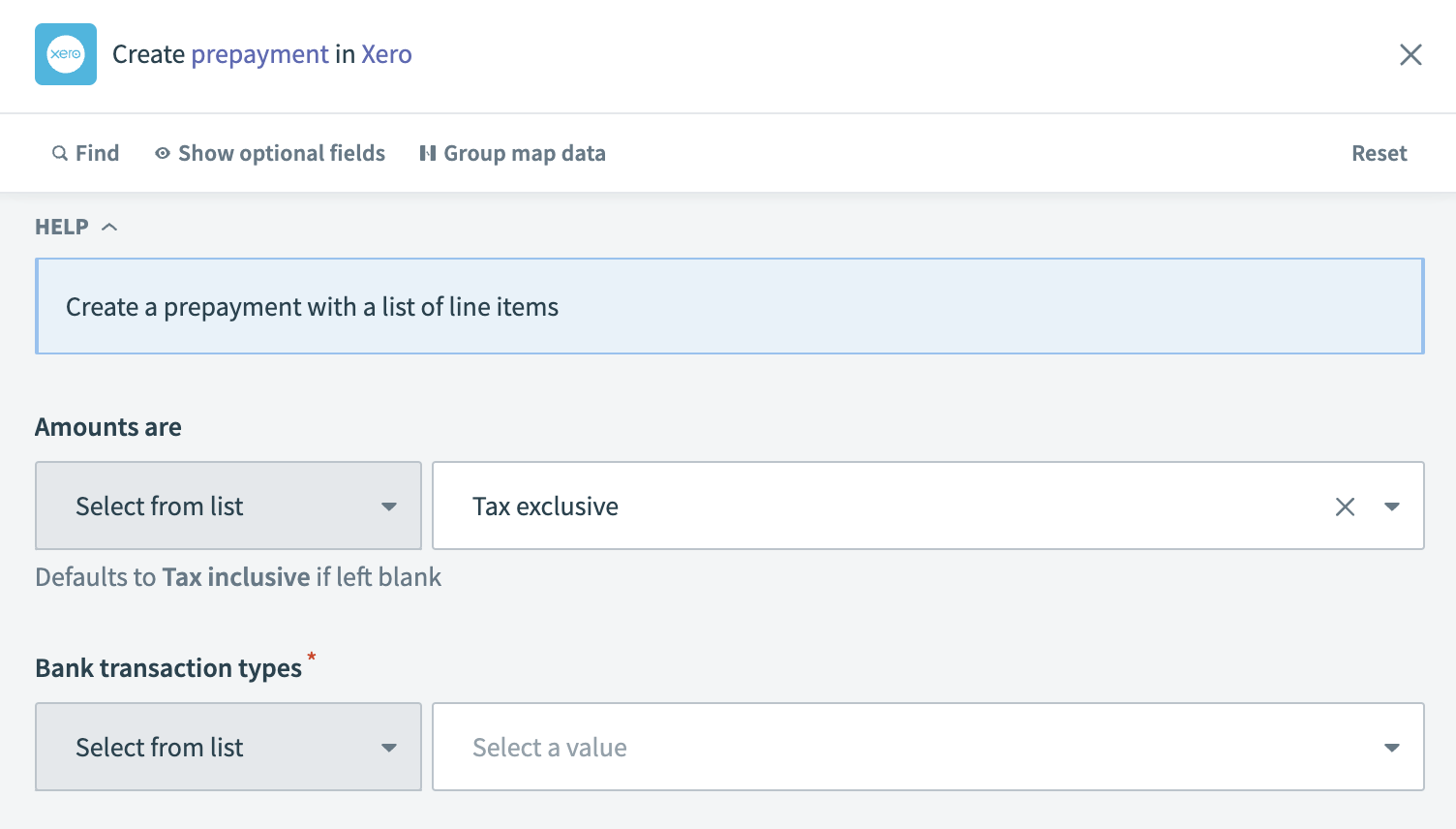 Xero - Create prepayment action
Input
| Input field | Description |
|---|---|
| Amounts are | Specify how amounts are reported. |
| Bank transaction types | Select the type of bank transaction. |
| Contact ID (contact) | Enter the unique identifier for the contact in Xero. |
| Name (contact) | Specify the name of the contact. |
| Email address (contact) | Provide the email address of the contact. |
| Account ID (bank account) | Select the ID of the bank account where the prepayment is recorded. |
| Code (bank account) | Enter the code of the bank account. |
| Reference | Add a reference for the transaction, such as an invoice number or note. |
| Bank transaction status | Set the status of the bank transaction. |
| URL | Include a link to an external document related to the prepayment. |
| Date of transaction | Specify the date when the prepayment occurred. |
| Line items source list (line items) | Input a list datapill for the line items. |
| Description (line items) | Provide a description for each prepayment line item. |
| Quantity (line items) | Enter the quantity for each item in the prepayment. |
| Unit price (line items) | Enter the unit price for each item in the prepayment. |
| Line amount (line items) | Specify the line amount for each item in the prepayment. |
| Tax type (line items) | Select the tax type for each line item. |
| Tax amount (line items) | Enter the tax amount for each line item. |
| Account (line items) | Choose the account to which each line item will be posted. |
Output
| Output field | Description |
|---|---|
| Bank transaction ID | The unique identifier for the bank transaction in Xero. |
| Updated date UTC | The UTC date and time when the transaction was last updated. |
| Line items | Details of each line item in the transaction. |
| Bank account | Details of the bank account associated with the transaction. |
| Remaining credit | The remaining credit amount from the prepayment. |
| Contact | Information about the contact related to the prepayment. |
| Bank transaction types | The type of bank transaction. |
| Is reconciled | Indicates whether the transaction has been reconciled. |
| Reference | A reference note or number for the transaction. |
| Currency code | The currency code used for the transaction. |
| Currency rate | The exchange rate for the currency used in the transaction. |
| Bank transaction status | The current status of the bank transaction. |
| Amounts are | Indicates how amounts are reported. |
| URL | A link to an external document or resource related to the prepayment. |
| Sub total | The subtotal amount of the transaction before tax. |
| Total tax | The total tax amount for the transaction. |
| Total | The total amount of the transaction, including tax. |
| Date of transaction | The date on which the transaction occurred. |
| Prepayment ID | The unique identifier for the prepayment in Xero. |
Last updated: