Xero - Update manual journal and line items action
The Update manual journal and line items action allows you to update the details of a manual journal in Xero with its manual journal ID.
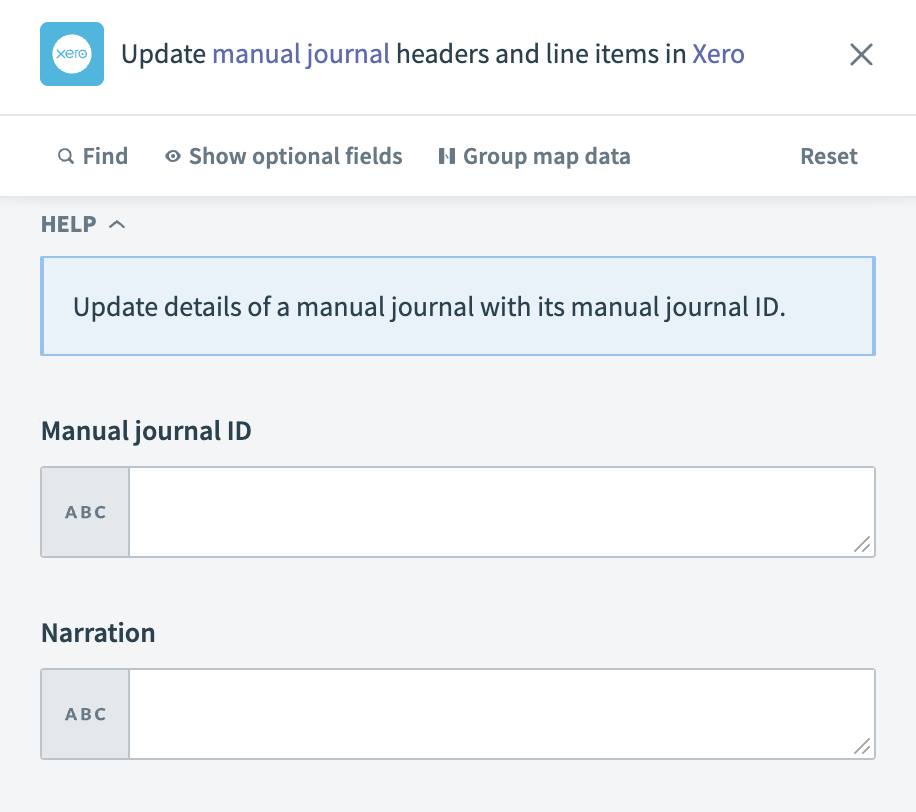 Xero - Update manual journal and line items action
Input
| Input field | Description |
|---|---|
| Manual journal ID | Enter the unique identifier of the manual journal you plan to update. |
| Narration | Provide the narration or description for the manual journal. |
| Status | Specify the current status of the manual journal. Valid values include POSTED and DRAFT. |
| Date | Set the date for the manual journal entry. |
| Line amount types | Indicate the type of line amounts in the journal. |
| Journal lines | Details of the journal lines to be updated. |
| Journal line source list | List of source journal lines. |
| Entry | Details for the journal line entry. |
| Account | The account associated with the journal line entry. |
| Tax type | The tax type for the journal line entry. |
| Line amount | The amount for the journal line entry. |
| Description | Description of the journal line entry. |
| Opposite entry | Details for the opposite journal line entry. |
| Account | The account associated with the opposite journal line entry. |
| Tax type | The tax type for the opposite journal line entry. |
| Line amount | The amount for the opposite journal line entry. |
| Description | Description of the opposite journal line entry. |
Output
| Output field | Description |
|---|---|
| Manual journal ID | The unique identifier of the manual journal. |
| Narration | The description or narration of the manual journal. |
| Line amount types | The type of line amounts in the journal. |
| Status | The current status of the manual journal. |
| Has attachments | Indicates whether the manual journal has attachments. |
| Show on cash basis reports | Indicates whether the journal should appear in cash basis reports. |
| Date | The date of the manual journal entry. |
| Updated date UTC | The date when the manual journal was last updated, in UTC format. |
| Journal lines | Details of the journal lines. |
Last updated: