# Configure a data pipeline
This guide demonstrates how to create a data pipeline to extract records from a source and replicate them to a supported destination. It includes steps to configure connections, select objects, sync schema, and start the pipeline.
# Prerequisites
Ensure you have the following before you create a data pipeline:
- A supported source application, such as Salesforce, NetSuite2, Jira, Coupa, or Marketo
- A supported destination data warehouse, such as Snowflake, Databricks, or SQL Server
- Required access and credentials for both systems
- Schema and object knowledge for the source system. This information is typically available in the product documentation of the respective application. For example, refer to the Salesforce standard object reference (opens new window).
# Configure your data pipeline source and destination
Data pipelines require a connection to both the source system and the destination where data loads. Set up these connections before configuring your pipeline.
# Source configuration
Refer to the source configuration guidesto connect your source application. This includes steps to authenticate, select objects, and define schema.
# Destination configuration
Refer to the destination configuration guidesto connect your destination system.
# Start your data pipeline
Select Start pipeline to start the data pipeline. After you start the pipeline, it syncs selected objects and loads historical data.
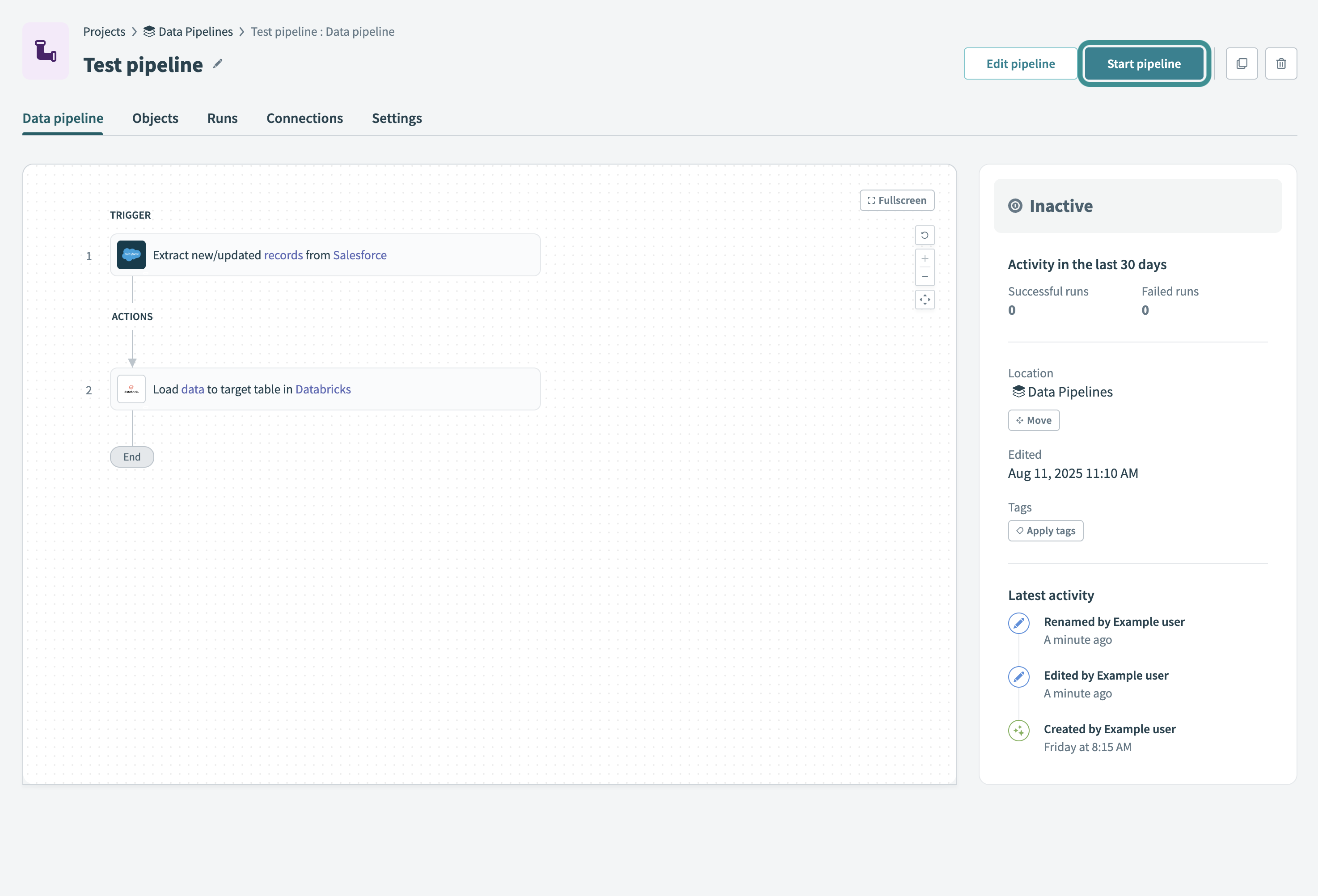 Start your data pipeline
You can also choose to Move, Edit, or Apply tags to the pipeline.
Refer to the Monitor data pipeline recipes guide to learn how to monitor pipeline activity and troubleshoot issues.
Last updated: 2/6/2026, 5:48:07 PM