# Set your preferences
You can customize your setting preferences within Workato GO.
# Choose a theme
Complete the following steps to choose a theme:
1
Go to your Workato GO account.
2
Click your profile icon in the side navigation bar. The Preferences page displays automatically.
3
Locate the Theme section and select the theme radio button you plan to use. Options are Light theme, Dark theme, and Sync with device.
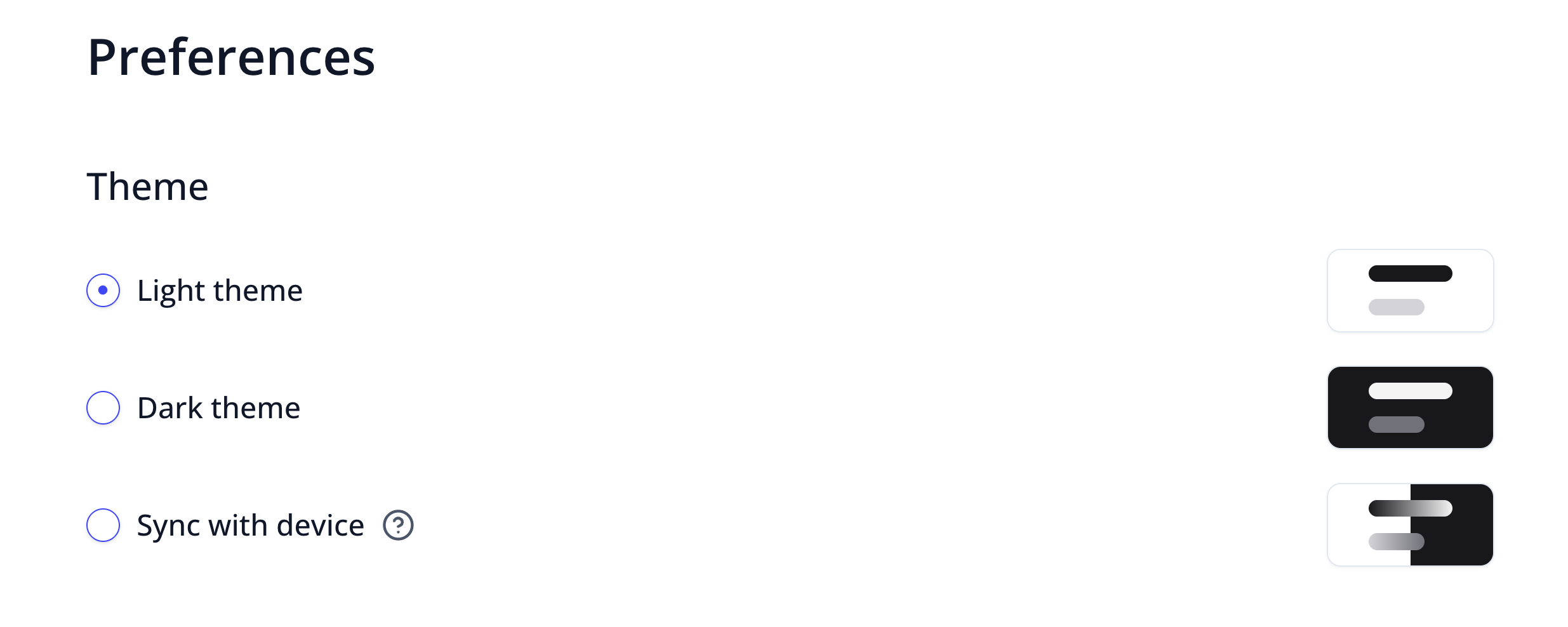 Select a theme
Last updated: 2/2/2026, 11:51:55 PM