Install a connector from the community library
You can install a connector from the community library into a project.
REQUIRED PERMISSIONS
Installing connectors from the community library requires full access to the Connector SDK. If you do not have the required permissions, contact your workspace admin to help you install the connector in your workspace.
Complete the following steps to install the connector from the community library:
Open the recipe editor and search for a connector. Alternatively, you can search for a connector in the community library.
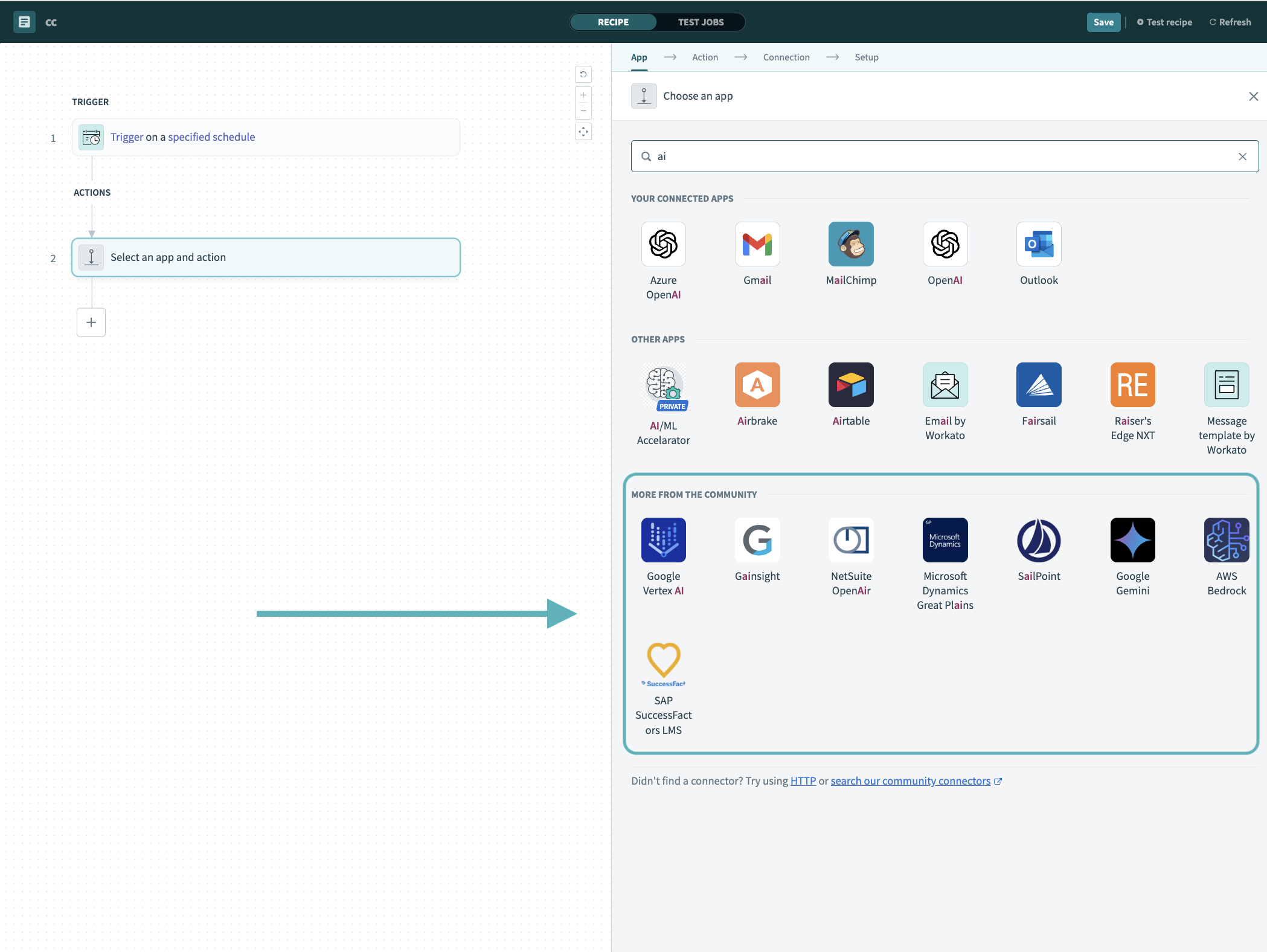 Search for community connectors in the recipe editor
Select the community connector you plan to install.
Click Install to install the connector from the community library.
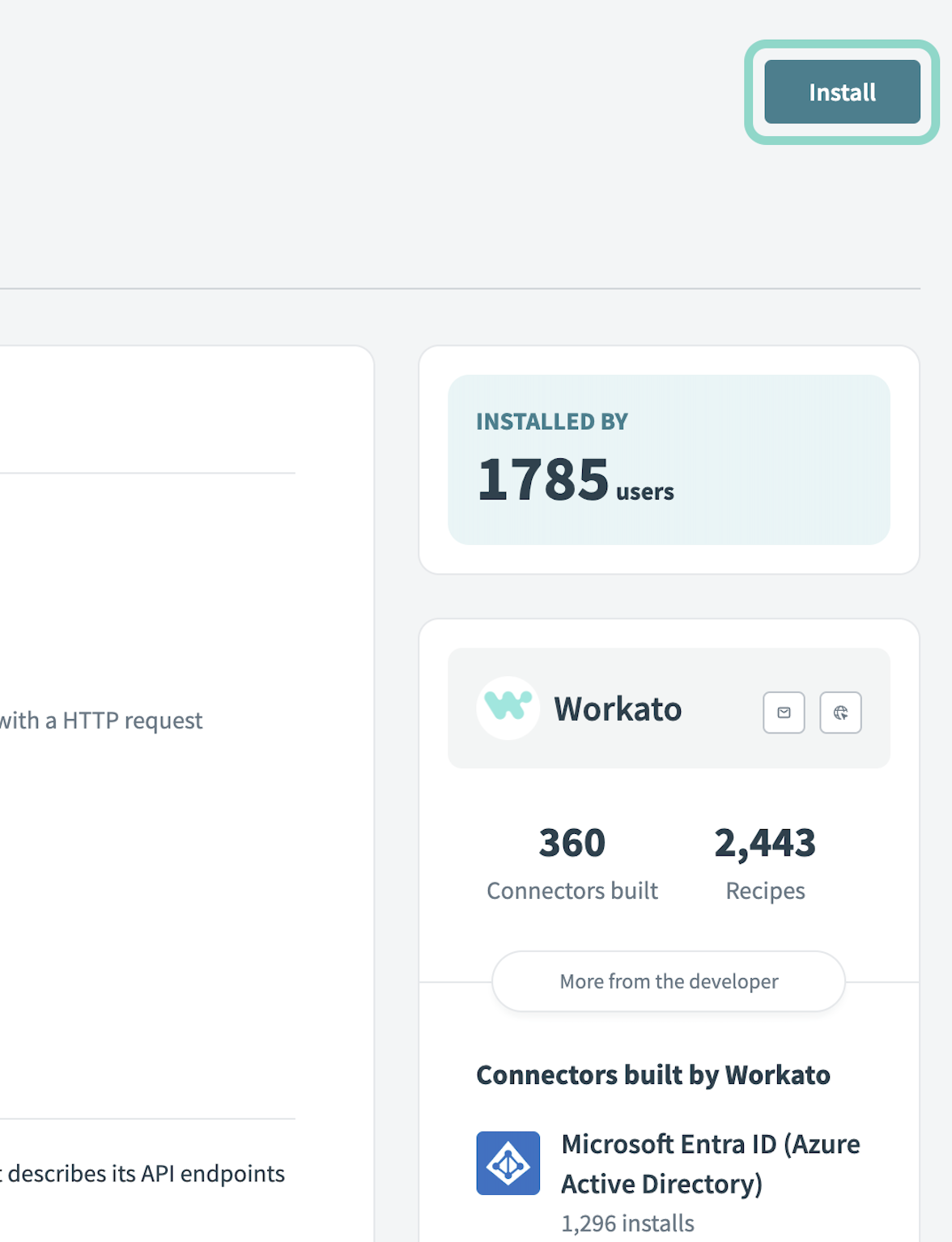 Click Install
Select Release connector. Alternatively, select Review code to review and modify the connector code before releasing it to the workspace.
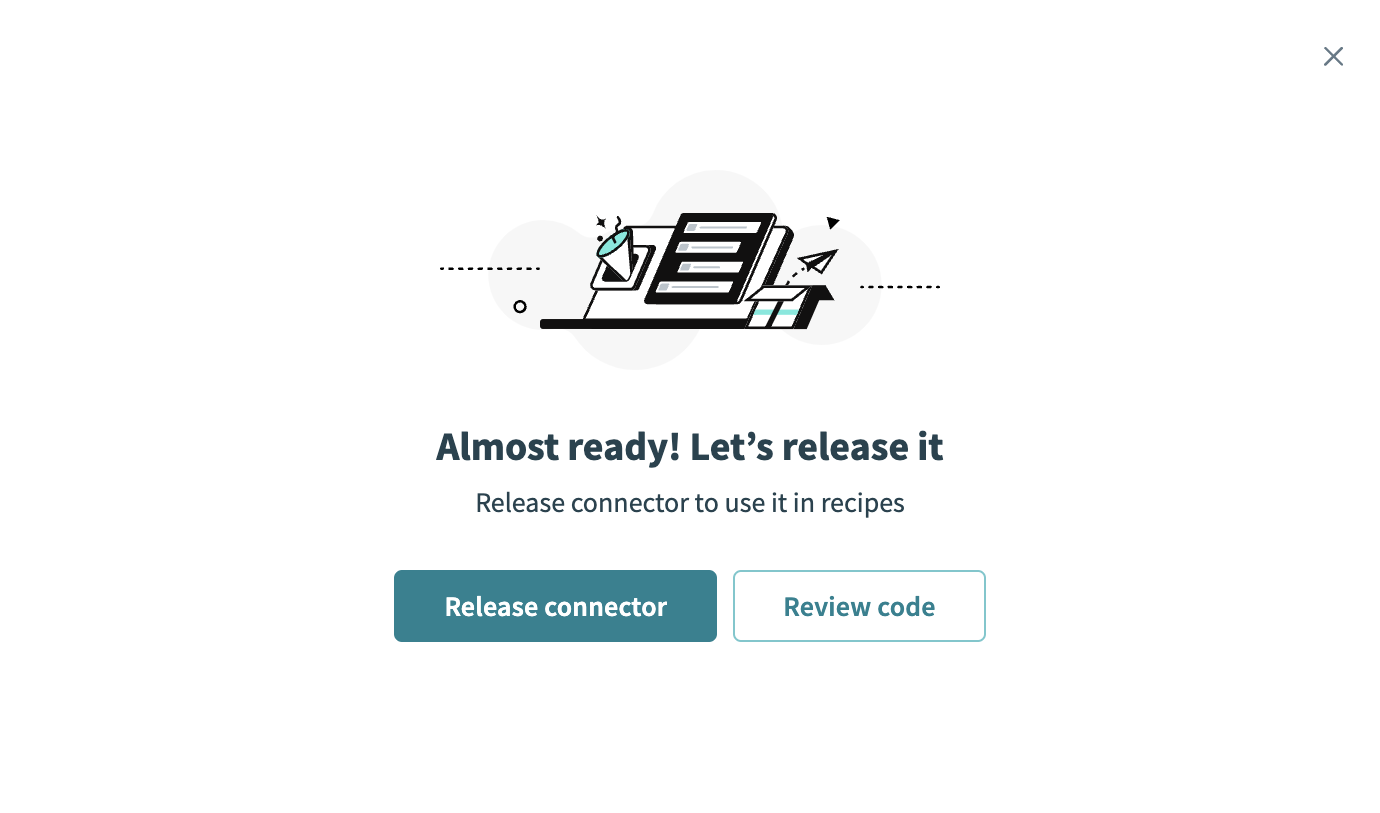 Release the connector
Summarize any changes you made to the connector, then click Release to allow workspace collaborators to use the connector in recipes.
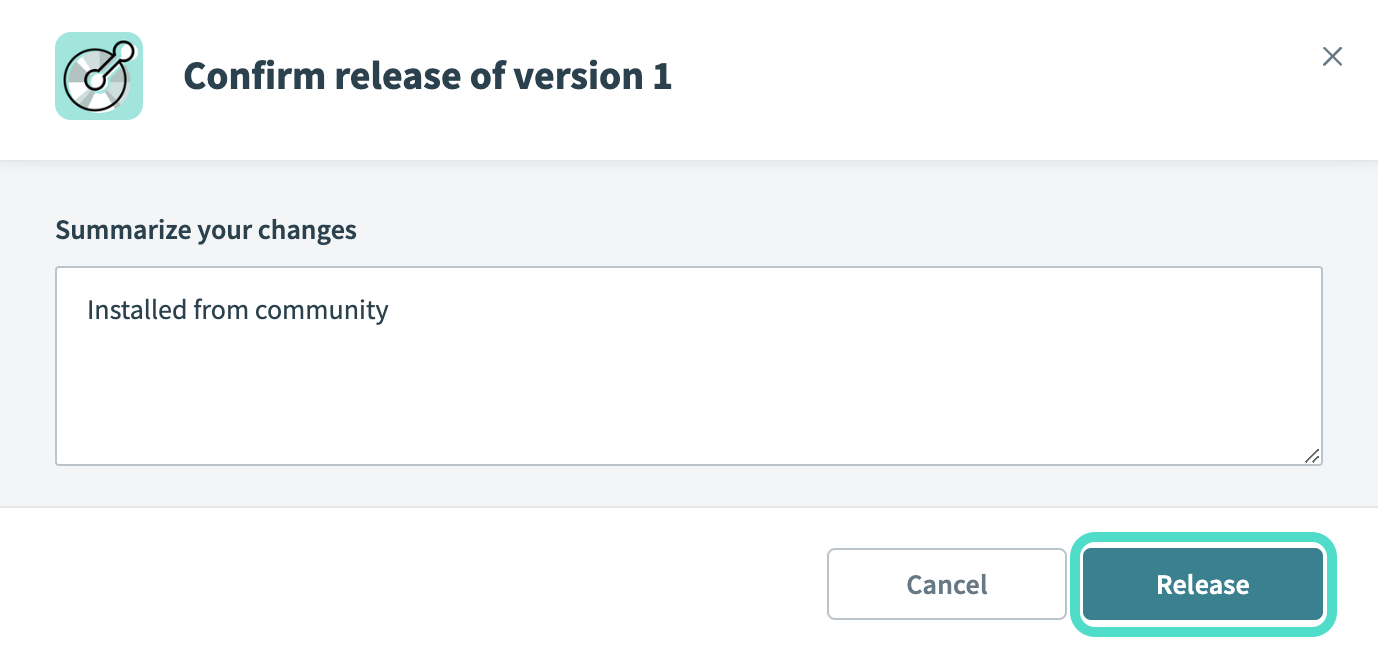 The Confirm release dialog
Custom connector limits
Custom connectors have the following limits:
FURTHER READING
Refer to the Platform limits documentation for more information about Workato limits.
Last updated: