Airtable - Create record action
The Create record action creates a record in the Airtable base and table you select.
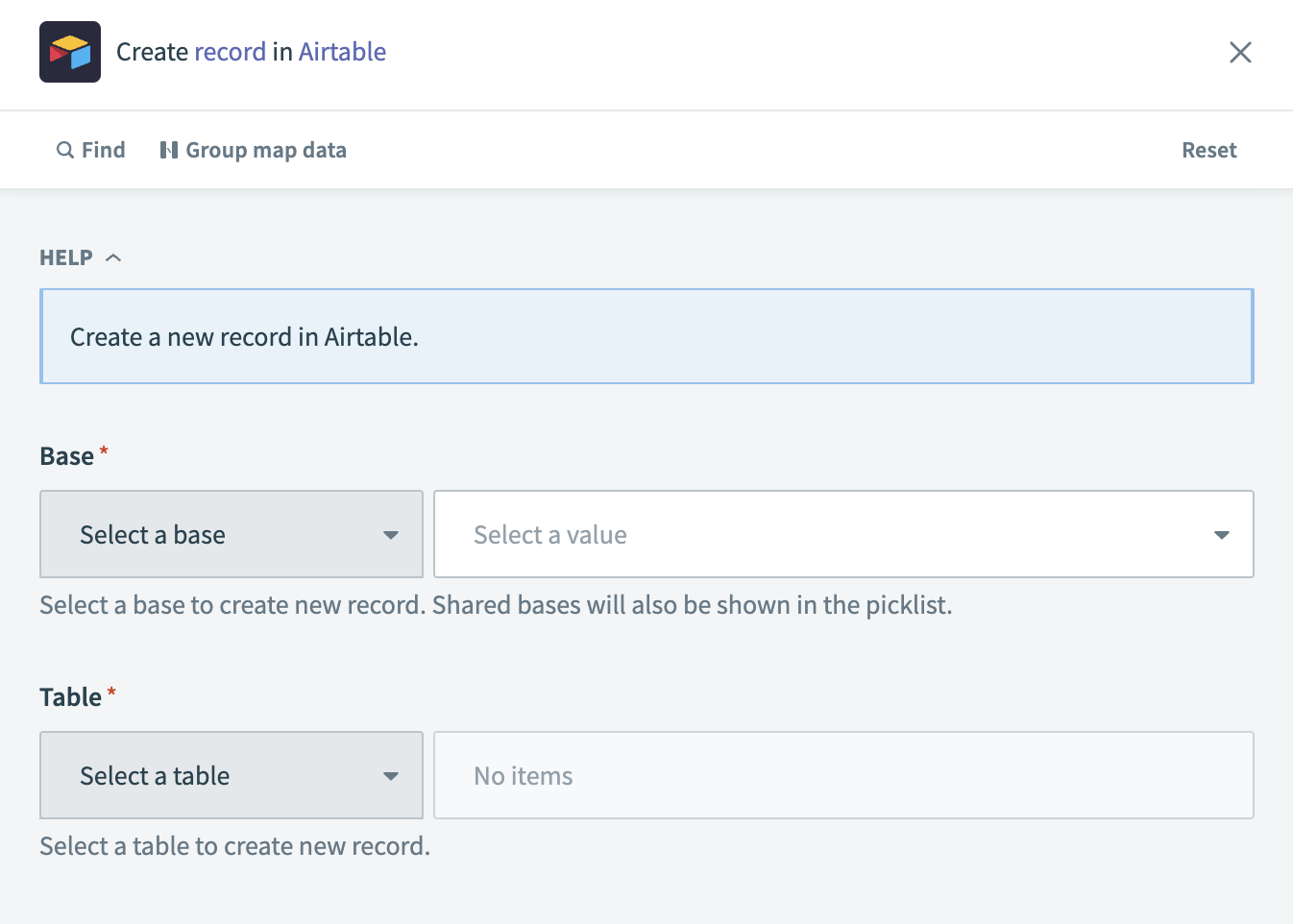 Create record action
Input
Input fields are dynamic and based on the columns of the table you select. By default, the following fields are available.
| Input field | Description |
|---|---|
| Base | The database in which you plan to create the new record. |
| Table | The name or ID of the table in which you plan to create the new record. |
| Typecast | This parameter determines whether the Airtable API performs an automatic data conversion from string values or not. |
Output
| Output field | Description |
|---|---|
| ID | The ID of the record created. For example: rec2NmM3zbe5QaZhob. |
| Created time | The timestamp of when the record was created. For example: 2024-01-30T17:33:54.000000+00:00. |
| Name | The name of the record created. This value matches the Name field input, if provided. A random, unique identifier is used if you did not provide a name. |
Last updated: