Airtable - Search records action
The Search records action searches for Airtable records you specify.
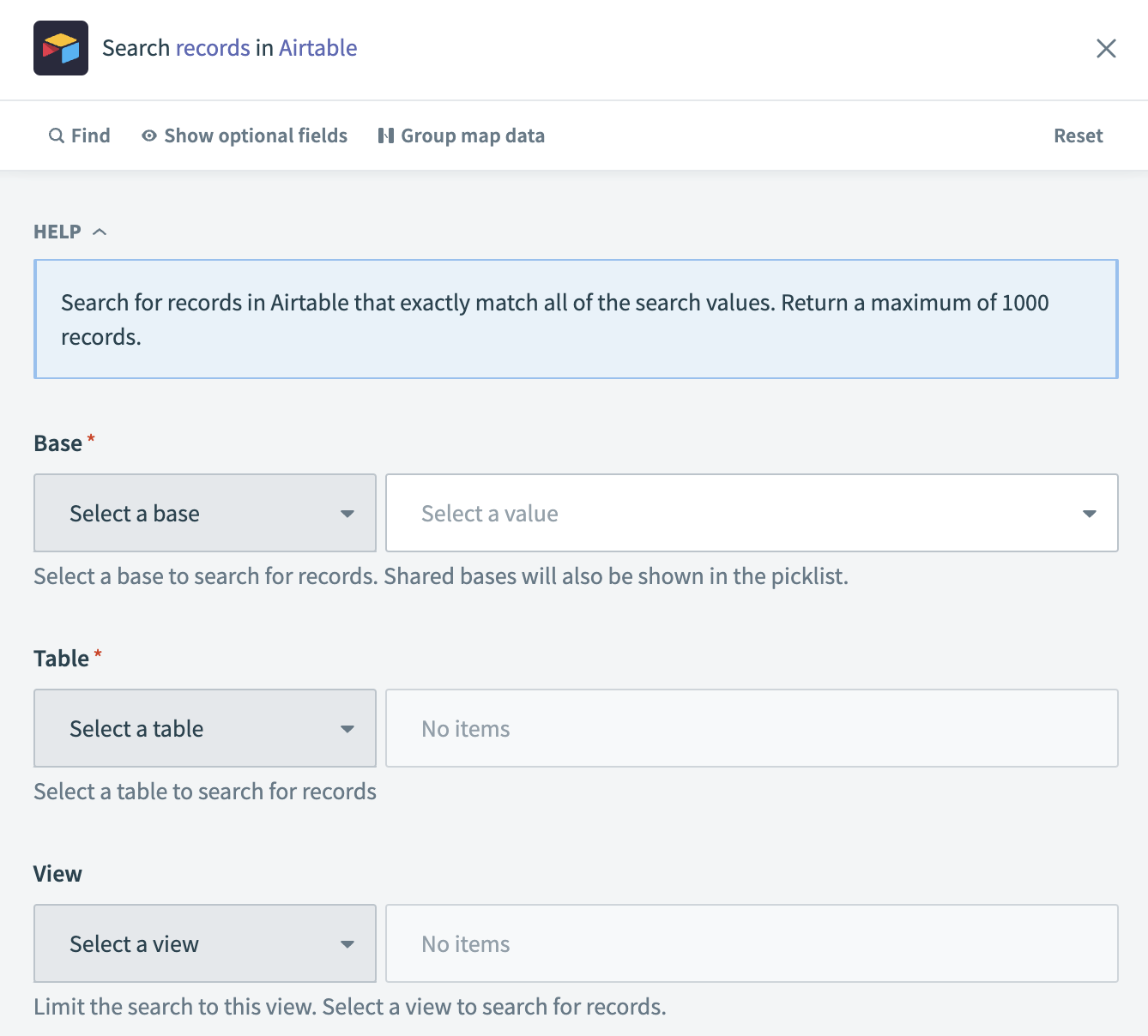 Search records action
Input
| Input field | Description |
|---|---|
| Base | The database in which you plan to search for records. |
| Table | The name or ID of the table in which you plan to search for records. |
| View | Select Search fields from the Select a view drop-down menu and provide the record names for which you plan to search. Separate multiple record names with a comma, for example: Example1, Example2, Example3. |
Output
| Output field | Description |
|---|---|
| Records | This entry contains information specific to the record attributes and other configurations, such as record ID and record name, you selected for the Airtable object. |
Last updated: