Anaplan
Anaplan enables you to connect data, people, and plans to drive informed decision-making and streamline business planning processes through its cloud-based platform.
API version
Anaplan's connector uses Anaplan's API v2.0 for integration. For more information, refer to Anaplan's API documentation.
Connection setup
Follow these steps to set up an Anaplan connection in Workato:
Enter a unique Connection name to identify your Anaplan account in Workato.
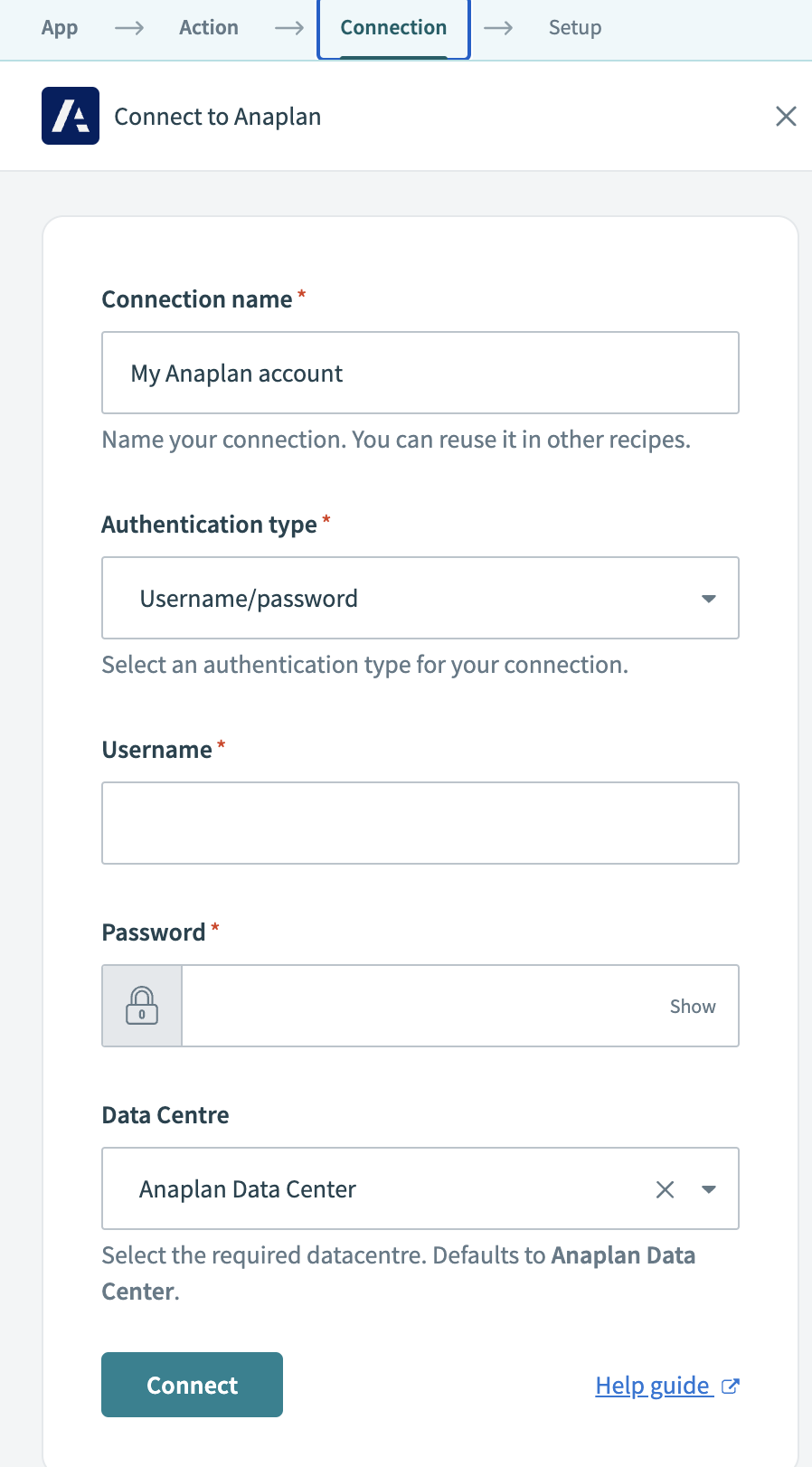 Name your connection
Choose an Authentication type for your connection. You can choose Username/password, OAuth 2.0, or Certificate authentication as your authentication type.
Select your Data Centre from the drop-down menu. This field defaults to Anaplan Data Center.
Review the information you entered to ensure it is correct.
Click Connect to authorize the connection between Workato and your Anaplan account. Depending on your authentication choice, you may be directed to Anaplan for login and verification.
Last updated: