Google BigQuery - Get query job output action
The Get query job output action returns a job's query results using the job's ID. This action is often used with the Job completed trigger when the job is of the type Query. You can use this action to page through large result sets.
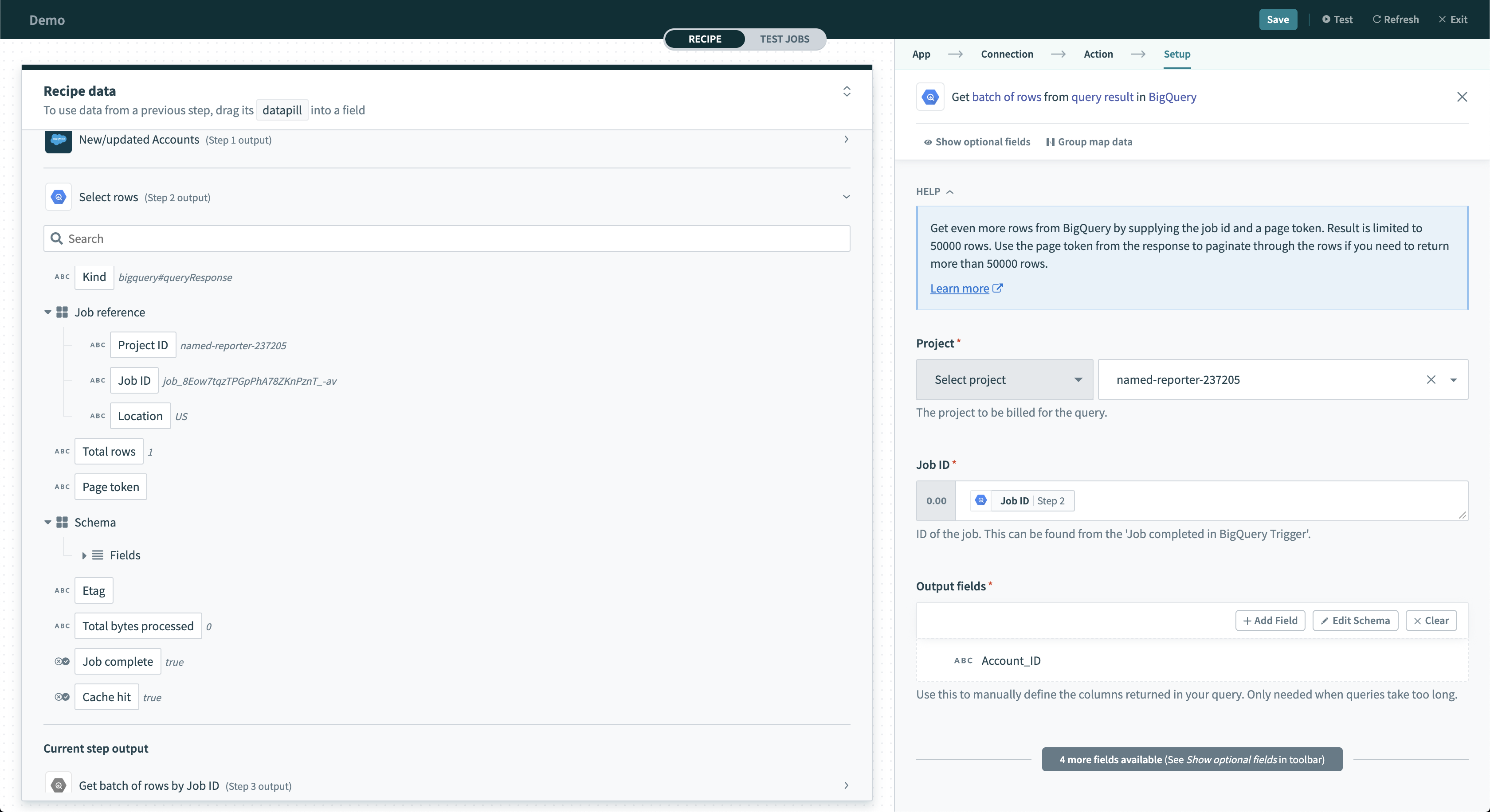 Get Query Job output action
Input
| Input field | Description |
|---|---|
| Project | Configure this field to listen on a project. |
| Job ID | Provide the job ID. You can find this value in the Job completed trigger. |
| Page size | Enter the size of each page. The default and maximum is 50,000 rows. |
| Page token | Configure this field to page through a result set larger than the page size by using a for each loop. |
| Start index | Select the index of the starting row. This field can't be used with Page token. |
| Output fields | Manually define the output fields of your query. The names given to the output should be identical to the column names expected. |
Output
| Output field | Description |
|---|---|
| Page token | Pass to the next Get query result action to get the next page. |
| Total rows | Total number of rows returned. |
| Array of rows | An array of rows containing the data defined in the output fields. Each datapill in the row object corresponds to a single column. Names of the columns must match the rows exactly. |
Last updated: