Creatio - Upload file action
The Upload file action enables you to upload a file using file streaming in Creatio.
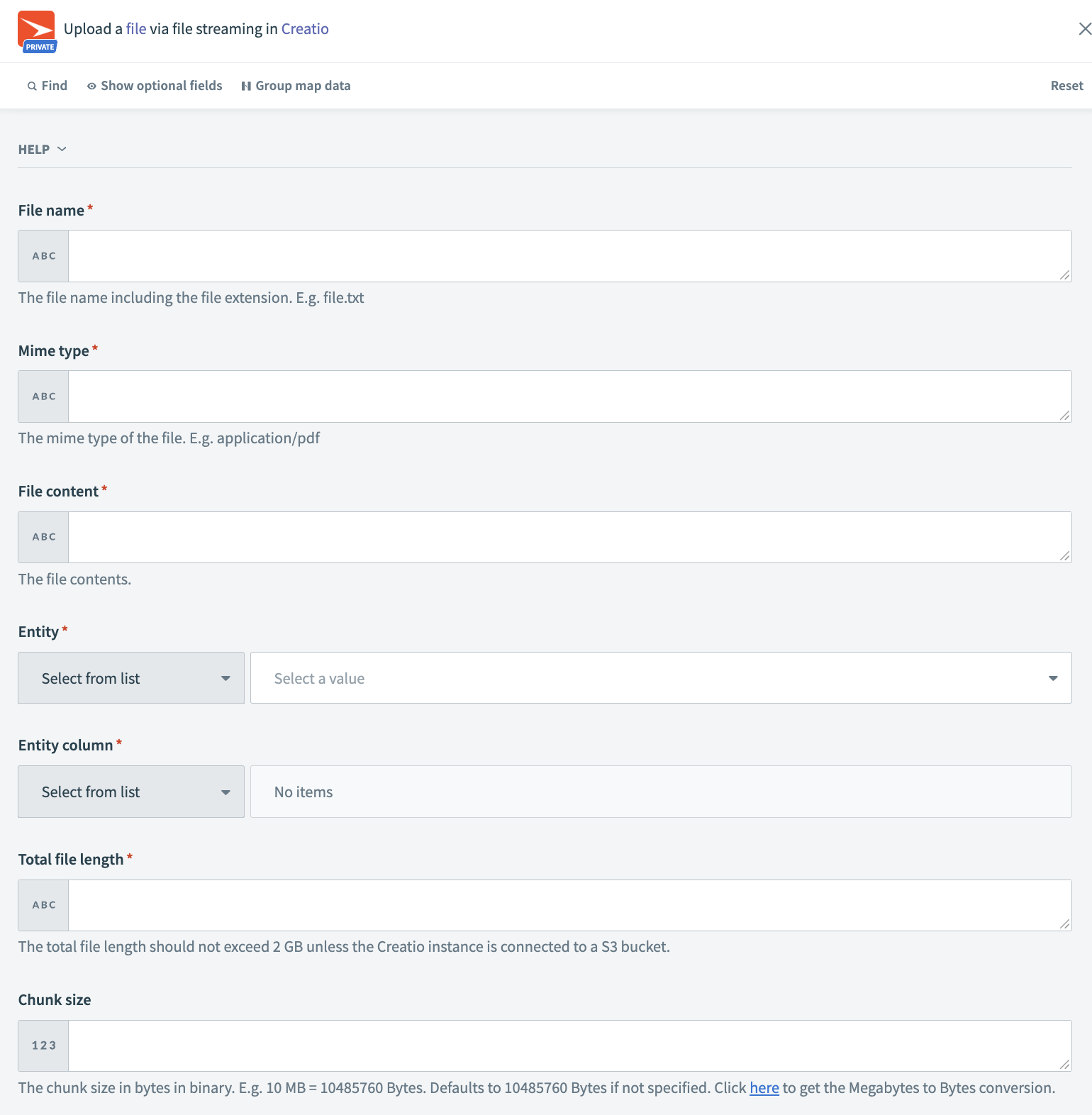 Creatio Upload file action
Input
| Input fields | Description |
|---|---|
| File name | Specify the name of the file to be uploaded. |
| Mime type | The MIME type of the file. |
| File content | Content of the file. |
| Entity | Object name where the file has to be uploaded. |
| Entity column | Object column name where the file has to be uploaded. |
| Total file length | Total file length in GB or MB. The total file length should not exceed 2 GB unless the Creatio instance is connected to a S3 bucket. |
| Chunk size | The chunk size in bytes in binary. For example, 10 MB equals 10485760 bytes. Defaults to 10485760 bytes if not specified. |
Output
| Output fields | Description |
|---|---|
| Error info | Error information in case the file upload fails. |
| Success | Success code |
| Next PRC EL ready | The field helps to find out when the next Production Release Candidate (PRC) "Early Life" (EL) version of Creatio is ready. |
| Query ID | ID for querying the document. |
| Response status | Response status |
| Rows affected | Rows affected by upload file action. |
Last updated: