Egnyte - Copy or move file action
The Copy or move file action allows you to make a copy of a file or move a file to a new location in Egnyte.
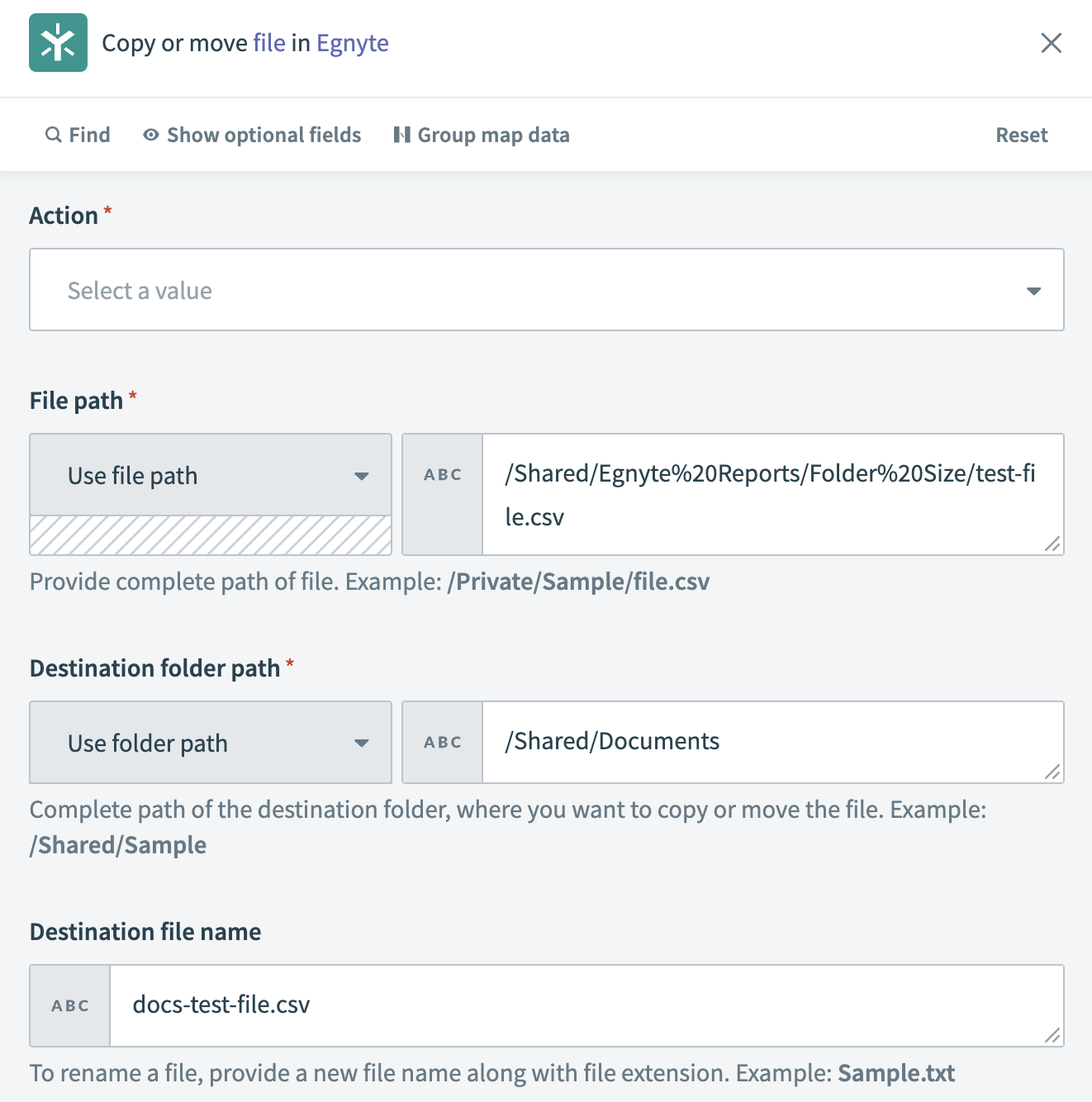 Copy or move file action
Input
| Input field | Description |
|---|---|
| Action | Select the action (copy or move) you plan to use on your file. |
| File path | Select the file path of the file you plan to copy or move. |
| Destination folder path | Select the folder path where you plan to store the copy of the file or move the existing file. |
| Destination file name | Optional. Enter a new file name if you plan to rename the file. |
Output
| Output field | Description |
|---|---|
| Path | The path to the file. For example: /Shared/Documents/docs-test-file.csv. |
| Group ID | The ID of the group associated with the file. For example: 7644a699-6c43-4164-ad41-533bcbdc077c. |
Last updated: