Eloqua - Get records action
The action Get record details allows you to retrieve the details of a standard record or custom record in Eloqua. To begin, you will first need to select the object type of the record you want to retrieve.
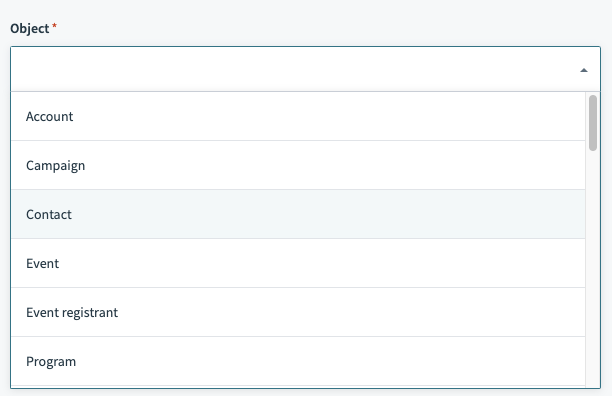 You can select standard or custom objects
Input
When you select the object you want to retrieve, you'll be prompted to provide the ID of the record in question.
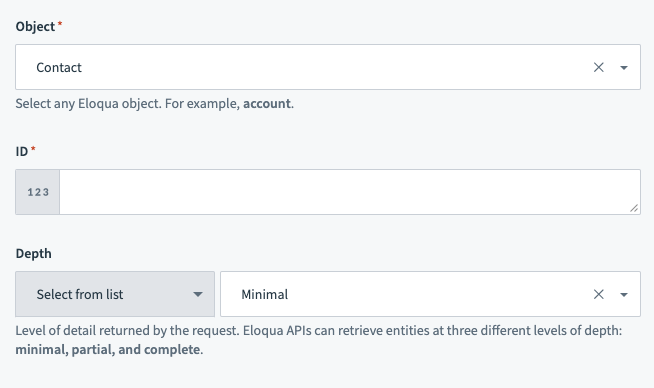
| Input field | Description |
|---|---|
| Object | The object type. This can be standard or custom objects. |
| ID | The ID of the record. |
| Depth | Controls how much data is returned from Eloqua. Refer to the Eloqua Request depth documentation for more information. |
Output
When you select the object you want to retrieve, output fields relevant to the object you have selected are displayed. This includes any custom fields you may have attached to any standard or custom object. The datapills correspond to the data of the records that have matches the ID you have provided.
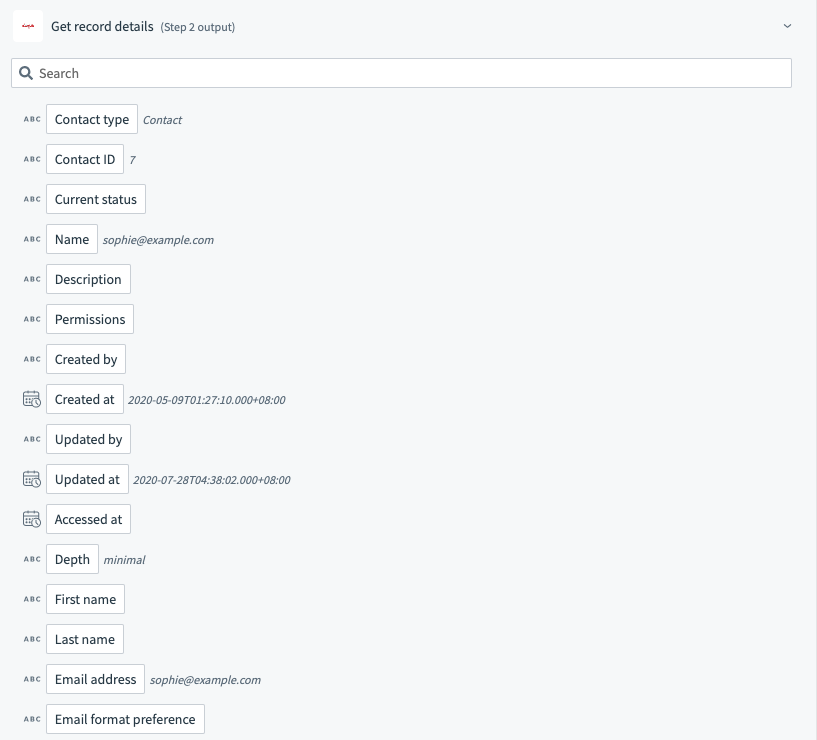
Last updated: