Eloqua - New and New or Updated records triggers
The triggers New record and New or updated record allow you to trigger a recipe based off changes in Eloqua. To begin, you will first need to select the object type of the record you want to trigger off.
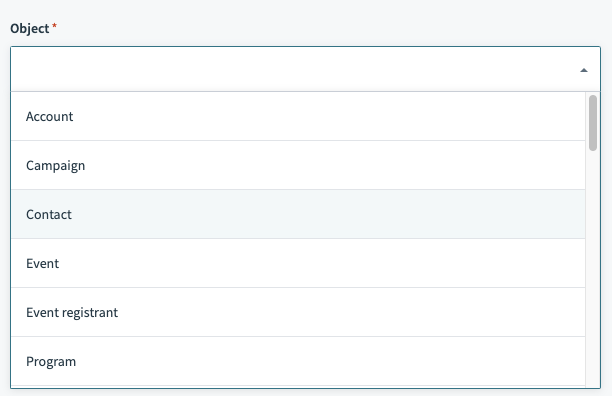 You can select standard or custom objects
Input
When you select the object you want to monitor, you'll be prompted to provide the ID of the record in question.
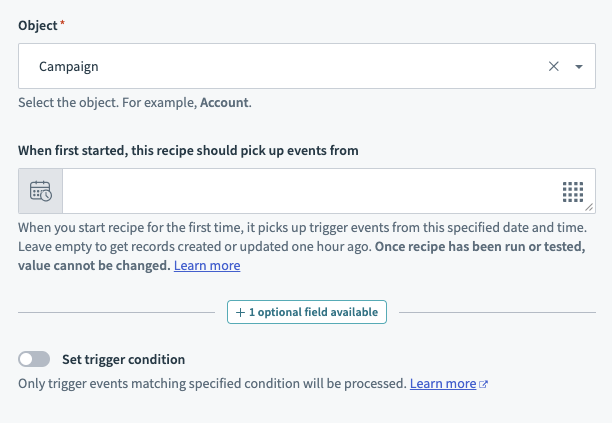
| Input field | Description |
|---|---|
| Object | The object type. This can be standard or custom objects. |
| When first started, this recipe should pick up events from | This allows you to retrospectively pull records from Eloqua. This would be useful for initial loads when starting this recipe. Refer to Triggers to learn more about this input field. |
Output
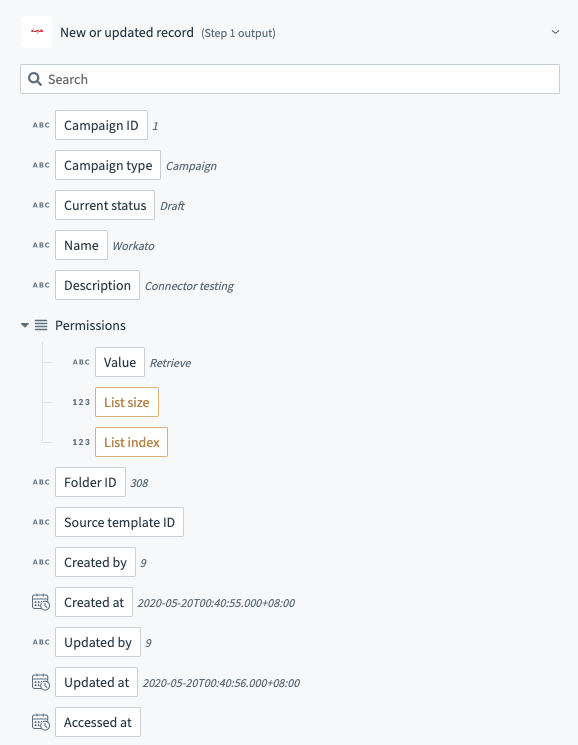
When you select the object you want to trigger off, output fields relevant to the object you have selected are displayed. This includes any custom fields you may have attached to any standard or custom object. The datapills correspond to the data of the records that have been created/updated.
Last updated: