Felix
Felix is a vendor management and procurement platform for construction. This connector allows you to automate vendor management workflows including, vendor search, compliance document management, and vendor suspension processes.
API version
This connector uses the Felix API.
How to connect to Felix
You must complete the steps in each of the following sections to connect to Felix:
Download the Felix connector from the community
Complete the following steps to install the Felix connector from the community library:
Open the recipe editor and search for a connector. Alternatively, you can search for a connector in the community library.
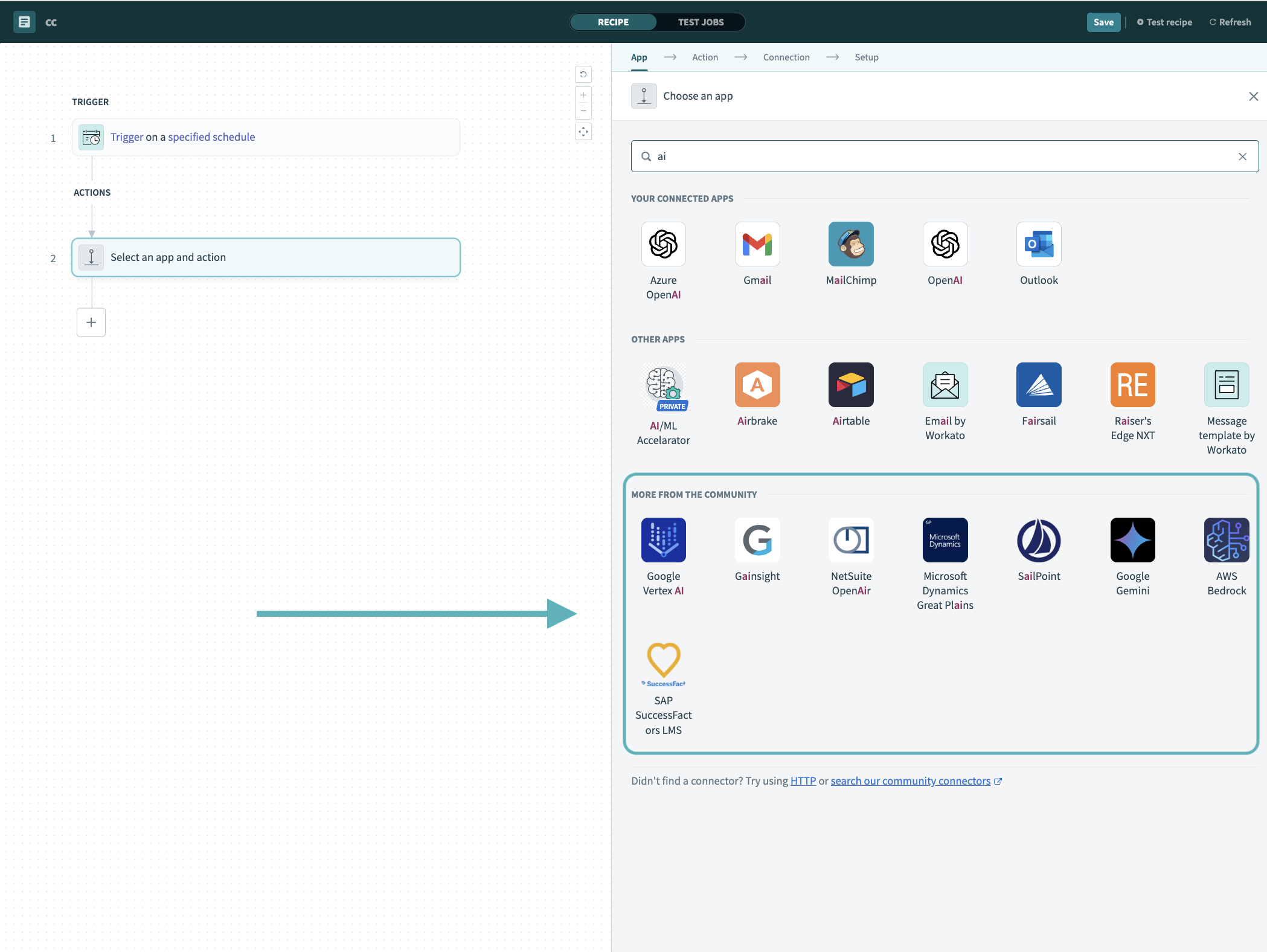 Search for community connectors in the recipe editor
Select the community connector you plan to install.
Click Install to install the connector from the community library.
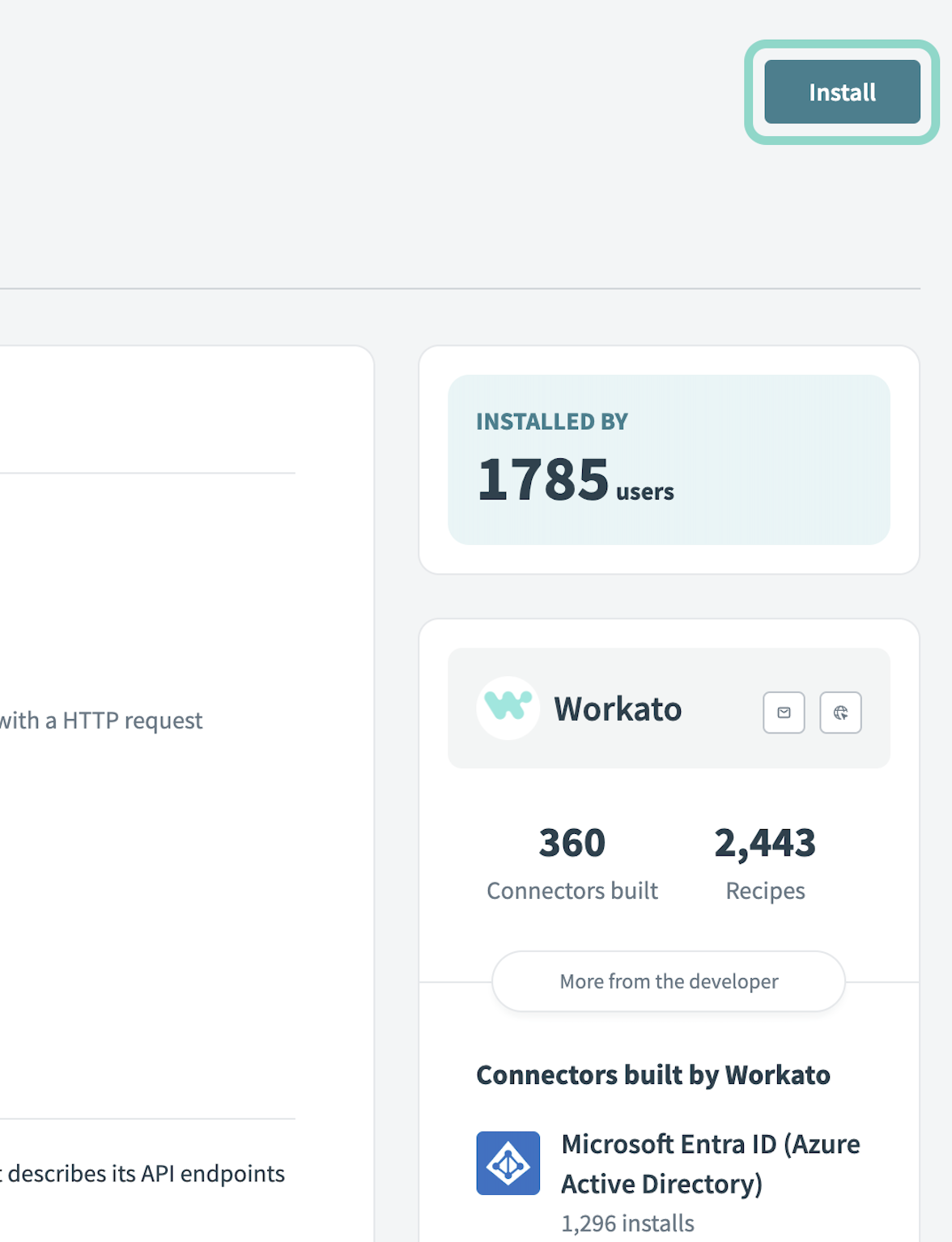 Click Install
Select Release connector. Alternatively, select Review code to review and modify the connector code before releasing it to the workspace.
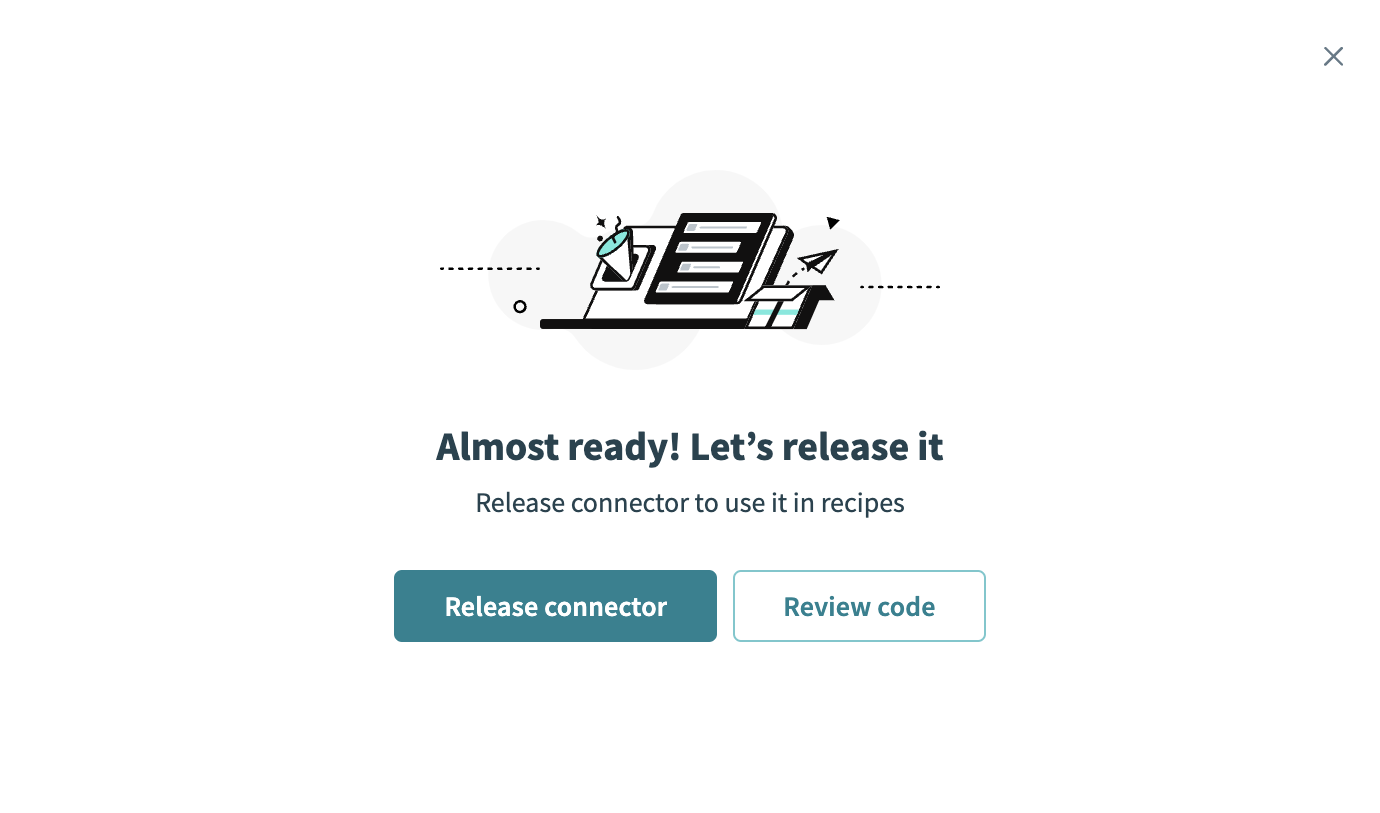 Release the connector
Summarize any changes you made to the connector, then click Release to allow workspace collaborators to use the connector in recipes.
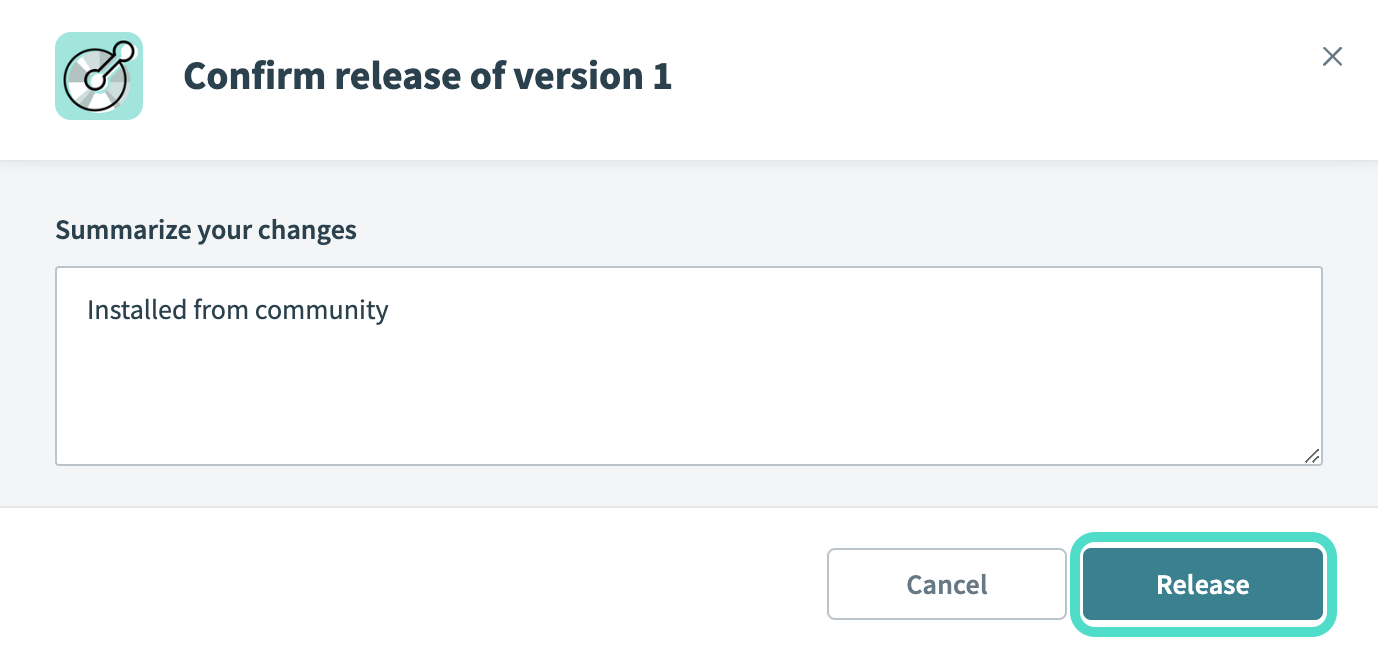 The Confirm release dialog
Generate an API key in Felix
You must generate an API key in Felix to create a connection in Workato. Refer to the Felix documentation for detailed instructions.
Complete setup in Workato
Complete the following steps to establish a connection to Felix in Workato:
Provide a Connection name that identifies which Felix instance Workato is connected to.
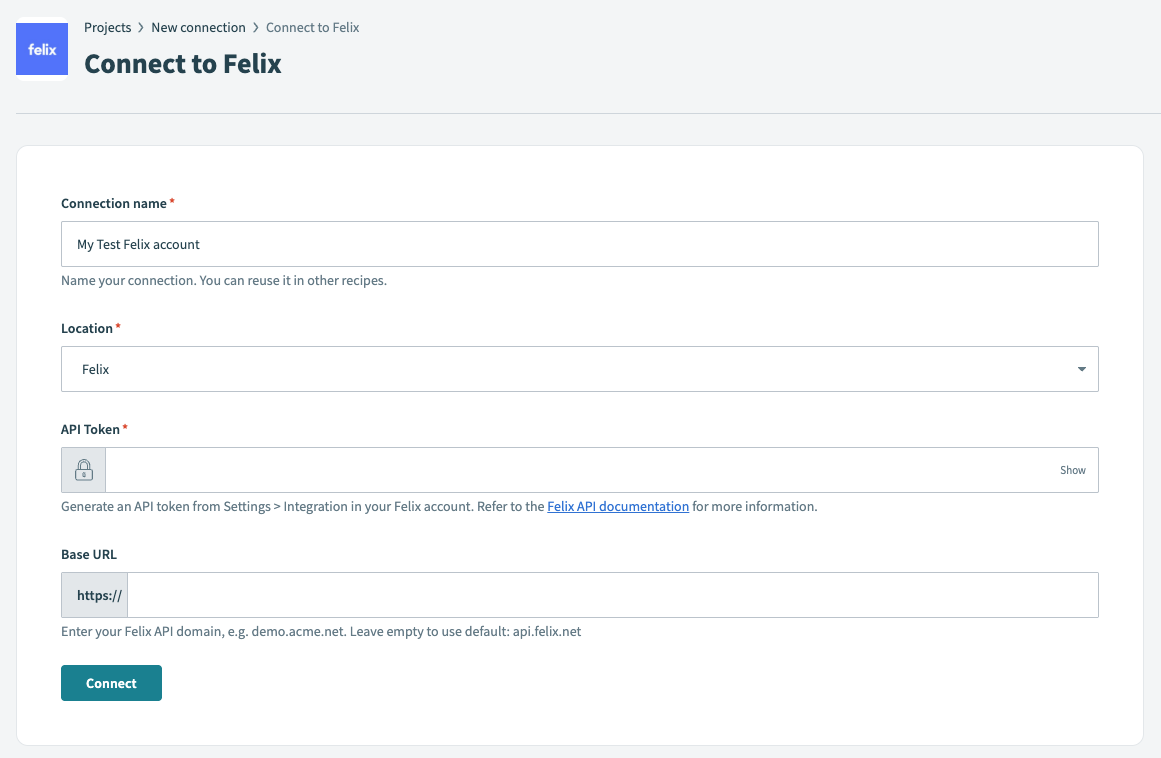 Create your connection
Use the Location drop-down menu to select the project where you plan to store the connection.
Enter your API token.
Click Connect.
Last updated: