Freshservice
Freshservice is a cloud-based IT Service Management solution that was designed using ITIL (Information Technology Infrastructure Library) best practices. Freshservice helps IT organizations streamline their service delivery processes with a strong focus on user experience and employee happiness.
Prerequisites
You must provide authentication credentials and API details to establish a connection to Freshservice.
Obtain an API key from Freshservice
Sign in to your Freshservice account.
Navigate to Profile Settings.
Locate the API Key in the Your API Key section.
Copy and securely store the API Key for use in Workato.
Connection setup
Establishing a connection to Freshservice involves the following steps:
Download the Freshservice connector from the Community library
Complete the following steps to install the Freshservice connector from the community library:
Open the recipe editor and search for a connector. Alternatively, you can search for a connector in the community library.
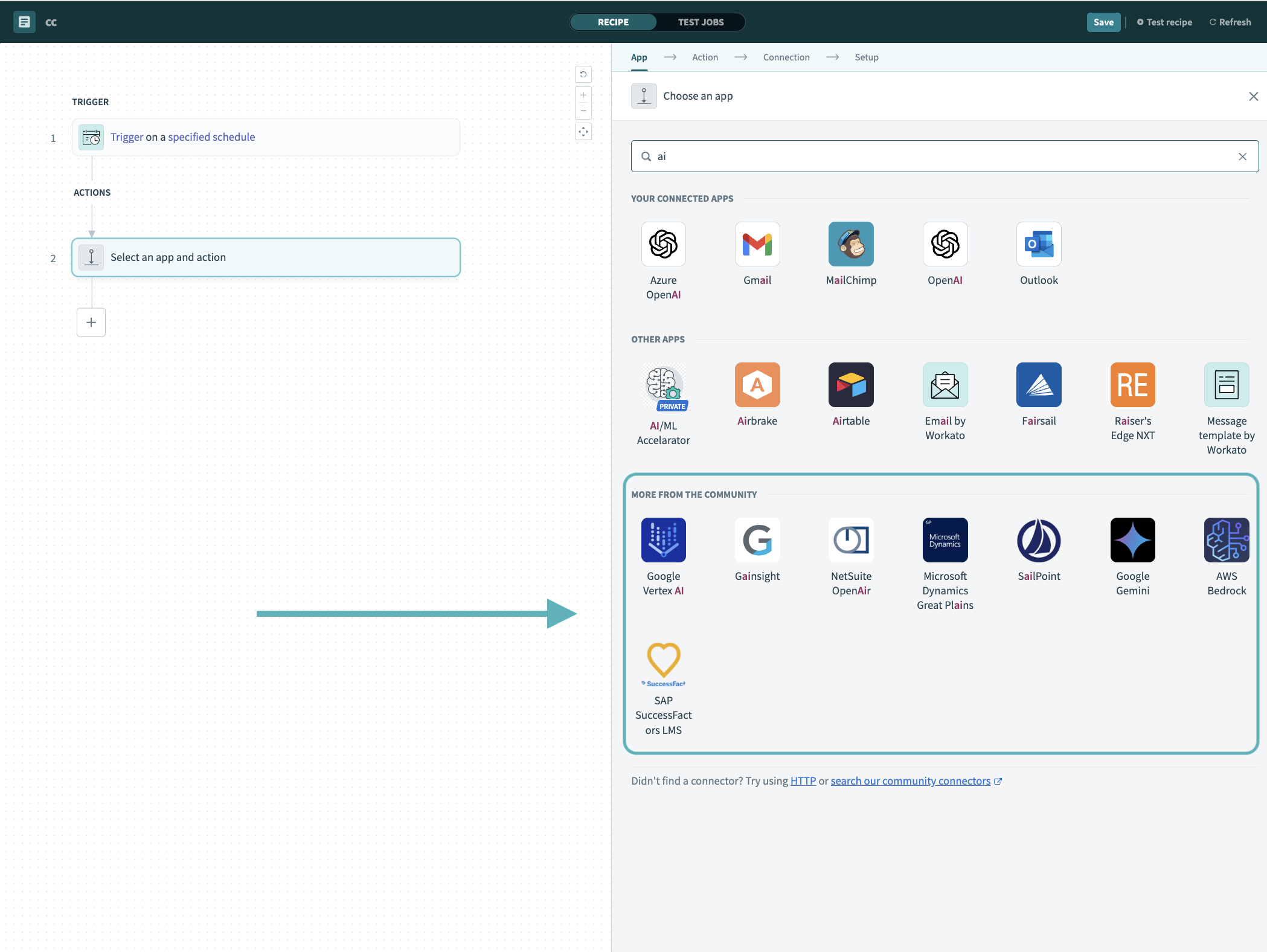 Search for community connectors in the recipe editor
Select the community connector you plan to install.
Click Install to install the connector from the community library.
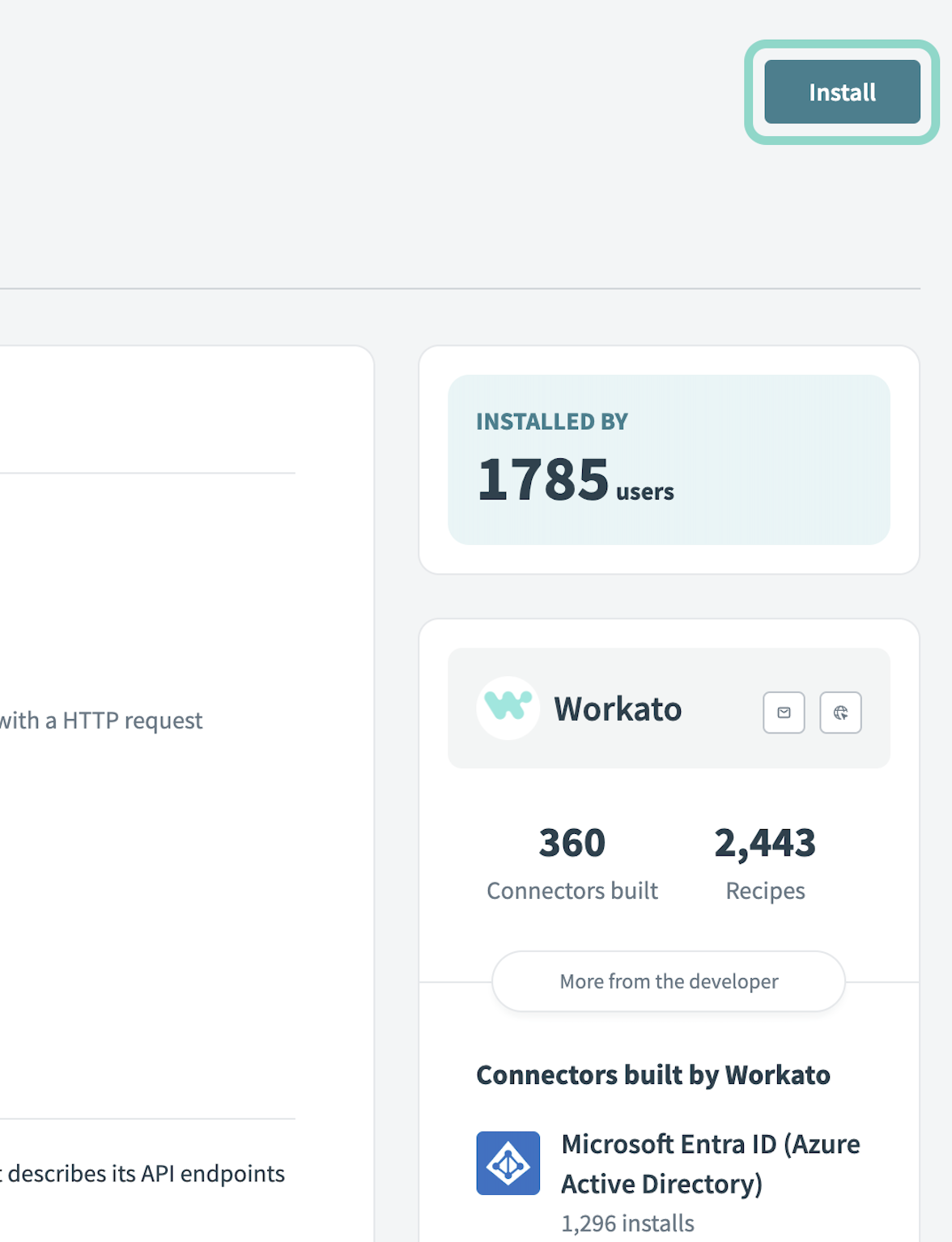 Click Install
Select Release connector. Alternatively, select Review code to review and modify the connector code before releasing it to the workspace.
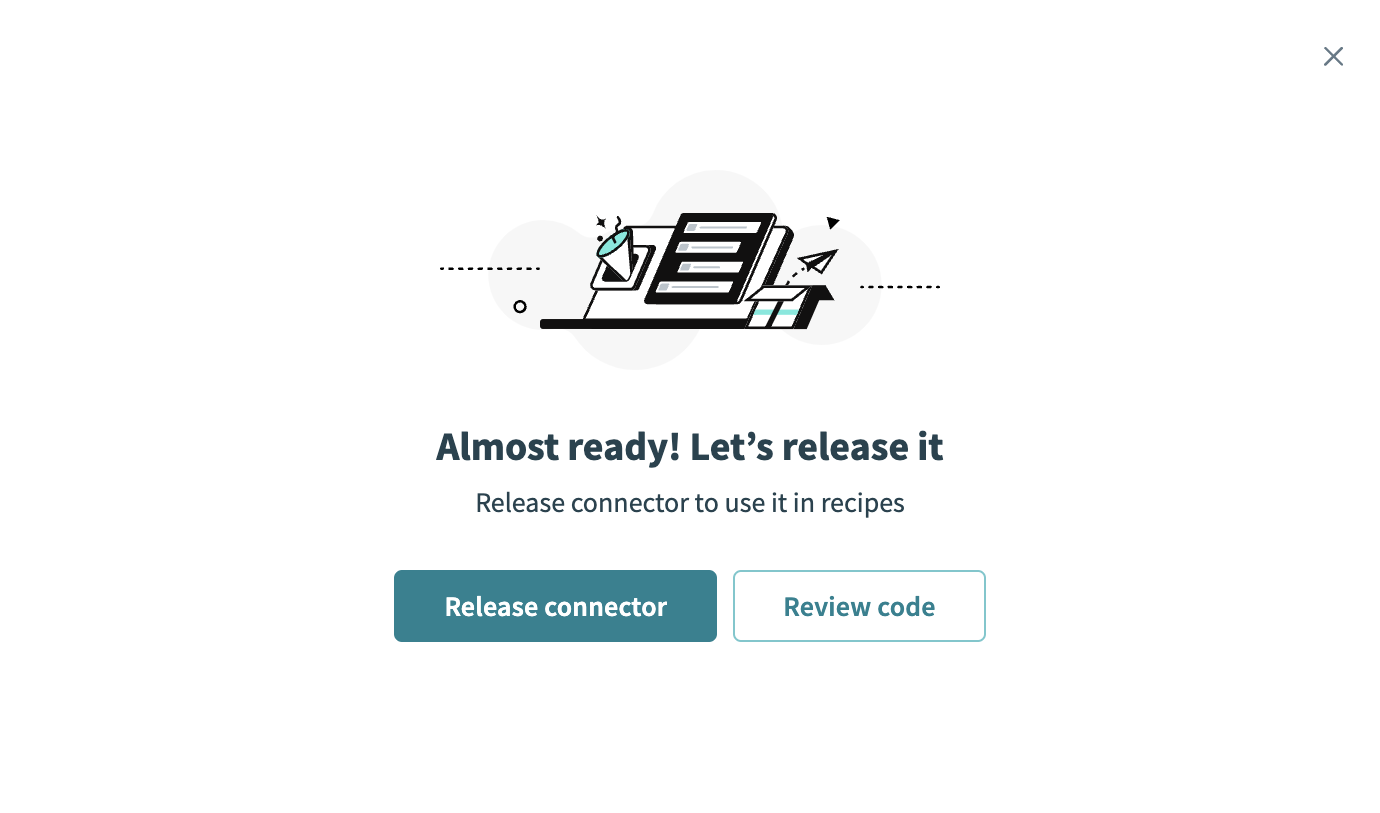 Release the connector
Summarize any changes you made to the connector, then click Release to allow workspace collaborators to use the connector in recipes.
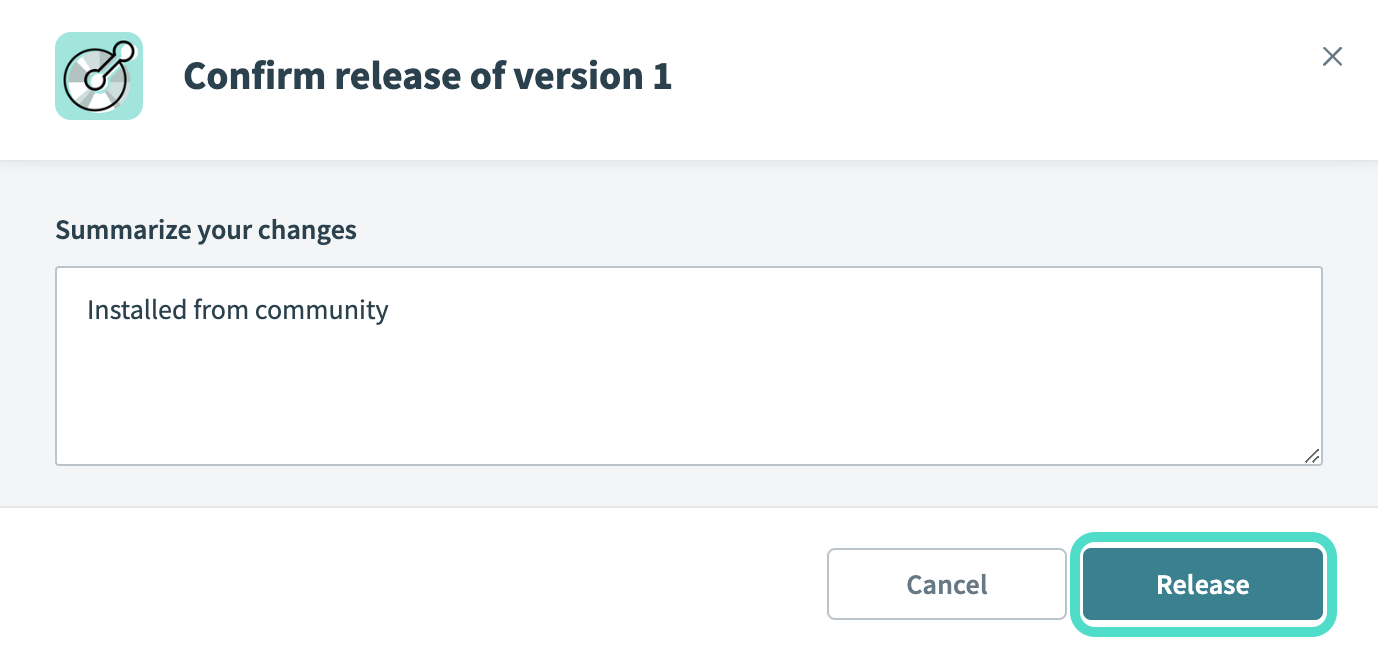 The Confirm release dialog
Complete setup in Workato
Complete the following steps to establish a connection to Freshservice.
Click Create > Connection.
Search for and select Freshservice as your connection on the New connection page.
Provide a name for your connection in the Connection name field.
Use the Location drop-down menu to select the project where you plan to store the connection.
Provide the helpdesk name in Helpdesk field, as found in your Freshservice URL.
Provide the API key from the Freshservice support portal.
Click Connect.
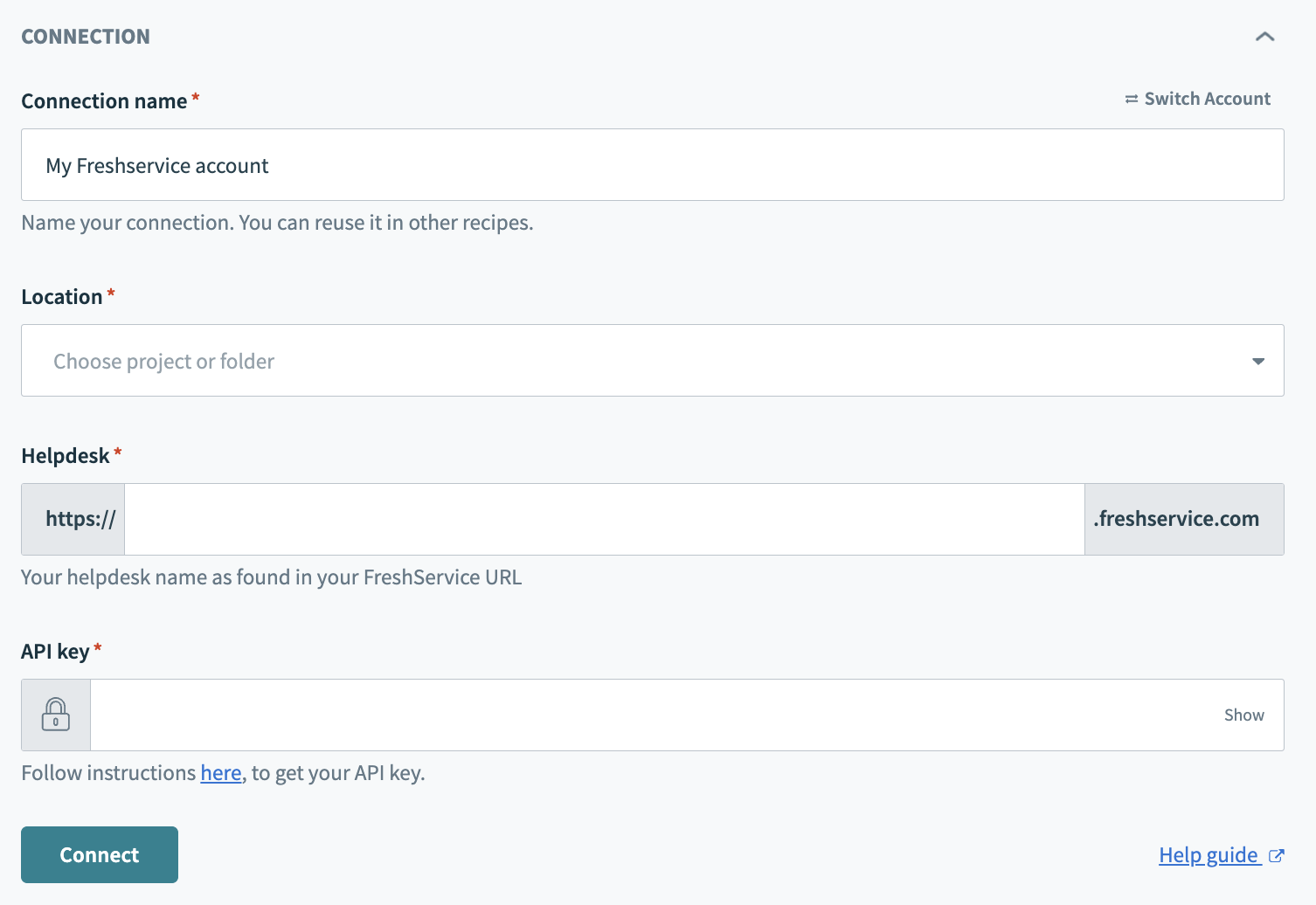 Freshservice connection
Last updated: