Google Vision - Read text from image action
The Read text from image action allows you to read text from an image. Supported images include:
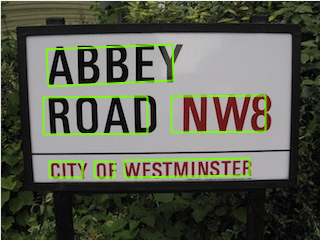
Photos: For example, a photograph might contain a street or traffic sign. Google Vision returns the extracted string, individual words, and their bounding boxes.
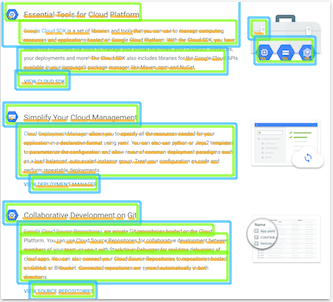
Scanned documents: Google Vision returns the extracted text with page, block, paragraph, word, and break information.
Input
| Input field | Description |
|---|---|
| Image content | Provide a file contents datapill, a string, a public URL, or a Google Cloud Storage URI. |
| Image type | Select an image type. Google Vision optimizes the output according to the image type. |
Output
| Output field | Description |
|---|---|
| Text annotations | List of all individual words extracted from the image. |
| Locale | Locale of the extracted word. |
| Text | The extracted word. |
| Bounding poly | The position of the word on the image. Includes X and Y coordinates. |
| Full text annotation | The full text extracted from the image. |
| Pages | Includes details on the pages, such as width, height, and paragraph position. |
| Full text | The full text extracted from the image. |
Last updated: