Highspot
Highspot is a sales enablement platform that helps teams manage, share, and track sales content to improve buyer engagement and sales effectiveness.
API version
The Highspot connector uses the Highspot REST API. You can specify the API version during connection setup.
Prerequisites
You must have the following prerequisites to establish a Highspot connection in Workato:
- Admin access to your Highspot instance
- API credentials from Highspot
Obtain Highspot API credentials
Complete the following steps to obtain your API credentials from Highspot:
Sign in to your Highspot account.
Click your profile image and select Settings.
Go to Developer > Basics.
Note the following values displayed:
- URL: Your Highspot API instance URL. For example,
https://api-su2.highspot.com. - Key: Your API client key
- Secret: Your API client secret
How to connect to Highspot
The Highspot connector uses API key authentication.
Complete the following steps to establish a Highspot connection in Workato:
Click Create > Connection.
Search for and select Highspot on the New connection page.
Enter a name for your connection in the Connection name field.
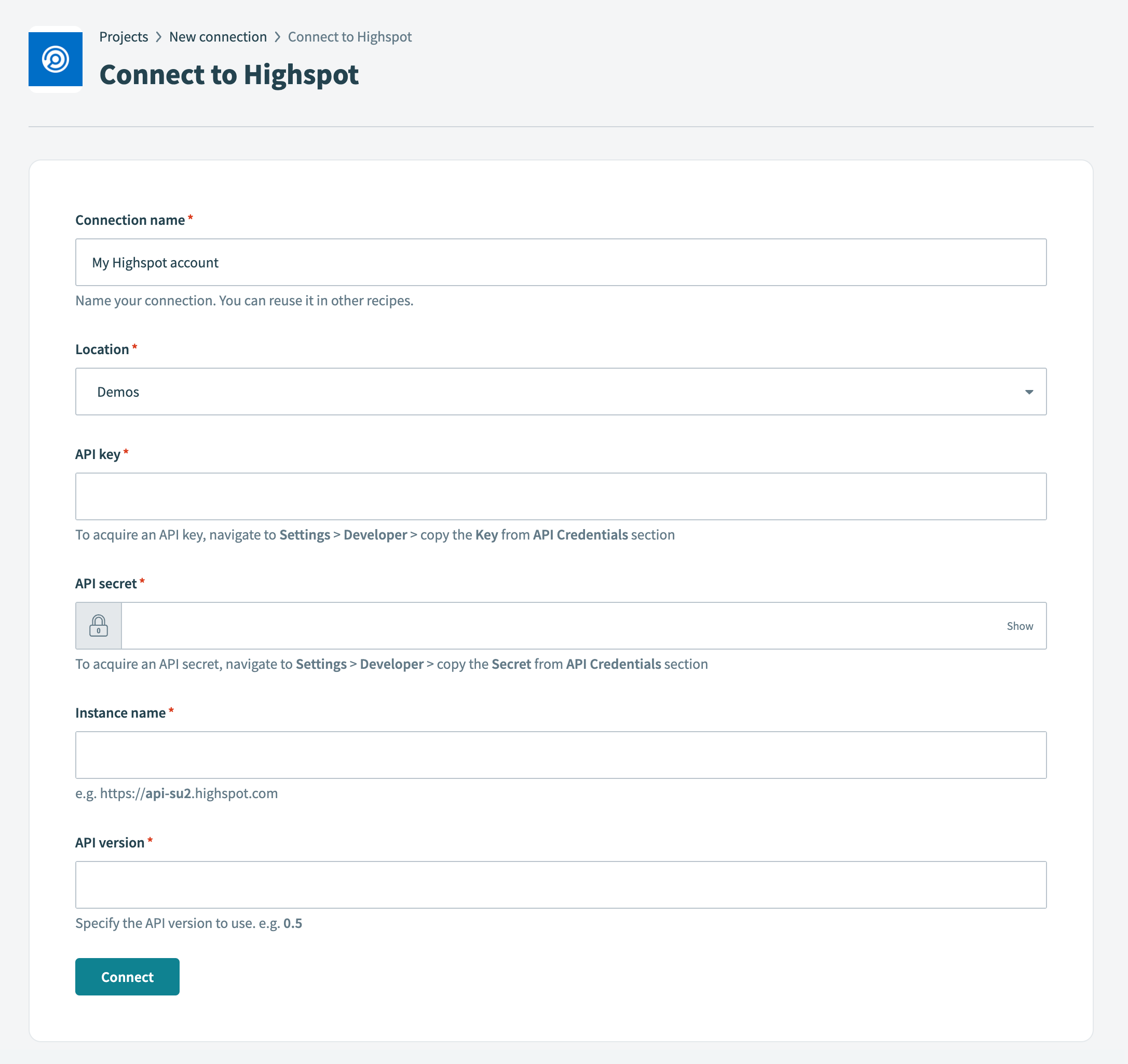 Connect to Highspot
Use the Location drop-down menu to select the project or folder to store your connection.
Enter the API key in the API key field.
Enter the API secret in the API secret field.
Enter the instance name in the Instance name field. For example, https://api-su2.highspot.com.
Enter the API version you plan to use in the API version field. For example, 0.5.
Click Connect.
Last updated: