MailChimp - Campaign created trigger
This trigger runs when a new campaign is created in MailChimp.
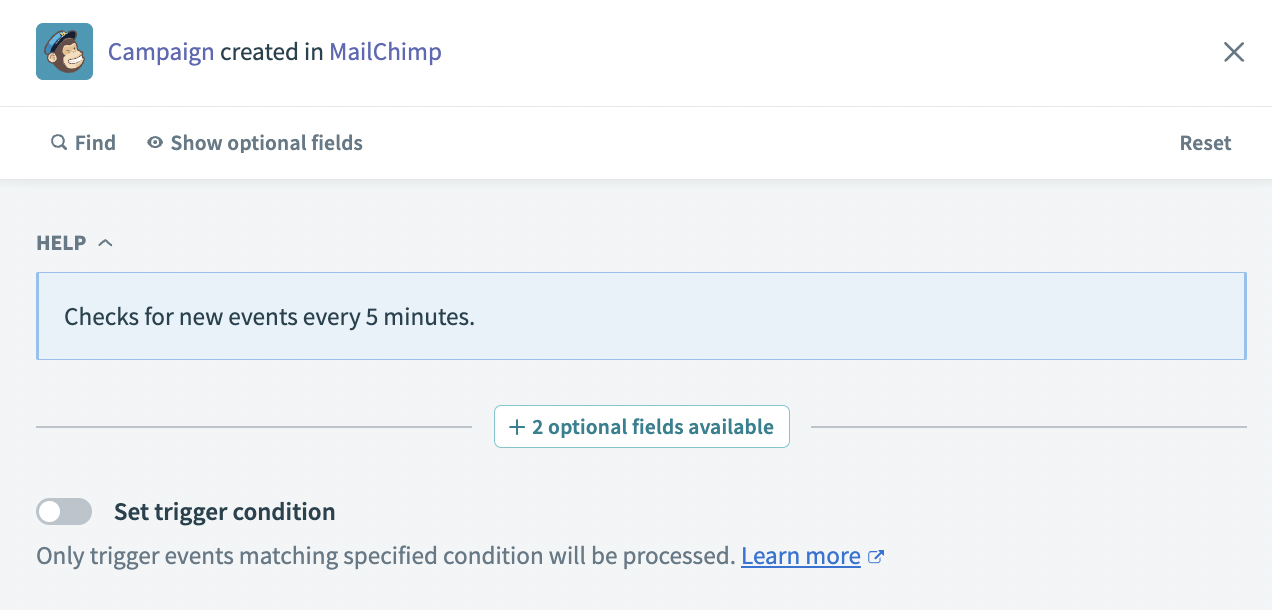 Campaign created trigger
Input
No additional input is required for this trigger.
Output
| Output field | Description |
|---|---|
| Campaign ID | The ID of the campaign created. |
| Web ID | The web ID of the campaign created. |
| Type | The campaign type, for example: regular. |
| Create time | The time the campaign was created. For example: 2023-12-21T10:17:19.000000-06:00. |
| Archive URL | The URL where the campaign was automatically archived. For example: http://eepurl.com/iGJzFw. |
| Long archive URL | The full URL where the campaign was automatically archived. This URL includes the campaign ID and web ID, for example: https://us13.campaign-archive.com/?u=f01ce6bb5ed8b8f35b8bd9297&id=b5cd5d99bf. |
| Status | The status of the campaign, for example: save. |
| Title | The title of the campaign, for example: Test campaign. |
| Use conversation | Indicates if conversation was set for the campaign or not. This value is true or false. |
| To name | The name the campaign was sent to. |
| Folder ID | The ID of the folder the campaign was created in. This value is blank if the campaign is not stored in a folder. |
| Authenticate | Indicates if the campaign was set to authenticate or not. This value is true or false. |
| Auto footer | Indicates if an auto footer was used or not. This value is true or false. |
| Inline CSS | Indicates if inline CSS was used in the campaign or not. This value is true or false. |
| Auto tweet | Indicates if the campaign was set to automatically tweet or not. This value is true or false. |
| FB comments | Indicates if the campaign has Facebook comments enabled or not. This value is true or false. |
| Timewarp | Indicates if the campaign uses timewarp or not. This value is true or false. |
| Template ID | The ID of the template used to create the campaign. |
| Drag and drop | Indicates if drag and drop elements were used to create the campaign. This value is true or false. |
| Tracking | Indicates which tracking abilities are included in the campaign. |
| Delivery status | Indicates if the campaign's delivery status is enabled or not. |
| List ID | The ID of the list used in the campaign. This value is blank if no list was used. |
| List is active | Indicates if the list used in the campaign is active or not. This value is true or false. |
| List name | The name of the list used in the campaign. This value is blank if no list was used. |
| Segment text | The segment text of the list used in the campaign. This value is blank if no list was used. |
| Recipient count | The recipient count of the list used in the campaign. This value is blank if no list was used. |
| Subject | The subject of the campaign. This value is null if no subject was set. |
| Summary | The summary of the campaign. This value is null if no summary was used. |
Last updated: