MailChimp - Search campaigns action
This action fetches a list of campaigns that match your search criteria.
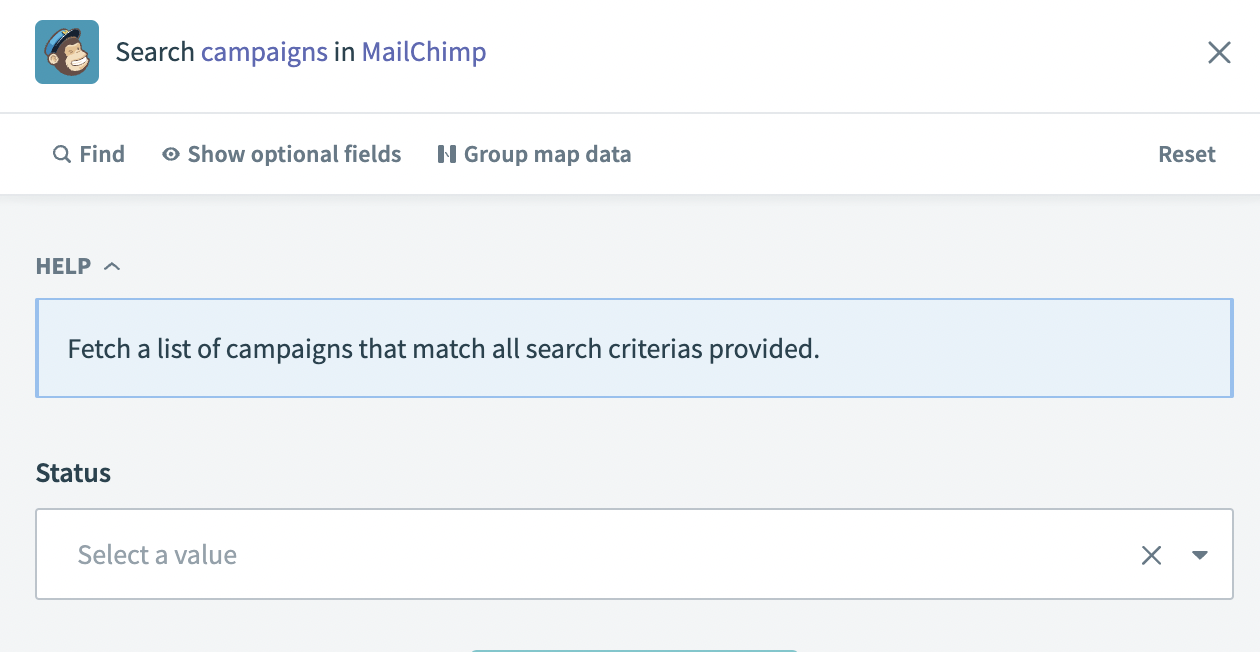 Search campaigns action
Input
No additional input is required for this trigger. You can use the optional search fields to narrow the results:
| Optional input field | Description |
|---|---|
| Campaign name | Fetches campaigns with the exact campaign name you enter. |
| Email subject | Fetches campaigns with the exact email subject you enter. |
| From name | The campaign sender's name. |
| From email address | The campaign sender's email address. |
| Status | The status of the campaign for which you plan to search. For example: Draft, Sent, Paused, or Scheduled. |
Output
| Output field | Description |
|---|---|
| Campaign ID | The ID of the campaign returned in the search results. For example: 04957ad45a. |
| Web ID | The web ID of the campaign. |
| Type | Campaign type. For example: regular. |
| Create time | The timestamp for when the campaign was created. For example: 2023-04-12T01:03:01.000000-05:00. |
| Archive URL | The URL for the campaign archive. For example: http://xxpurl.com/ioUIWM. |
| Long archive URL | The full URL for the campaign archive. For example: https://us00.campaign-archive.com/?u=w01bl6ss5ed8b8f35b8bd9297&id=04579ad45a. |
| Status | The status of the campaign. |
| Emails sent | The count of emails sent for the campaign. |
| Send time | The time the campaign was sent. |
| Content type | The type of content used to create the campaign. For example: template. |
| Needs block refresh | Indicates whether the block requires a refresh or not. This value is true or false. |
| Resendable | Indicates whether the campaign can be resent or not. This value is true or false. |
| Recipients | The subscribers who received the campaign communication. |
| Delivery status | The delivery status of the campaign. This value is true or false. |
| Title | The title of the campaign. |
| Use conversation | Indicates whether the campaign conversation is enabled for use or not. This value is true or false. |
| Folder ID | The ID of the folder in which the campaign is stored. This value is blank if the campaign is not stored in a folder. |
| Authenticate | Indicates whether the campaign is set to authenticate or not. This value is true or false. |
| Auto footer | Indicates whether the campaign used an auto footer or not. This value is true or false. |
| Inline CSS | Indicates whether the campaign used inline CSS or not. This value is true or false. |
| Auto tweet | Indicates whether the campaign is set to automatically tweet or not. This value is true or false. |
| FB comments | Indicates whether the campaign has Facebook comments enabled or not. This value is true or false. |
| Timewarp | Indicates whether the campaign has the Timewarp feature enabled or not. This value is true or false. Timewarp is a paid account feature that delivers an email campaign to your audience based on the recipient's time zone. |
| Template ID | The ID of the template used to create the campaign. |
| Drag and drop | Indicates whether drag and drop was used to create the campaign or not. This value is true or false. |
| List ID | The ID of the list(s) associated with the campaign. |
| List is active | Indicates whether the lists associated with the campaign are active or not. This value is true or false. |
| List name | The name of the list associated with the campaign. |
| Segment text | The text for the campaign segment. This field is blank if segment text was not used. |
| Recipient count | The count of subscribers who received the campaign. |
| Subject | The subject used for the campaign. This value is null if no subject was provided. |
| Summary | The summary of the campaign. This value is null if no summary was provided. |
Last updated: