MailChimp - Update subscriber action
This action updates a subscriber you specify in MailChimp.
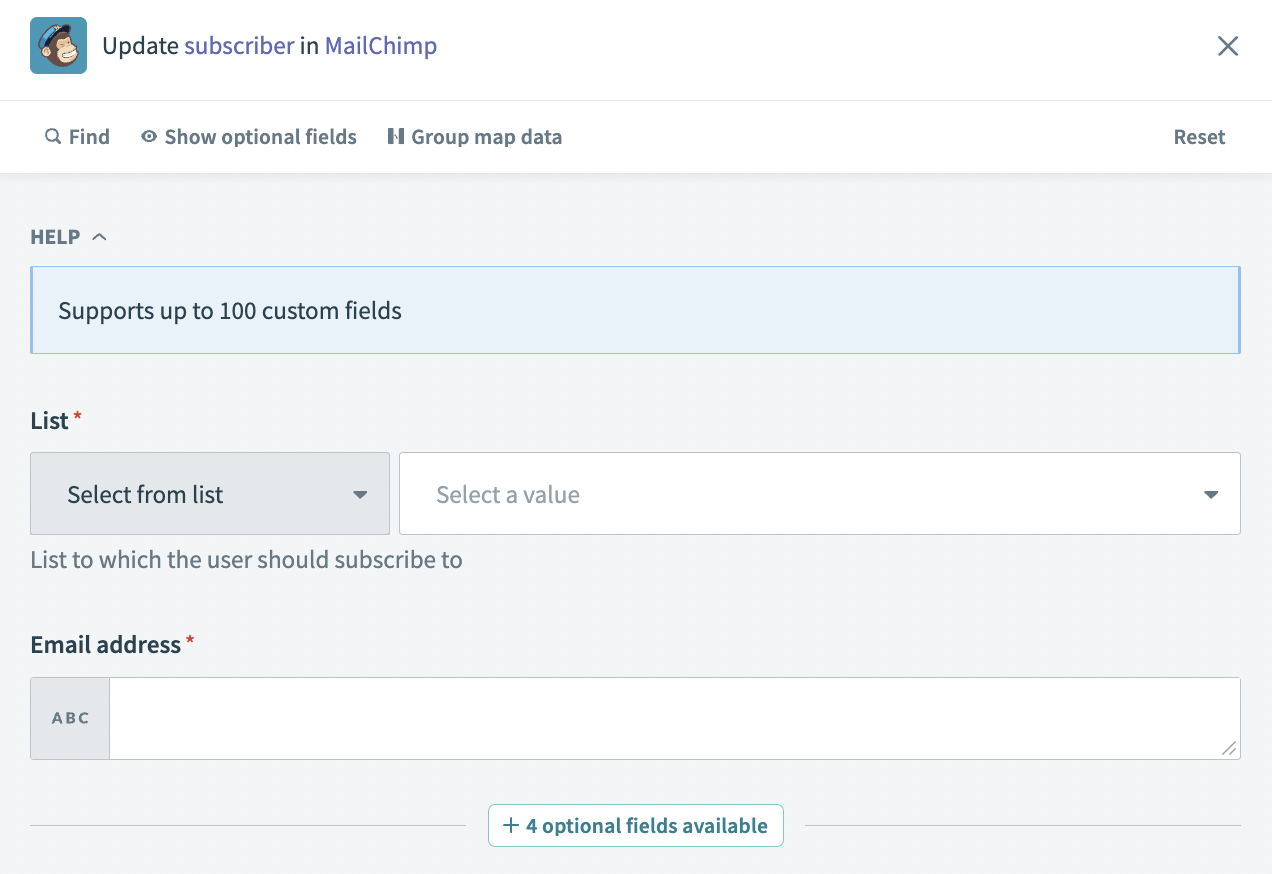 Update subscriber action
Input
| Input field | Description |
|---|---|
| List | The list to which the subscriber you plan to update is assigned. |
| Email address | The email address of the subscriber. |
Output
| Output field | Description |
|---|---|
| ID | The ID of the subscriber. |
| Email address | The email address of the subscriber. |
| Unique email ID | The unique ID assigned to the subscriber's email address. |
| Contact ID | The contact ID of the subscriber. |
| Full name | The full name provided by the subscriber. This field is blank if the subscriber did not provide a name. |
| Web ID | The web ID of the new subscriber. |
| Email type | The email type, for example html. |
| Status | The status of the subscriber. |
| Consents to one to one messaging | Indicates whether the subscriber has consented to receive one-to-one messaging or not. This value is true or false. |
| Click rate | The click rate of the subscriber. |
| IP sign up | The IP address of the subscriber. This field is null if tracking is not turned on. |
| Timestamp sign up | The timestamp of the subscription. This field is null if tracking is not turned on. |
| Member rating | The member rating of the subscriber. For example, if the subscriber is the second person to subscribe, this value is 2. |
| Last changed | The date the subscriber's account was last changed. For example: 2023-12-30. |
| Language | The language of the subscriber. This field is null if tracking is not turned on. |
| VIP | Indicates whether the subscriber is a VIP customer or not. Values are true or false. |
| Location | The location of the subscriber. This field is null if tracking is not turned on. |
| Source | The source of the subscriber. |
| Tags count | The number of tags applied to the subscriber. |
| Tags | The tags applied to the subscriber. This field is blank if no tags are applied to the subscriber. |
| List ID | The ID of the list to which the subscriber is assigned. For example: 69219a8a88. |
| The email address of the subscriber. | |
| Email ID | The email ID of the subscriber. For example: 30dbbwbs5c. |
| Unique ID | The unique ID of the subscriber. For example, c579b1sm49. |
| Notes | Notes added to the subscriber listing. This field is blank if no notes are added. |
Last updated: