Microsoft Dynamics Finance and Operations - Search records action
The Search records action enables you to return the list of the records that match the search criteria in Microsoft Dynamics Finance and Operations (MSDFO)
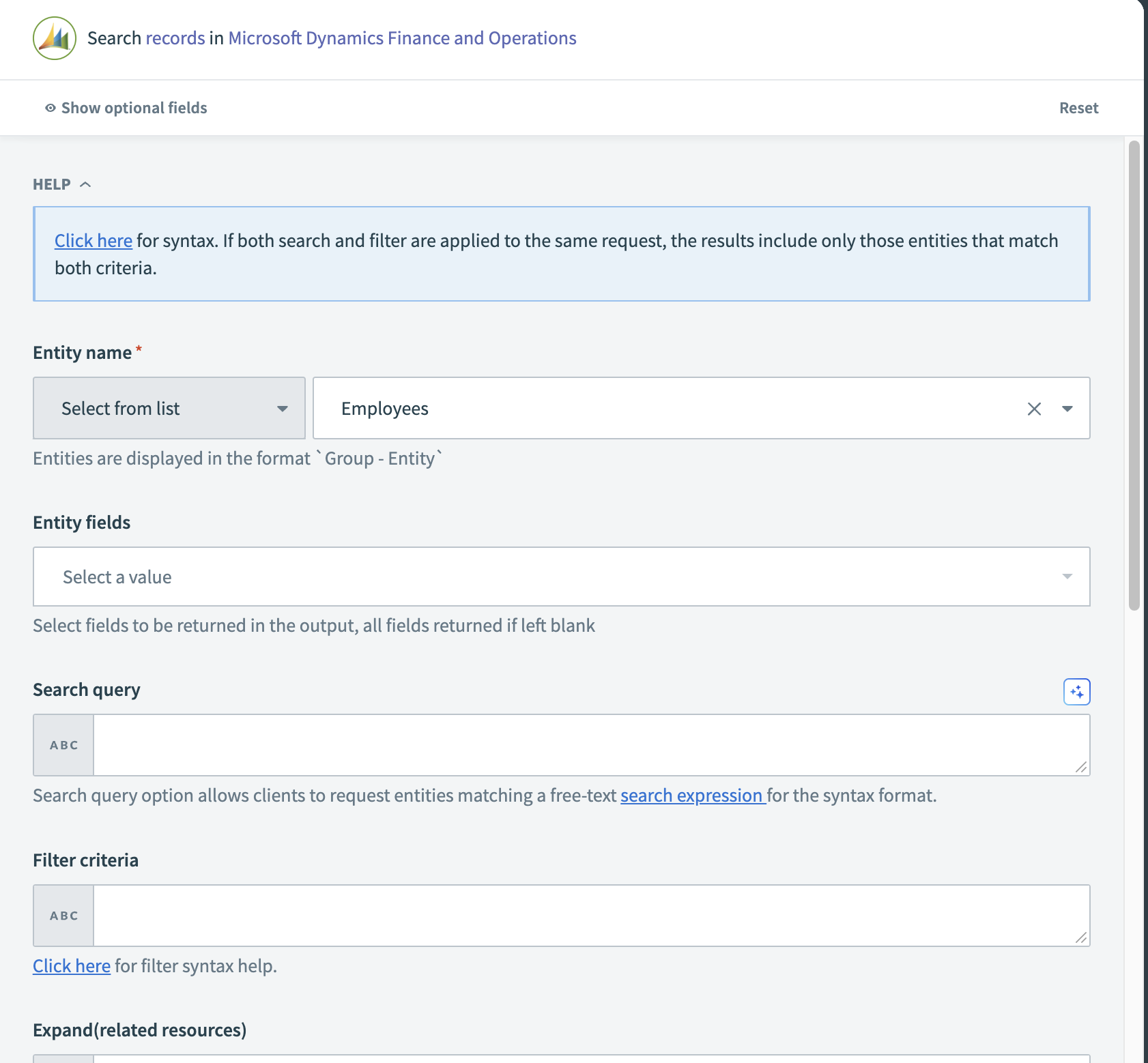 Search records action
Input
| Input Field | Description |
|---|---|
| Object | Specify the object you plan to search. |
| Entity fields | Select the fields that you require in the output data tree from the multi-select drop-down. All fields are returned if left blank. |
| Search query | Provide free-text expressions for searching the entities. Learn more about Search expressions. |
| Filter criteria | Specify conditions that data must meet to be included in query results. Learn more about Filters. |
| Expand(related resources) | Specify the related resources that should be included along with the retrieved resources. |
| Order by | Specify the sorting order of the retrieved data. For example, asc (ascending) or desc (descending). |
| No. of objects returned in the query result | Specify the number of items to include in the result. |
| Skip items | Specify how many items from the beginning of the collection should be ignored and not included. |
Output
The output fields are determined by the object you select in the input. Map the relevant datapill from the data tree for downstream steps.
Last updated: