MySQL - Delete actions
Delete rows
This action lets you delete rows based on certain criteria defined by a WHERE condition.
DATA DELETION IS PERMANENT
Data deletion can't be undone, even if the action is run during a test job.
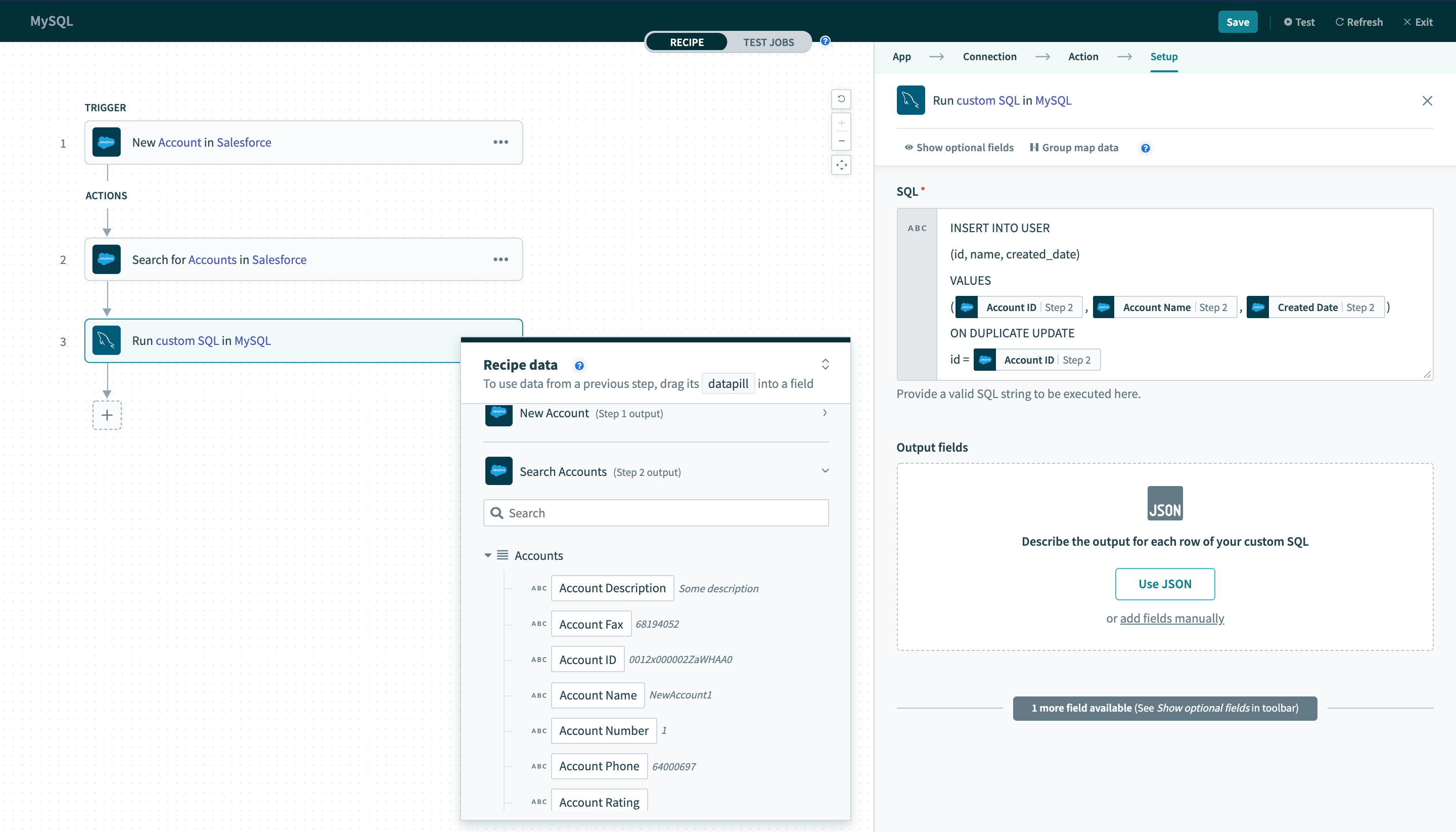 Delete rows action
Table
First, select a table to delete rows from. This can be done either by selecting a table from the pick list, or toggle the input to text mode and type the full table name.
WHERE condition
Next, provide a WHERE condition to select rows to be deleted. This condition can be as simple as filtering a single record to delete based on ID.
sql
id = 123Alternatively, it can be used to delete multiple rows.
sql
role = 'admin'Complex WHERE conditions with subqueries can also be used. Refer to the WHERE condition guide for more information.
Last updated: