NetSuite SOAP - Execute saved search for custom record action
The Execute saved search for custom record action retrieves custom records from NetSuite based on a saved search, with optional filters to refine the results.
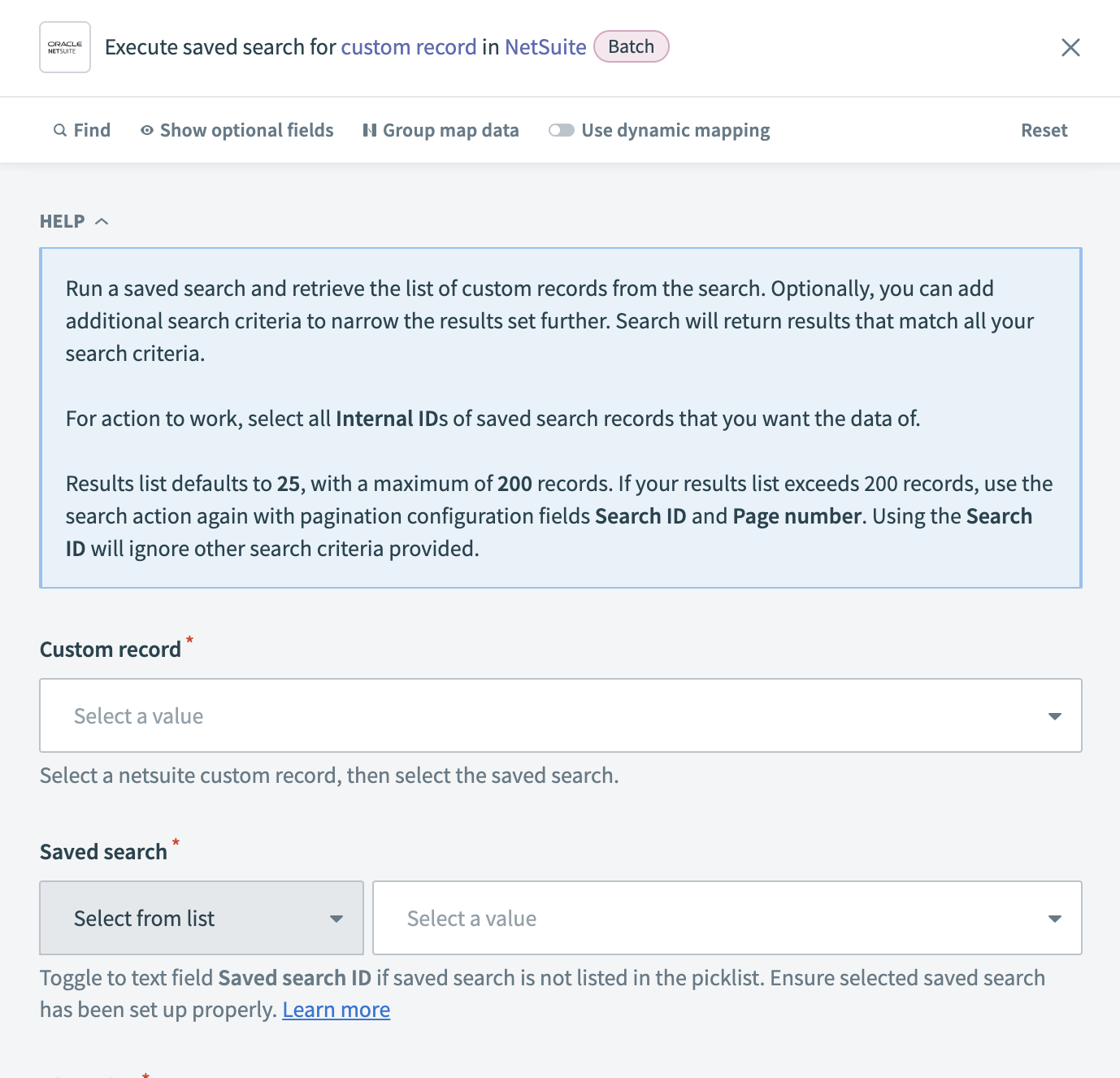 Execute saved search for custom record action
Input
| Input field | Description |
|---|---|
| Custom record | Select the type of NetSuite custom record for which you plan to retrieve saved searches. |
| Saved search | Select a saved search from the list or enter the Saved search ID if it’s not listed. Ensure the saved search is set up correctly in NetSuite. |
| Object list | Select the specific custom records you plan to retrieve. You must select Internal IDs of the records to retrieve their data. |
| Fields | Select the custom record fields to include in the output. The selected fields appear in the output datatree. All fields are returned if left blank, but selecting specific fields is recommended for performance. You must include Internal IDs in the Object list. |
| Results list page size | Specify the number of records to retrieve per page. The default is 25 records per page. The minimum value is 5, and the maximum is 200. If the number of records exceeds the page size, use the Search ID and Page number fields to retrieve the remaining records. |
| Search ID | Provide the Search ID from a previous search to retrieve subsequent pages of results. When Search ID is specified, other search criteria are ignored. |
| Page number | Enter the page number to retrieve if the search returns more than one page. Use this field with Search ID to paginate through results. |
| Search settings | Configure additional operators to refine your search. For example, you can filter string fields using Contains or integer fields using Equal to. Each operator applies to all fields of that type. |
Output
| Output field | Description |
|---|---|
| Search ID | The unique identifier for the search results. |
| Page number | The current page number of the results being retrieved. |
| Total pages | The total number of pages in the search result. |
Last updated: