PlanGrid object triggers and actions
The PlanGrid connector in Workato provides triggers and actions that allows you to select the object you want to work with when configuring the step. The required input fields will then be dynamically generated based on the object you select.
The following triggers are supported:
- New object
- New or updated object
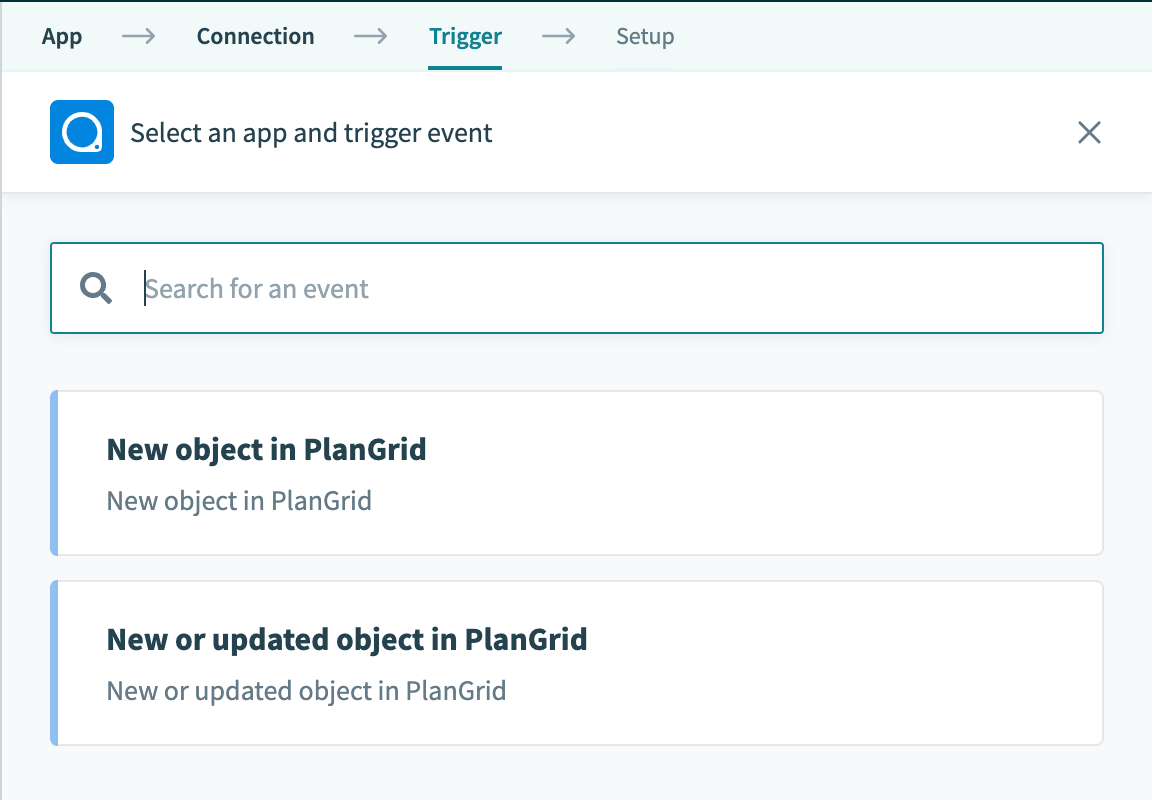 Supported Plangrid triggers
The following actions are supported:
- Create object
- Download object
- Get object
- Search object
- Update object
- Upload object
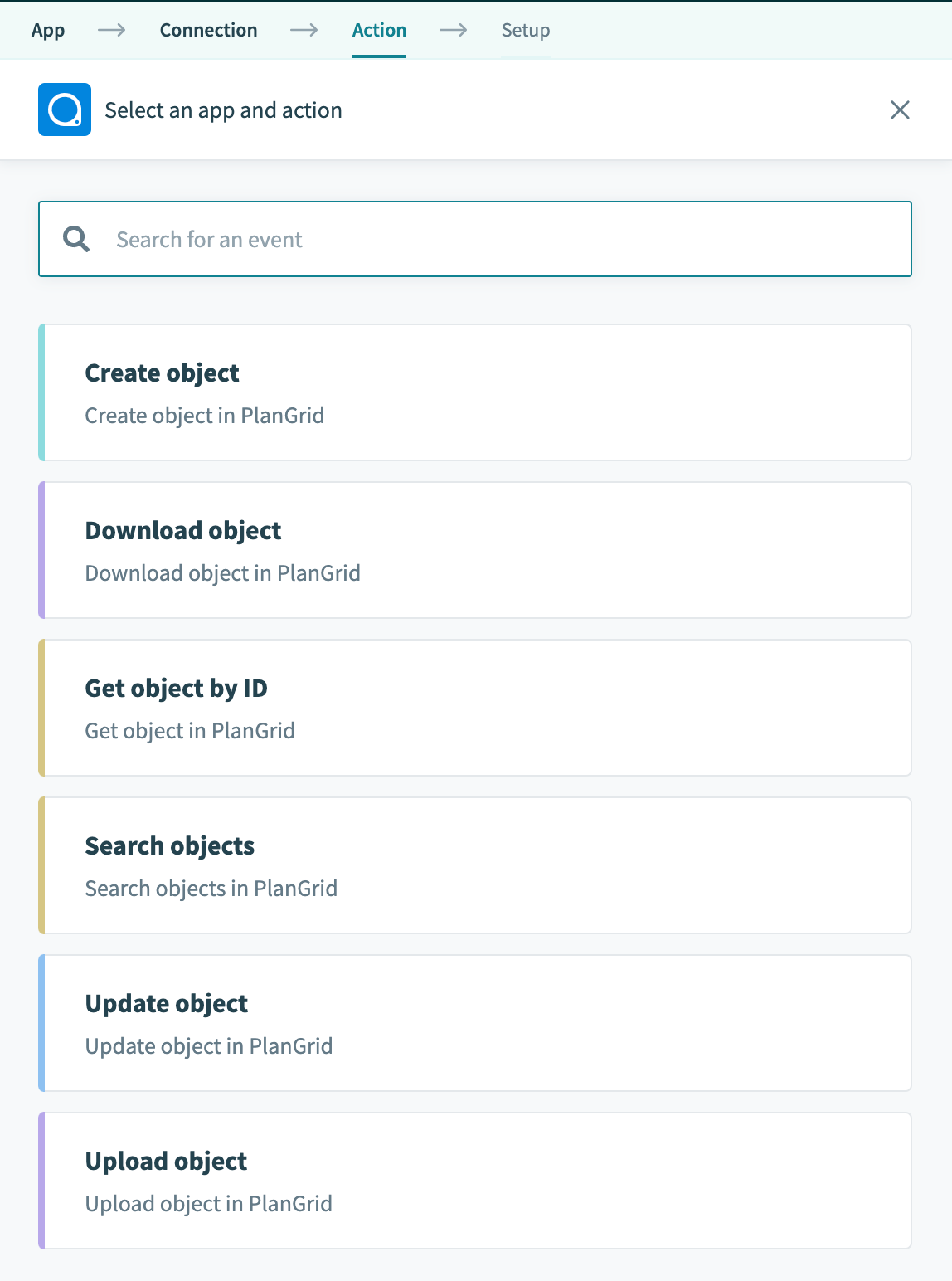 Supported Plangrid actions
Objects
| Object name | Available triggers | Available actions |
|---|---|---|
| Document | New | Get, Update, Upload |
| Photo | New | Get, Update, Upload |
| RFI | New, New/updated | Create, Get, Get status, Update |
| Annotation | New | |
| Field report | New, New/updated | Get |
| Project | New, New/updated | Create, Get, Update |
| Sheet | New | Create version upload, Complete version upload, Create sheet packet, Get, Get sheet packet, Upload file to sheet version |
| Snapshot | New | Get |
| Task | New, New/updated | Create, Create task list, Get task, Get task list, Update task, Update task list |
This is a non-exhaustive list of objects and there are still more enhancements to come. If you see an object that we don't currently support, you can use custom actions that allow you to send custom HTTP requests.
Last updated: