Positional file tool
The Positional file tool connector parses complex flat files into structured JSON outputs. It supports a broad range of parsing use cases and accommodates both Fixed width (delimiter) and Dynamic width (position-length) formats with Single schema or Multiple schemas. It also handles Linear fields or Child fields (hierarchically nested) data structures in flat files.
How to connect to Positional file tool
This connector doesn't require authentication or a connection setup, however, you must install this connector from the community library before you can use it in your workspace.
Download the Positional file tool connector from the Community library
Complete the following steps to install the connector from the community library:
Open the recipe editor and search for a connector. Alternatively, you can search for a connector in the community library.
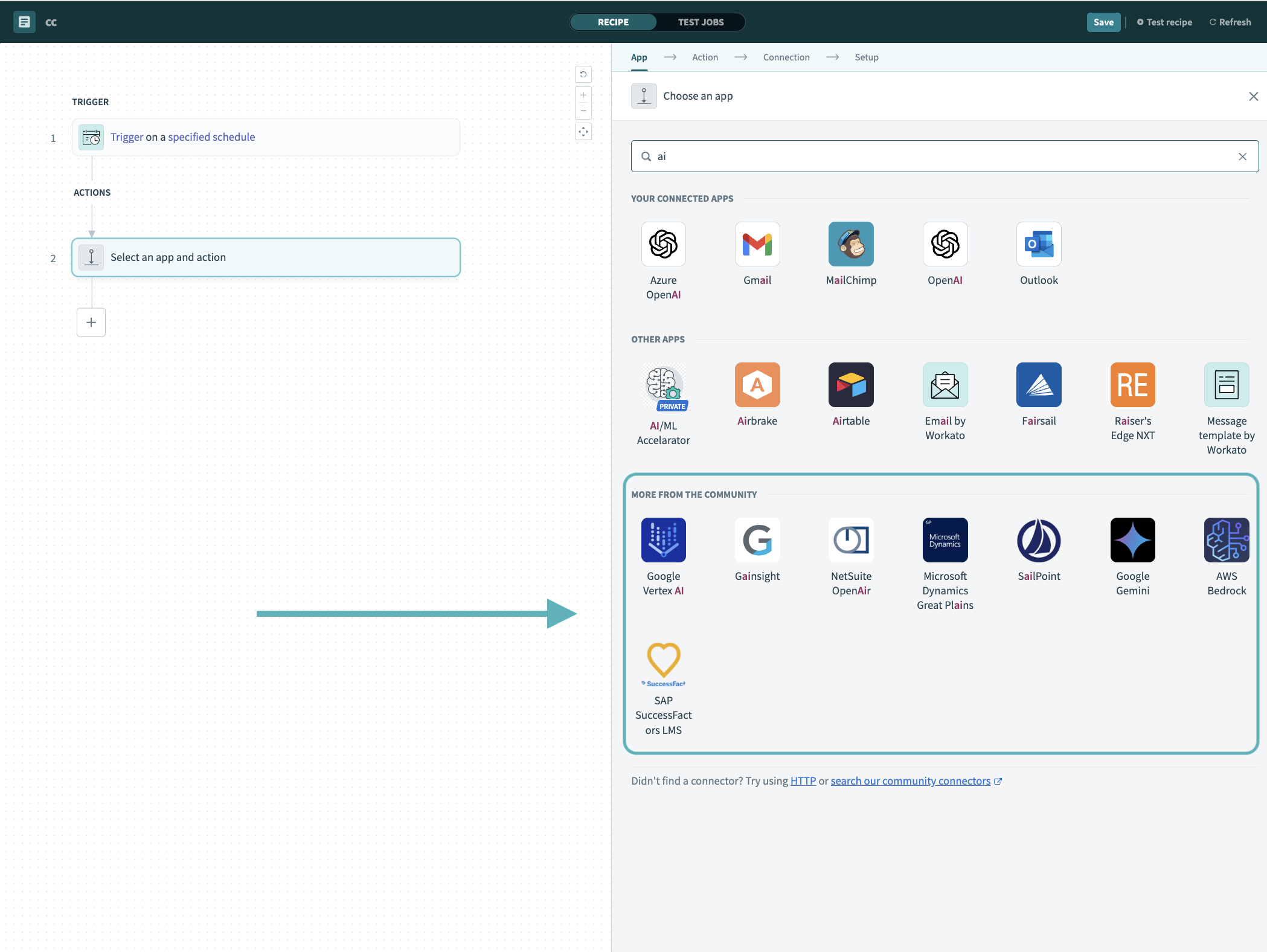 Search for community connectors in the recipe editor
Select the community connector you plan to install.
Click Install to install the connector from the community library.
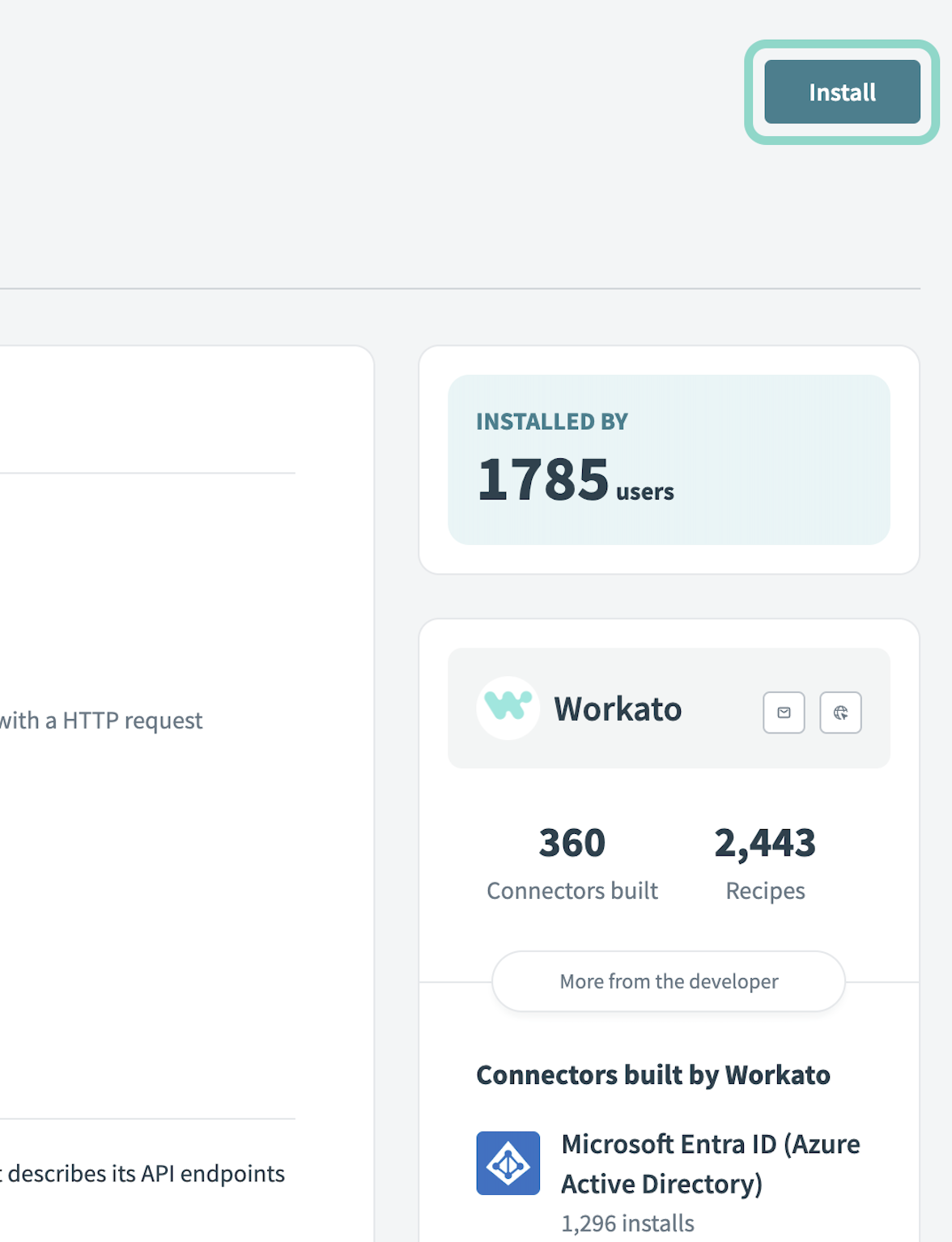 Click Install
Select Release connector. Alternatively, select Review code to review and modify the connector code before releasing it to the workspace.
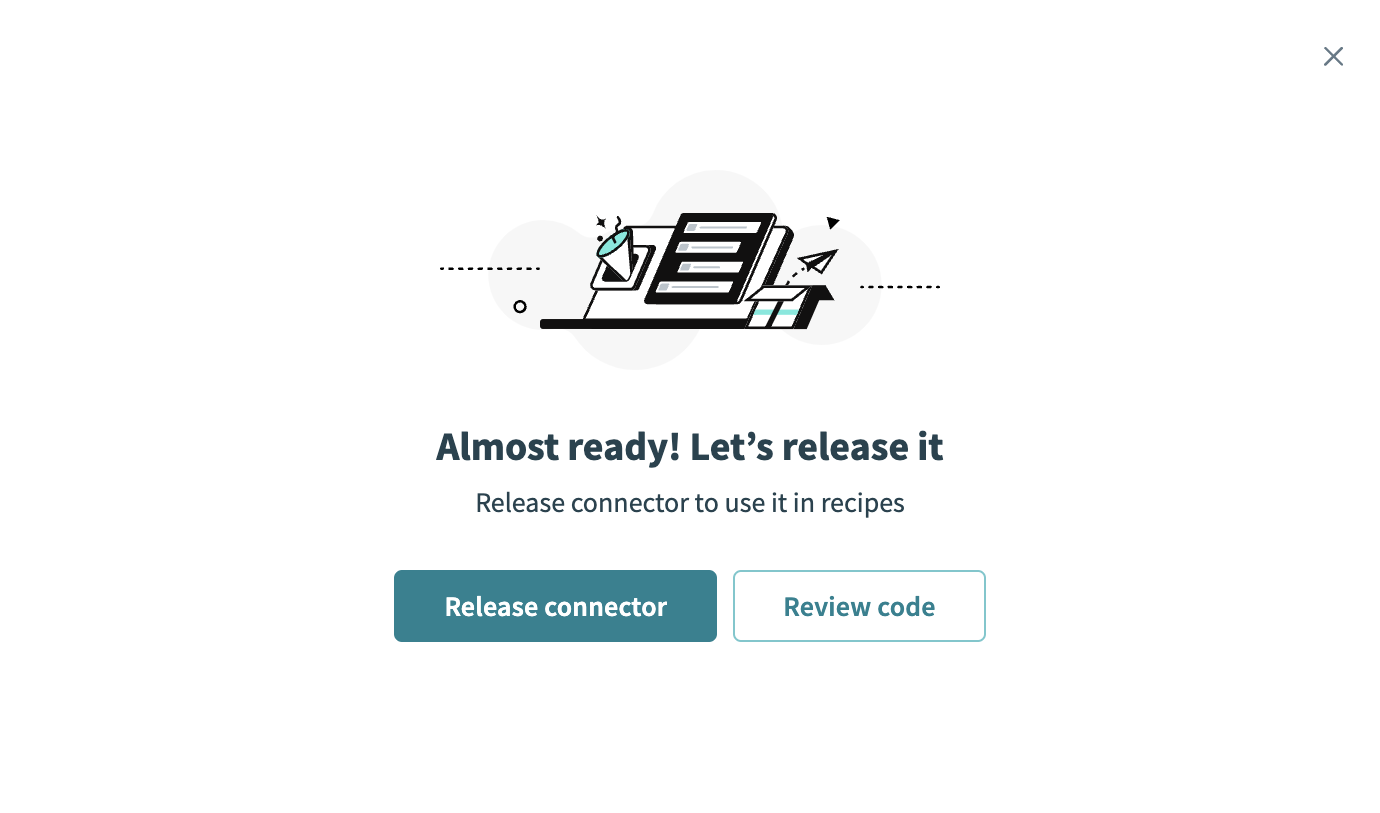 Release the connector
Summarize any changes you made to the connector, then click Release to allow workspace collaborators to use the connector in recipes.
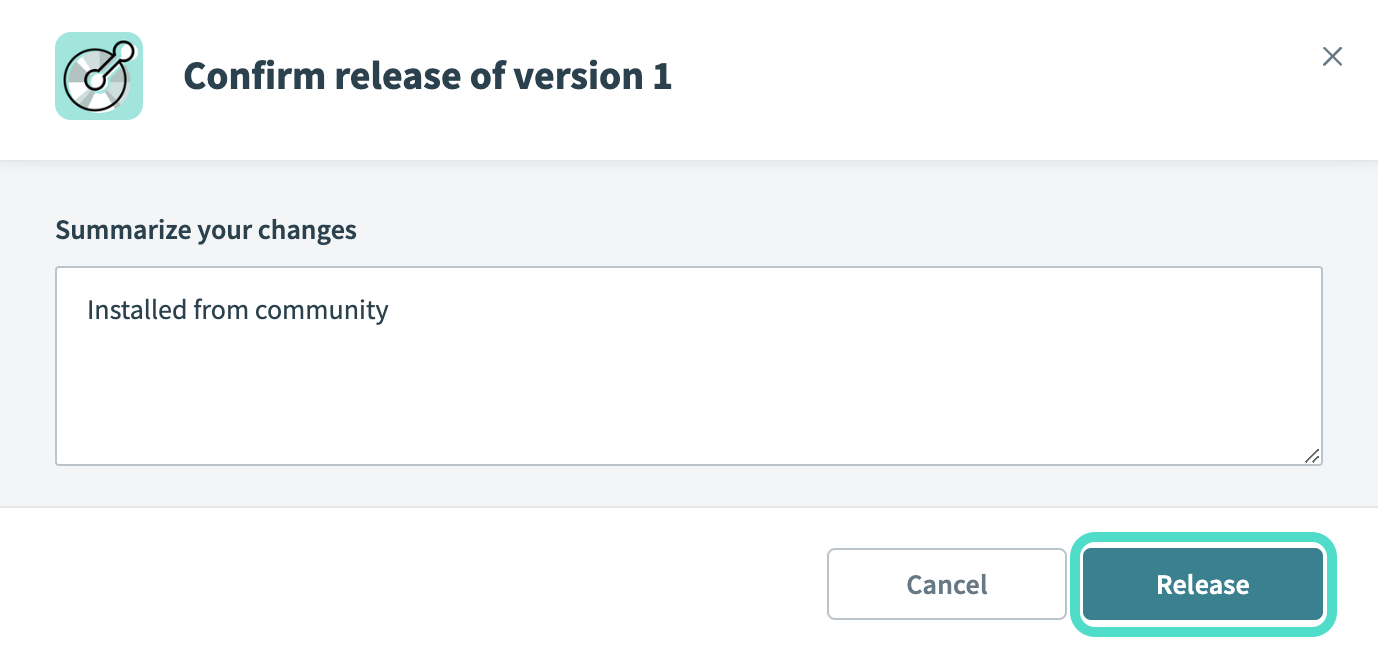 The Confirm release dialog
Last updated: