S3 Data Lake - Create table action
The Create table action creates a new Iceberg table using the AWS Glue data catalog in your S3 Data Lake environment. This registers the table metadata in Glue so other tools can discover and interact with it.
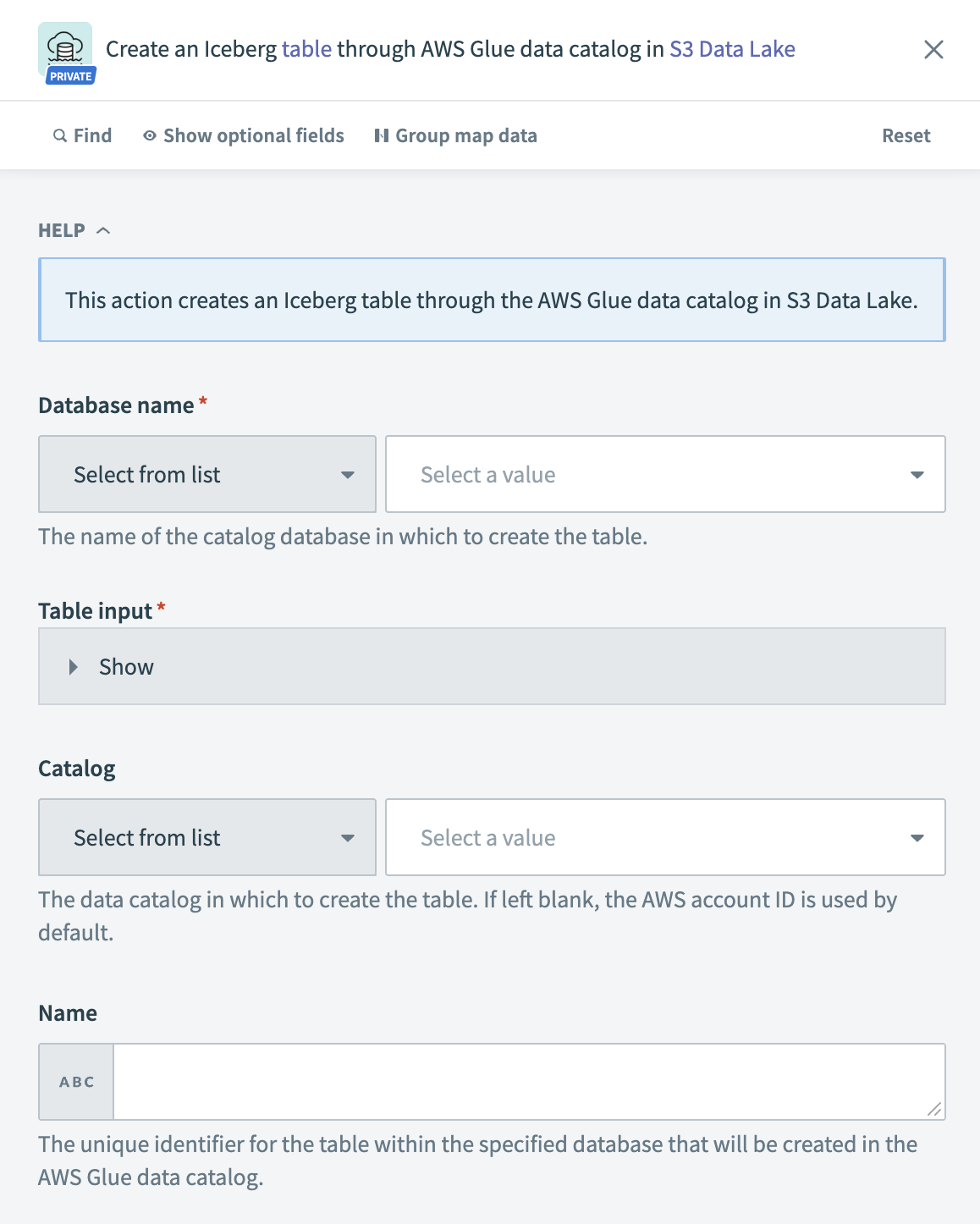 S3 Data Lake – Create table action
Input
| Input field | Description |
|---|---|
| Database name | Select the Glue catalog database where you plan to create the table. |
| Table name | Enter the table name. The name converts to lowercase for Hive compatibility. |
| Description | Add a description for the table. |
| Owner | Define the table owner for Hive compatibility. AWS Glue doesn't use this value. |
| Retention | Set the retention time in days for the table metadata. |
| Storage descriptor | Provide physical storage details, including format, columns, and location. |
| Partition keys | Specify the column names to use as partition keys. Only primitive types are allowed. |
| Table type | Choose the type of table to create, such as EXTERNAL_TABLE. |
| Catalog | Select the data catalog where you plan to register the table. Leave blank to use the default account catalog. |
| Name | Provide a unique name for the table within the database. |
| Open table format input | Specify the open table structure. This includes Iceberg-specific settings like metadata operation, version, and table definition fields. |
Output
This action returns confirmation details from AWS Glue, including operation status, table name, and request metadata.
Last updated: