S3 Data Lake - Import data action
The Import data action loads data from an S3 file into an Iceberg table using an AWS Glue job. You can use this action to perform batch imports into your Iceberg-based data lake.
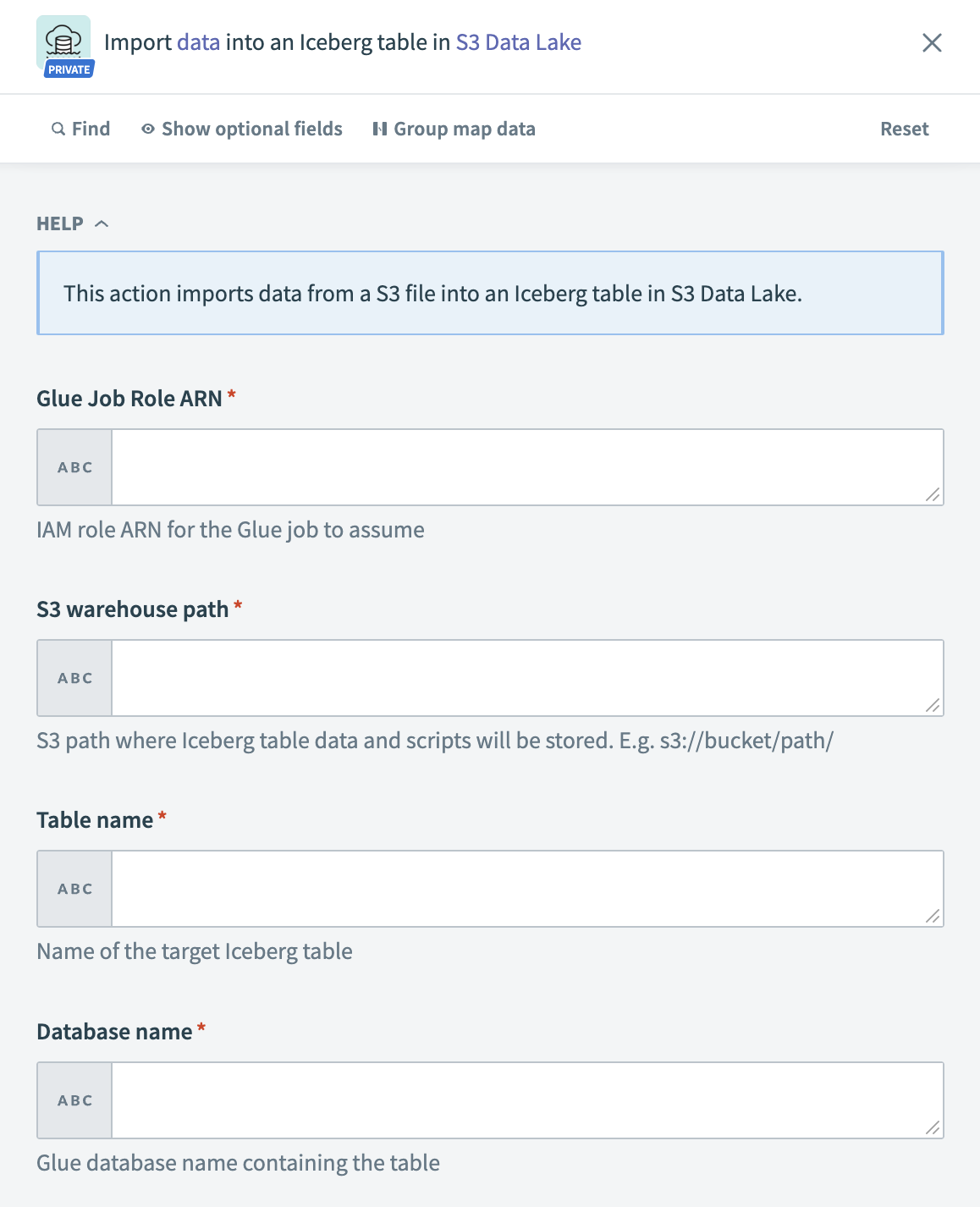 S3 Data Lake – Import data action
Input
| Input field | Description |
|---|---|
| Glue Job Role ARN | Enter the IAM role ARN for the Glue job to assume. |
| S3 warehouse path | Enter the S3 path where the Iceberg table data and scripts are stored. For example, s3://bucket/path/. |
| Table name | Enter the name of the target Iceberg table. |
| Database name | Enter the Glue database that contains the table. |
| S3 file path | Enter the full S3 path to the file to import. For example, s3://bucket/path/file.csv. |
| File format | Select the format of the source file. |
| CSV delimiter | Specify the delimiter used in the CSV file. Applies only when File format is CSV. Defaults to comma (,) if blank. |
| Has header | Indicate whether the CSV file includes a header row with column names. Applies only when File format is CSV. |
| Glue version | Select the AWS Glue version to use. Defaults to 4.0 if blank. |
| Worker type | Select the AWS Glue worker type for the job. |
| Number of workers | Enter the number of workers to use. Defaults to 2 if blank. |
Output
| Output field | Description |
|---|---|
| Job Run ID | Unique ID of the Glue job run. |
| Job name | Name of the Glue job triggered. |
| Status | Status of the Glue job, such as SUCCEEDED or FAILED. |
| Source file path | S3 path of the imported file. |
| Error message | Error message returned during job execution, if any. |
| Started on | Timestamp when the Glue job started. |
| Completed on | Timestamp when the Glue job completed. |
Last updated: