SAP Fieldglass - Active worker download action
The Active worker download action enables you to worker data for currently active workers from SAP Fieldglass.
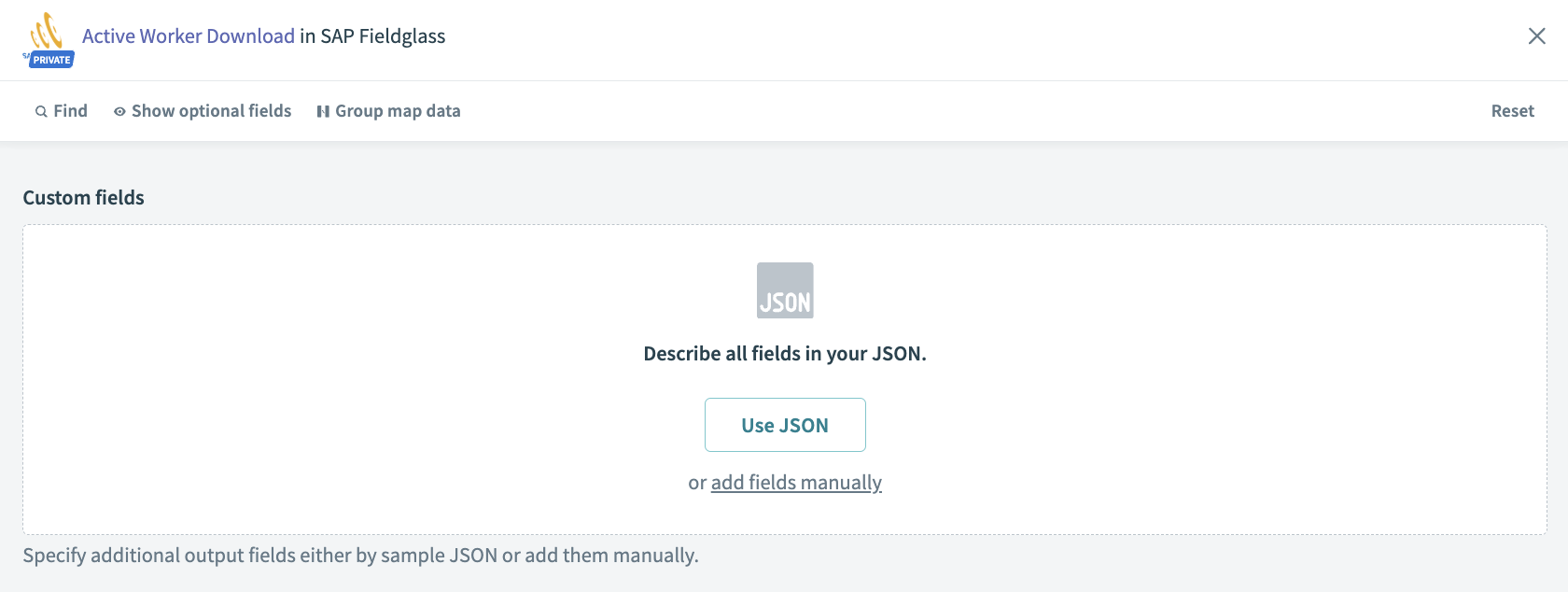 Active worker download action
Input
You can specify the custom fields that you plan to include in the result and the order that you plan to see in the result.
Output
| Output fields | Description |
|---|---|
| Job seeker ID | SAP Fieldglass job seeker ID. |
| Worker ID | SAP Fieldglass worker ID. |
| Person ID | Unique identifier for the worker as a person. |
| Security ID | This column only appears in the file if the security ID field functionality is activated in SAP Fieldglass for the buyer. If the functionality is not activated, this column isn't in the file. |
| Status | Status of the worker (active, closed, or withdrawn). |
| First name | First name of the worker as defined in SAP Fieldglass. |
| Last name | Last name of the worker as defined in SAP Fieldglass. |
| Worker email | The worker’s e-mail address. |
| Job posting title | Job posting’s title or SOW Name (if an SOW Worker). |
| Work order ID | Work order ID. |
| Work order/work order revision owner | Work order owner’s name. |
| Work order/work order revision owner employee ID | Work order owner employee ID. |
| Business unit code | Business unit code. |
| Business unit name | Business unit name. |
| Vendor number | Fieldglass supplier code. |
| Vendor name | Supplier name. |
| Buyer code | Buyer company code. |
| Remit to address code | Code as assigned to the RTA by the supplier. |
| Cost center name | Cost center name in SAP Fieldglass. This is the primary cost center only. |
| Cost center code | Cost center code in SAP Fieldglass. This is the primary cost center only. |
| Billable per diem | Billable amount. |
| Start date | Work order start date. |
| End date | Work order end date. |
| Currency | Currency designation (USD). |
| Site code | Site code. |
| Site name | Site name. |
| Pay rate | Pay rate. |
| Rate category/UOM | Rate category/UOM. |
| Bill rate | The billing rate. |
Last updated: