SAP Fieldglass - Job posting upload action
The Job posting upload action enables you to upload job postings to SAP Fieldglass.
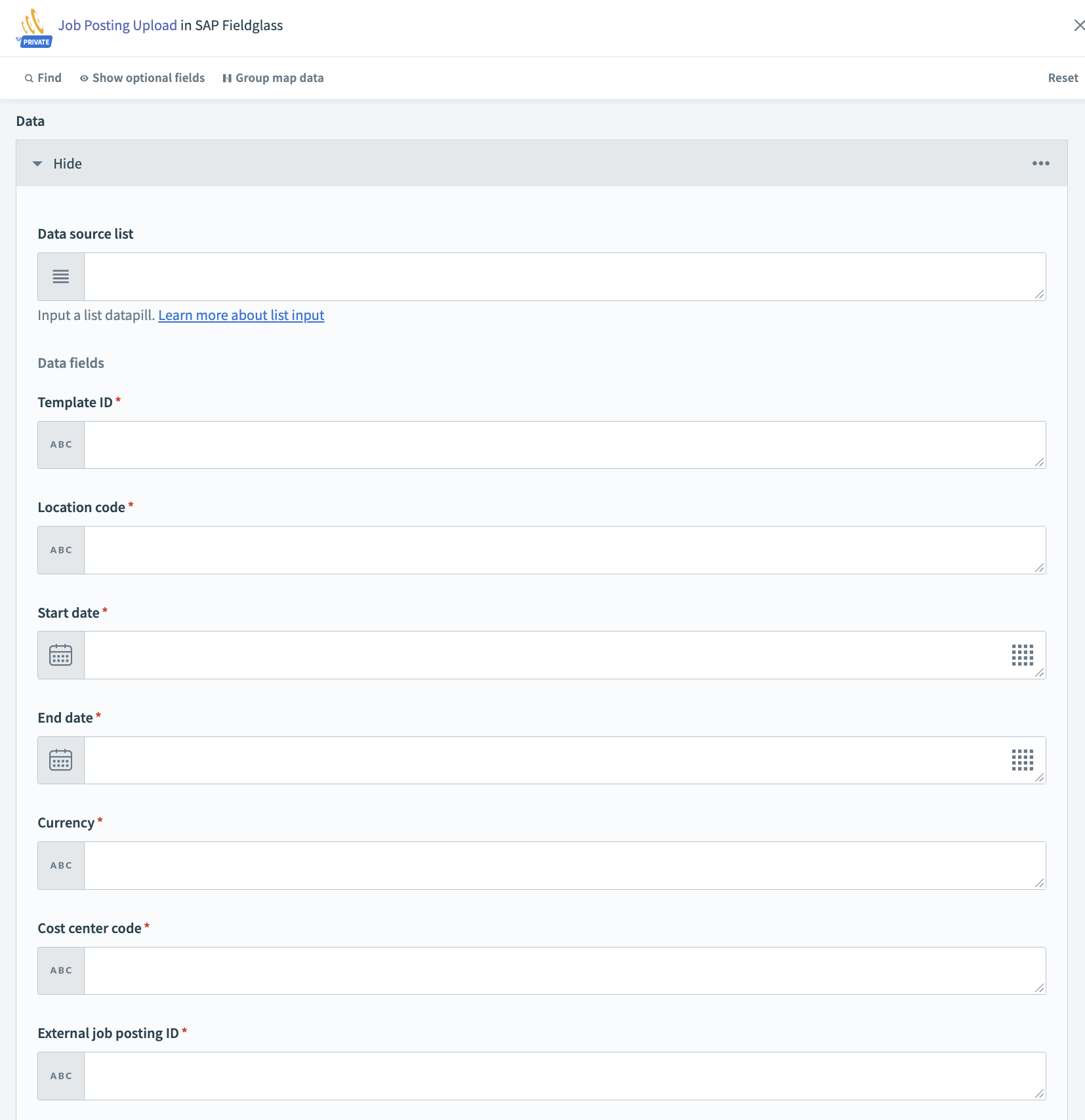 Job posting upload action
Input
Header
| Input fields | Description |
|---|---|
| Type | Specify the upload file type. |
| Transaction | Specify the transaction type. |
| Approval required | Determine if approval rules must be followed. |
| Send notification? | Determine whether normal messaging workflow must be followed. |
| Language | Determine the language used for values in the file, such as drop-down lists and radio buttons. Column headers always default to the upload user's preferred language. |
| Number format | Determine the number format used in the file. |
| Date format | Determine the date format used in the file. |
| Submit | Determine the status in which the job postings are saved. |
| MSP | Determine if the custom field present in the file is associated with the respective MSP for a multiple MSP buyer. |
| Comments | Upload comments. |
Data
| Input fields | Description |
|---|---|
| Template ID | System-generated template identifier. |
| Location code | The code of the location in which this job posting is located. The location code aids suppliers in knowing where the work occurs so that appropriate candidates within that locale are submitted. |
| Start date | The date when the contract begins. |
| End date | The date when the contract ends. |
| Cost center code | The code of the cost center to which this job posting is assigned. The cost center code typically identifies to what cost center (or total estimated budget) this job posting applies and is used for accounting purposes. |
| Currency | Valid three-character currency code associated with the cost center listed in the cost center code field. Only one currency code can be given. |
| External job posting ID | An external job posting identifier for tracking purposes. |
| Site code | The code of the site in which this job posting is located. |
| Owner username | The SAP Fieldglass username of the individual who owns this specific job posting. |
| Title | The title of the position requested for this job posting. |
| Creator username | The valid SAP Fieldglass username of the individual who creates this specific job posting. |
OPTIONAL FIELDS
You can specify the optional fields and custom fields as required.
Output
| Output fields | Description |
|---|---|
| Transaction ID | Transaction ID returned by SAP Fieldglass. |
Last updated: