SAP SuccessFactors LMS - Search object action
The Search object action enables you to return the list of the objects in SAP SuccessFactors LMS that match the search criteria.
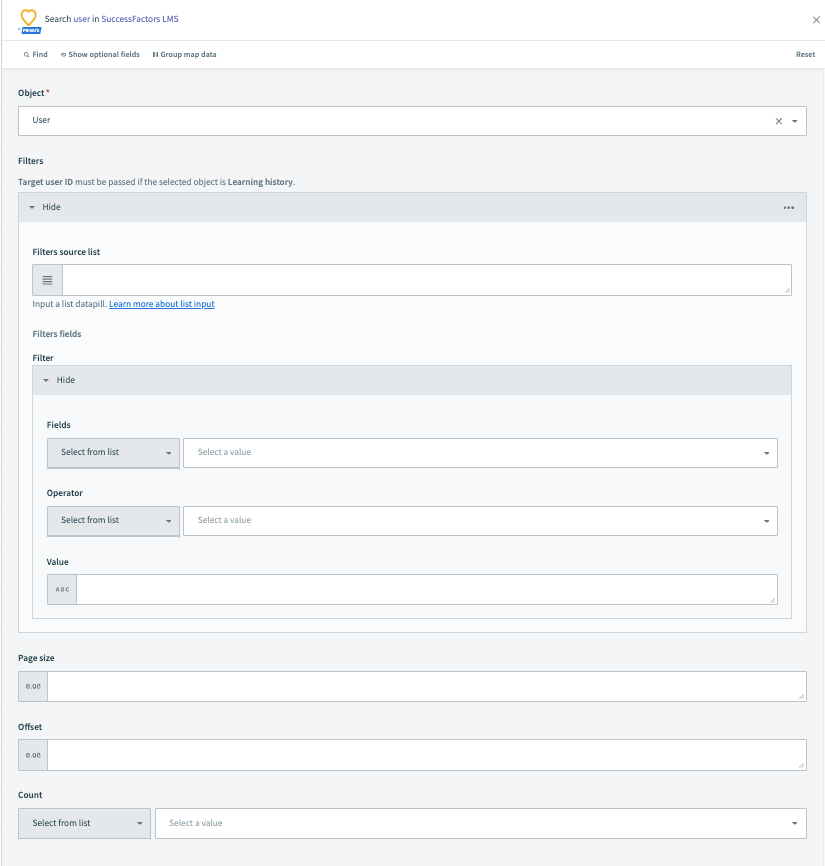 Search object action
Input
| Input Field | Description |
|---|---|
| Object | Specify the object you plan to create. Fields load dynamically based on the object you select. |
| Filters | Select the fields and their corresponding values along with the correct operator by which you plan to filter the search results. Refer to SAP's documentation for more information. |
| Page size | Specify the number of items that you plan to return in the search output. |
| Offset | Specify the number of items that you plan to skip in the search output. |
| Count | This is a boolean (yes/no) field. If you plan the output to return the total count of items present for an object, select this field as yes. Otherwise, select no. |
Output
The output fields are determined by the object selected in the input. Map the relevant datapill from the data tree to subsequent steps.
Last updated: