SFTP - Upload file action
This action uploads a file to a specific path in your SFTP server. If the file already exists, the action will append or overwrite the file, depending on the option selected. Otherwise, it will create a new file.
You can use this action with the Create folder action to upload files into a new folder.
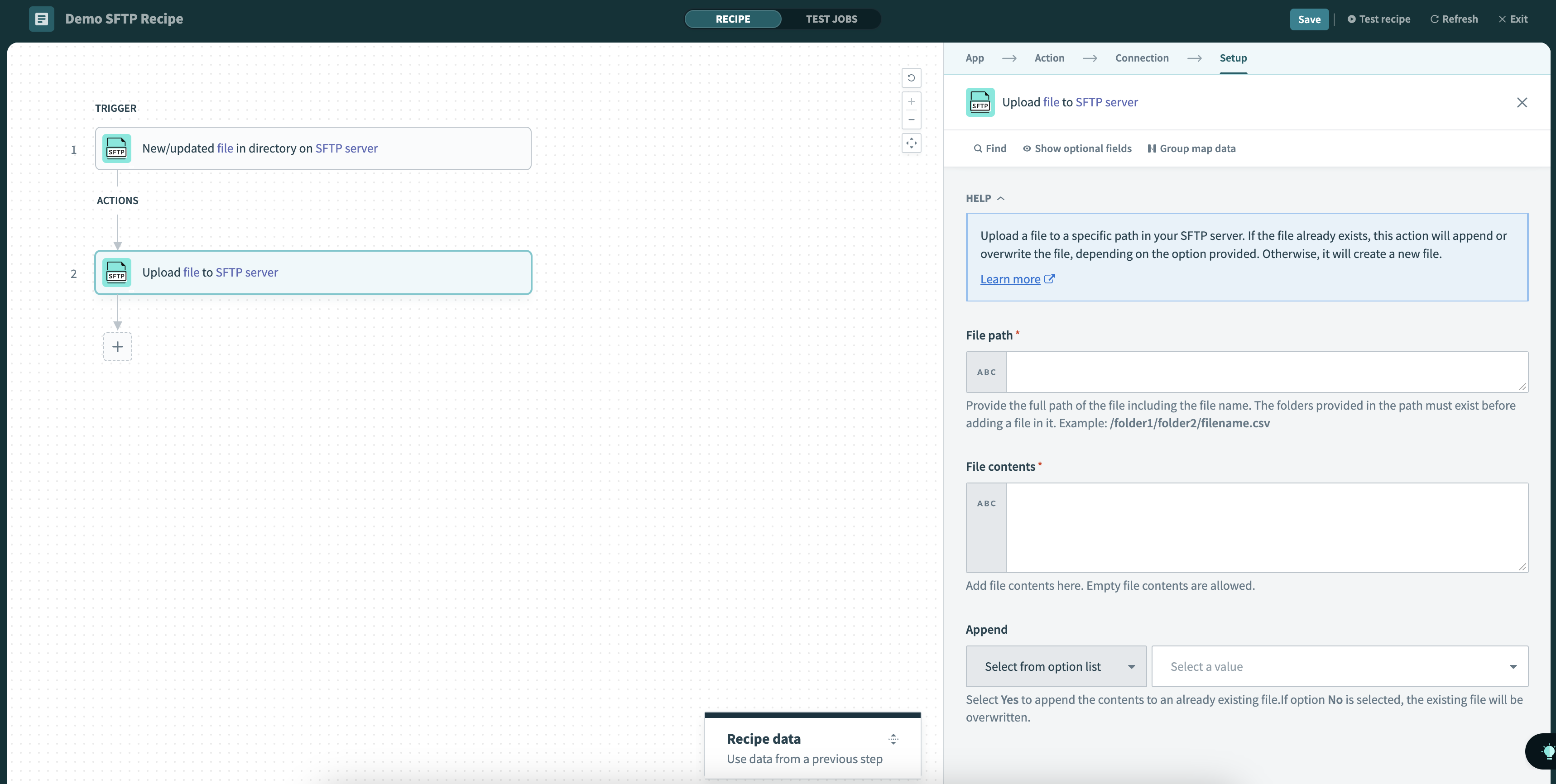 Upload file action
Input
| Input field | Description |
|---|---|
| File path | Provide the full path of the file, including the file name and extension. The folders provided in the path must exist before you can add a file in it. Example: /folder1/folder2/filename.csv |
| Append | If there is an existing file with the same path, select Yes to append contents to the end of the file. Otherwise, select No to overwrite the file. |
| File contents | Drag and drop a datapill to specify the file's contents. You can also manually input raw data (for example, CSV lines). Datapills with empty contents are allowed. |
Output
| Output field | Description |
|---|---|
| File name | Name of the created or updated file. |
| File path | Complete path of the created or updated file. |
To retrieve more details about the file you've just created or updated, use the Get file information action.
Last updated: