Smartsheet - New or updated row in a sheet trigger
The New or updated row in a sheet trigger activates when a row is added or updated in a Smartsheet. This trigger operates in real-time, initiating actions immediately after a row is added or modified. Events that occur when the recipe is stopped are not processed. Use the Get row by ID action if you plan to monitor changes to rows when the recipe is stopped.
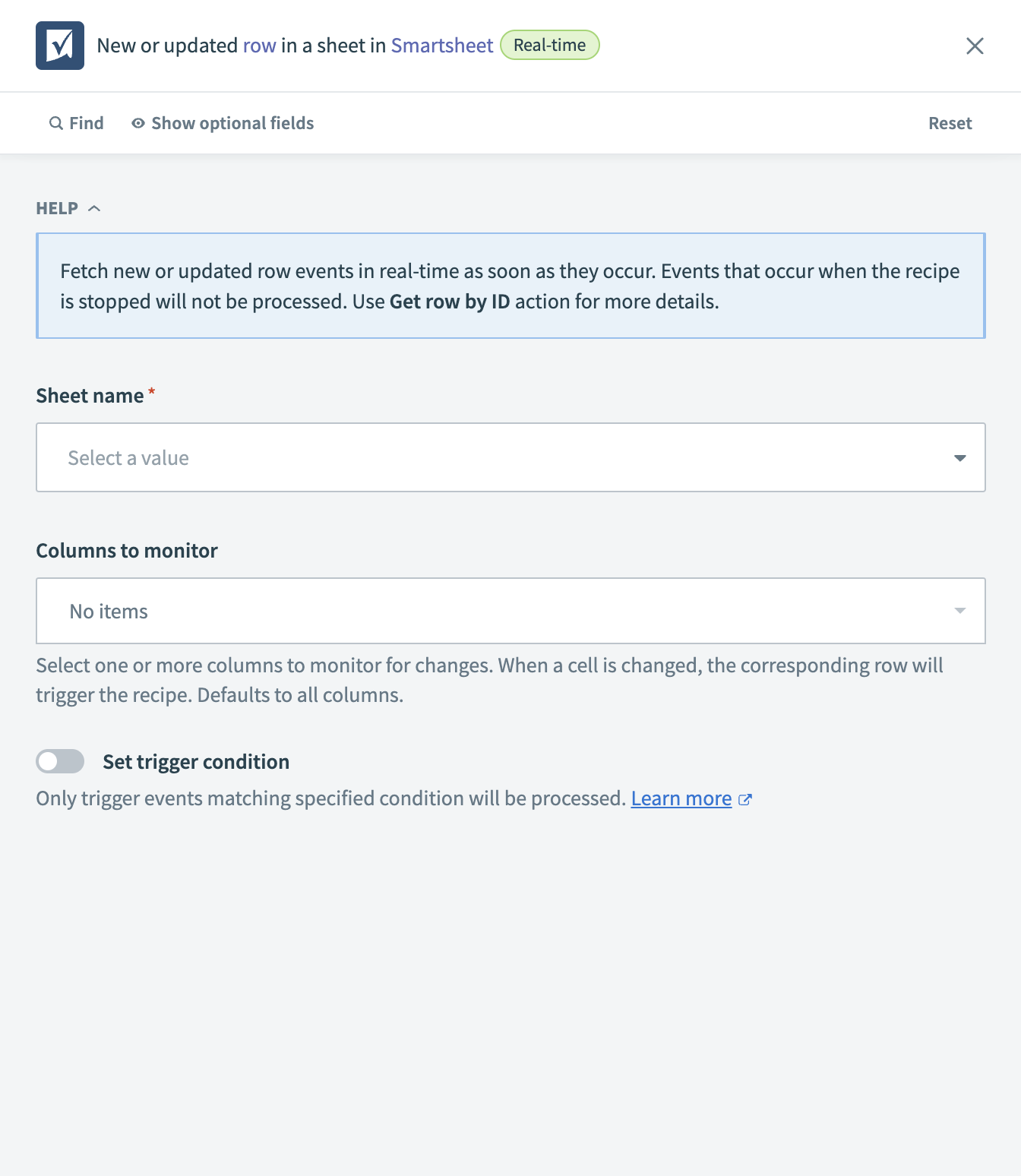 Smartsheet - New or updated row in a sheet trigger
Input
| Input field | Description |
|---|---|
| Sheet name | The name of the sheet you plan to monitor for new or updated rows. |
| Columns to monitor | Select specific columns to monitor for changes. When a cell within these columns changes, the corresponding row triggers the recipe. This field defaults to all columns if none are selected. |
| Trigger condition | Set a specific condition to trigger the recipe. Only rows matching the condition are processed. |
Output
| Output field | Description |
|---|---|
| Object type | The type of object that the event pertains to. |
| Event type | The type of event that triggered the workflow. |
| Row ID | The unique identifier for the row that was added or updated. |
| User ID | The ID of the user who made the change to the row. |
| Timestamp | The date and time when the row was added or updated. |
Last updated: