Stripe - Update customer action
This action updates a customer record in Stripe.
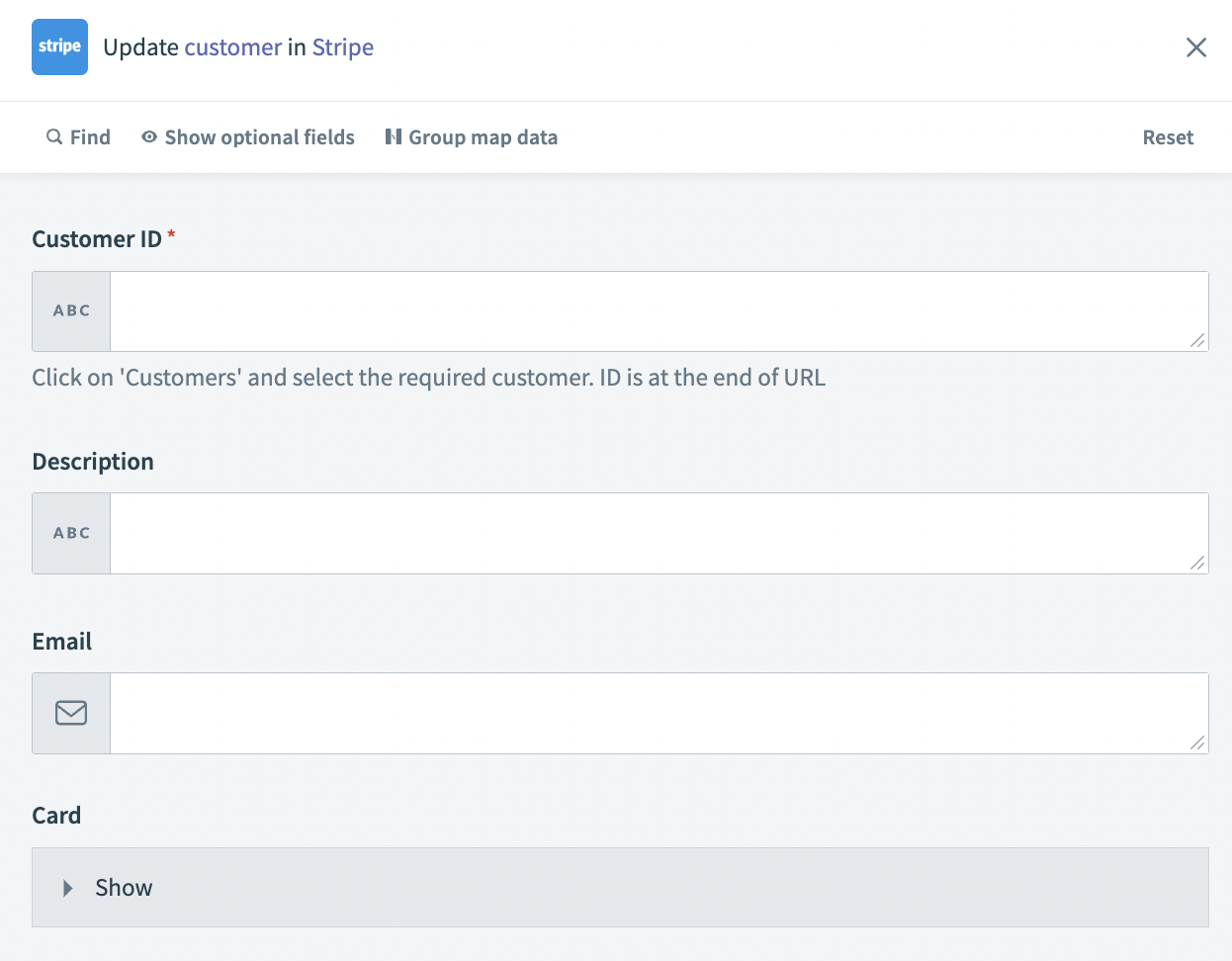 Update customer action
Input
| Input field | Description |
|---|---|
| Customer ID | Provide the customer ID you plan to update. |
| Description | Enter a description for the customer. |
| Enter an email for the customer. | |
| Object | Click the Card drop-down menu and enter card as the payment source. This is the only object accepted. |
| Expiration month | Enter the month that the card expires. This must be two digits, for example, 04 or 12. |
| Expiration year | Enter the year that the card expires. This can be either two or four digits, for example, 27 or 2027. |
| Card number | Enter the card number to which you plan to apply the charge. Do not use separators. |
Output
The output of this action is a datatree that contains information about the Stripe object.
Last updated: