Xero - Search items action
The Search items action allows you to retrieve information about a specific item using its item code in Xero.
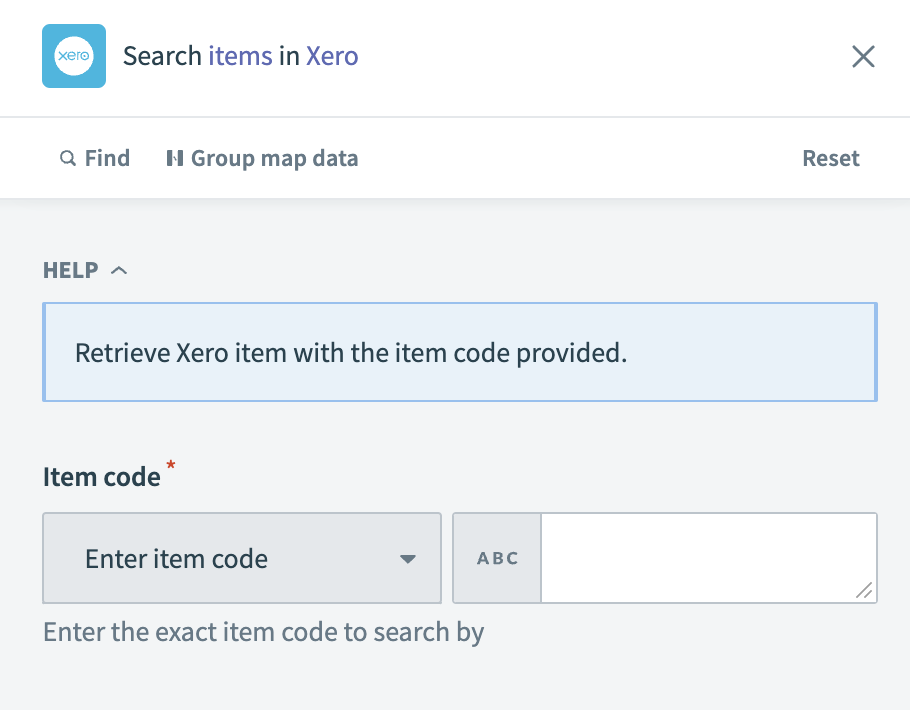 Xero - Search items action
Input
| Input field | Description |
|---|---|
| Item code/Item description | Enter the exact item code or description to search by. |
Output
| Output field | Description |
|---|---|
| Item ID | The unique identifier for the item within Xero. |
| Item code | The code used to identify the item in Xero. |
| Inventory asset account code | The account code associated with the item's inventory asset. |
| Purchase description | The description of the item used for purchasing. |
| Item name | The name of the item. |
| Item description | A detailed description of the item. |
| Updated date | The date when the item information was last updated in Xero. |
| Is tracked as inventory | Indicates whether the item is tracked as part of inventory. |
| Quantity on hand | The quantity of the item currently in stock. |
| Total cost pool | The total cost of the item's inventory pool. |
| Is sold | Indicates whether the item is sold. |
| Is purchased | Indicates whether the item is purchased. |
| Sales details | Information about the item's sales. |
| Purchase details | Information about the item's purchasing. |
Last updated: