Xero - Search overpayments batch action
The Search overpayments batch action allows you to search for overpayments using specific criteria, such as the overpayment ID. You must provide at least one search field.
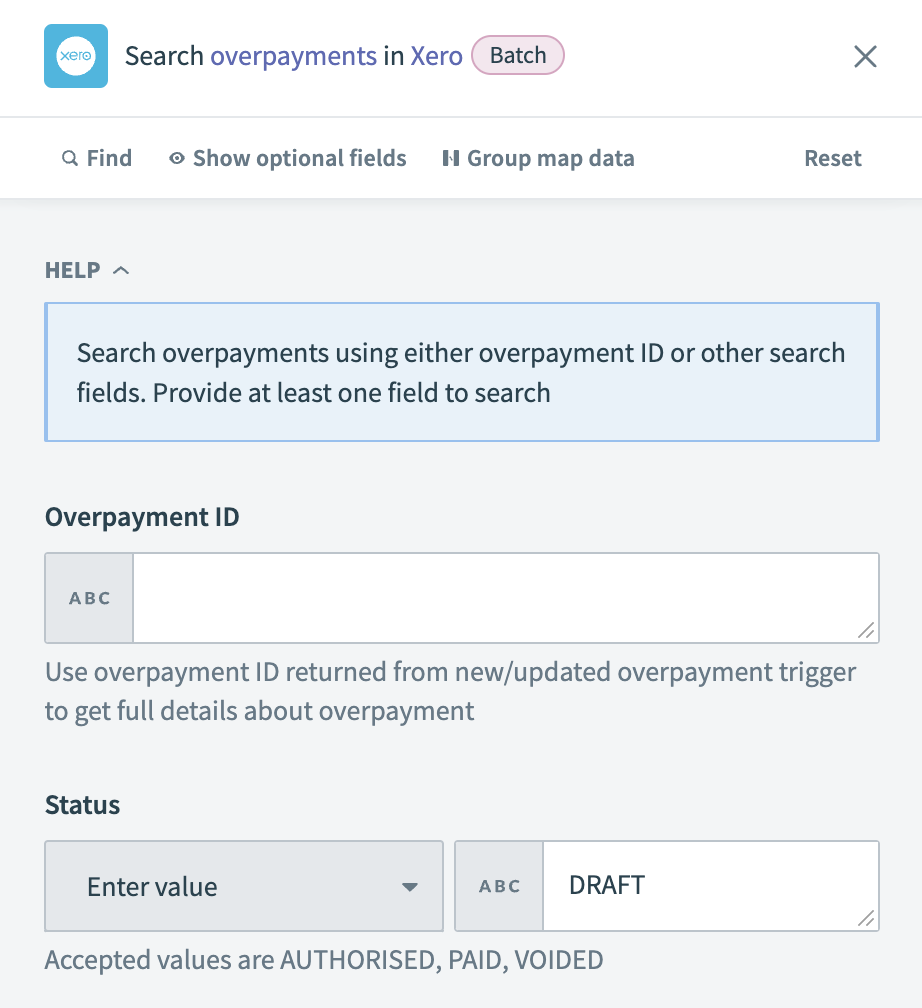 Xero - Search overpayments batch action
Input
| Input field | Description |
|---|---|
| Overpayment ID | Enter the unique identifier for the overpayment you plan to locate. |
| Type | Specify the type of overpayment you are searching for. Valid options include RECEIVE-OVERPAYMENT for customer overpayments and SPEND-OVERPAYMENT for supplier overpayments. |
| Date | Set a date to find overpayments created after this specific date. |
| Status | Choose the status of the overpayment records you plan to retrieve. Valid options include AUTHORISED, PAID, and VOIDED. |
Output
| Output field | Description |
|---|---|
| Overpayments | A list of overpayments. |
Last updated: