Zendesk - Upload attachment
This action uploads a new attachment to your Zendesk instance using file content. See Ticket Attachments to learn more about the Zendesk API powering this action.
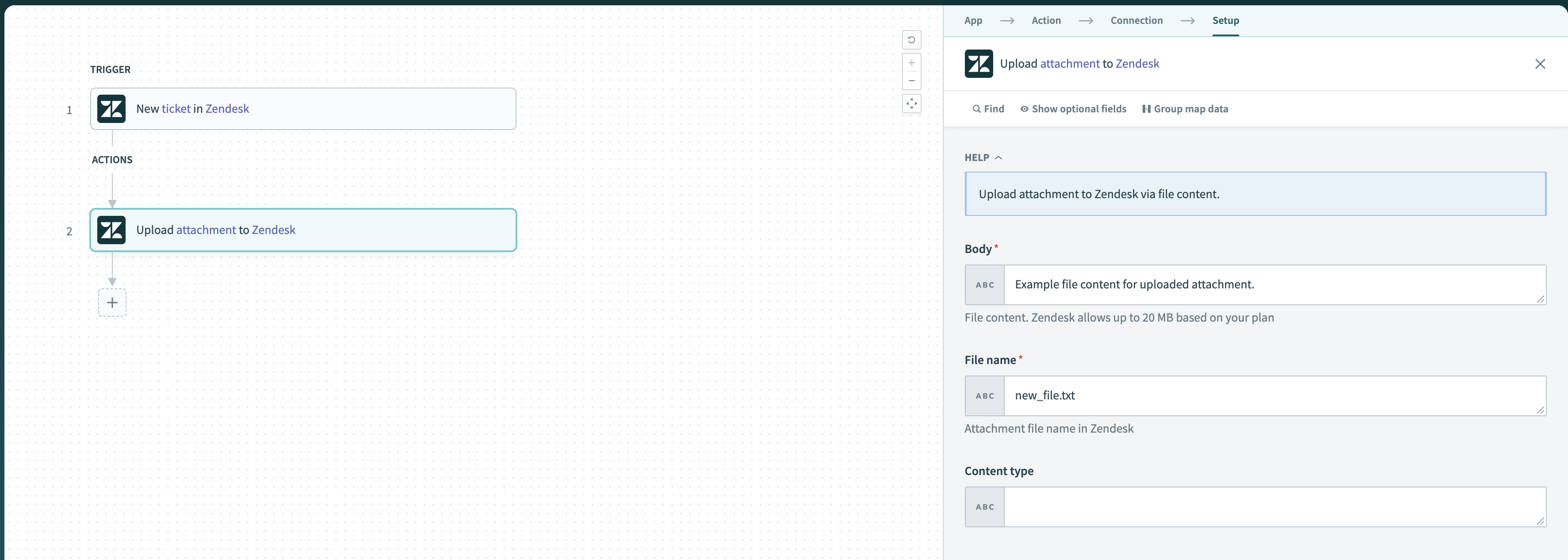 Attachment upload to Zendesk
Input
| Input field | Description |
|---|---|
| Body | The contents of the attachment you plan to upload. |
| File name | The name of the file in Zendesk. Include the file extension, such as txt. |
| Content type optional | The MIME content type of the file. Optional for text files. |
Transfer a file from another application
You can transfer a file from another application as a new attachment to your Zendesk instance. To transfer a file from another application, use the file obtained by the previous trigger or action as the file content in the Upload attachment to Zendesk action.
See Moving files using file content to learn how to transfer a file from another application.
Output
| Output field | Description |
|---|---|
| Attachment ID | The automatically assigned attachment ID in Zendesk. |
| Attachment name | The name of the file in Zendesk. |
| Content URL | The automatically assigned full URL where you can download the attachment. |
| Content Type | The MIME content type of the file. Optional for text files. |
| File size | The size of the file in bytes. |
Last updated: