Configure Coupa as your data pipeline source
Set up Coupa as a data pipeline source to extract and sync records into your destination. This guide includes connection setup, pipeline configuration, and key behavior for working with Coupa as a source.
Features supported
The following features are supported when using Coupa as a data pipeline source:
- Extract data using the Coupa REST API
- Support for full and incremental sync
- Field-level selection for object extraction
- Schema drift detection and handling
- Field-level data masking
Prerequisites
You must have the following configuration and access:
- A Coupa instance with API access enabled
- Coupa instance URL
- Required scopes for the API
- Read access to the objects you plan to sync
How to connect
Complete the following steps to connect to Coupa as a data pipeline source. This connection allows the pipeline to extract and sync data from your Coupa instance:
Select Create > Connection.
Search for and select Coupa on the New connection page.
Enter a name in the Connection name field.
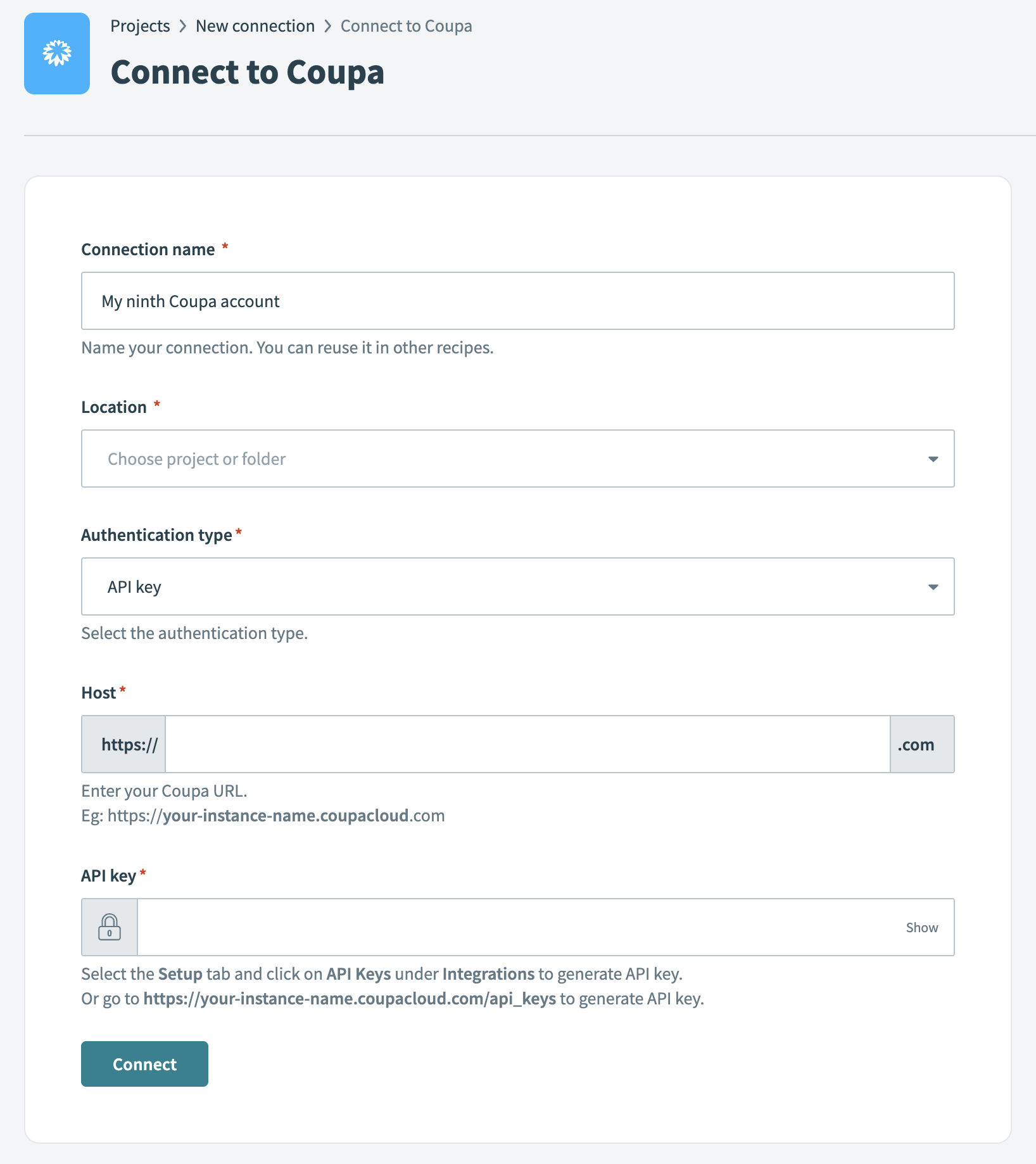 Coupa connection setup
Use the Location drop-down to select the project where you plan to store the connection.
Use the Authentication type drop-down menu to select one of the following authentication types:
- API key
- Client credentials
- Authorization code grant
The required fields vary depending on the authentication type.
Fill in the following fields based on the selected authentication method:
Click Connect to verify and establish the connection.
Configure the pipeline
Complete the following steps to configure Coupa as your data pipeline source:
Select Create > Data pipeline.
Provide a Name for the data pipeline.
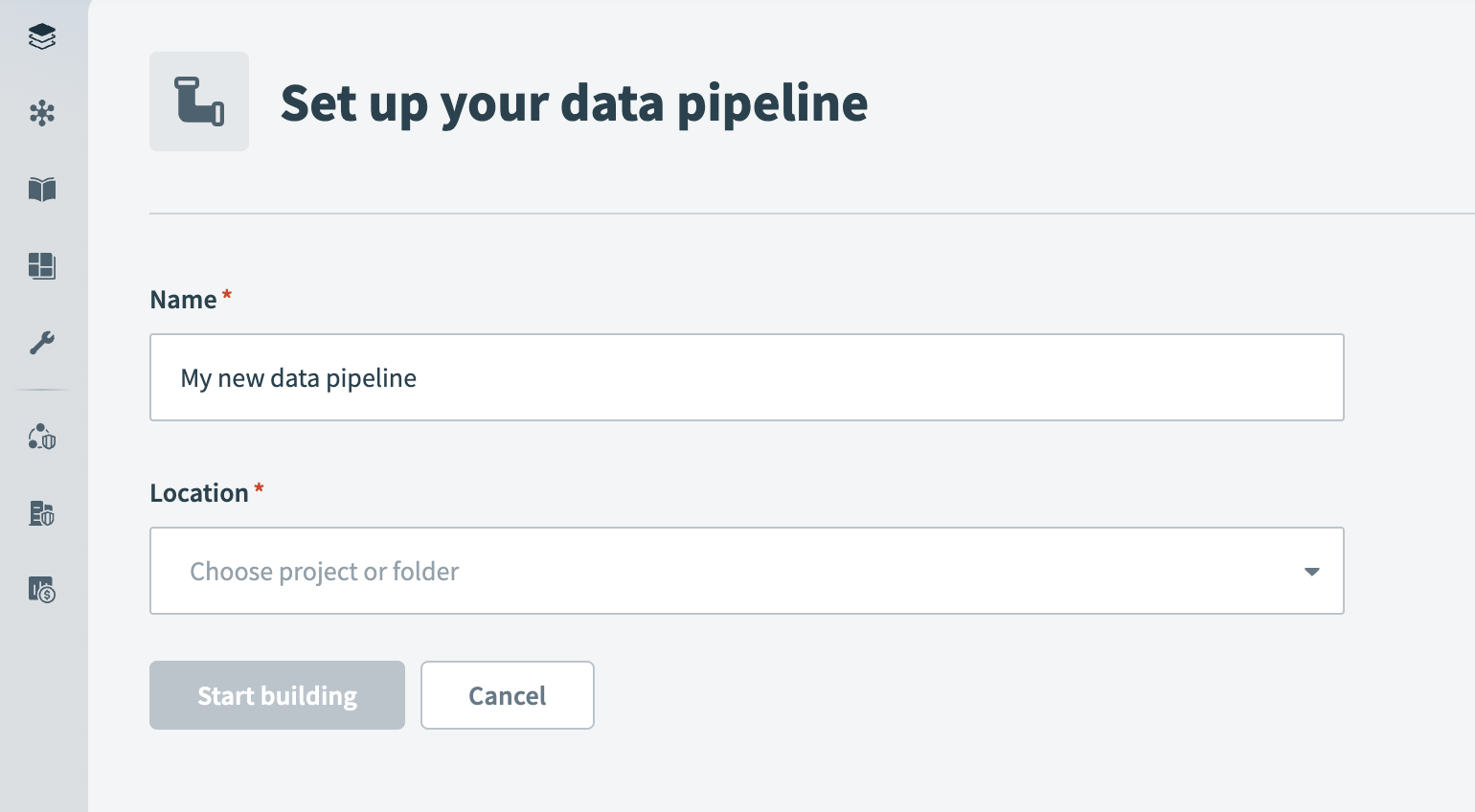 Data pipeline setup
Use the Location drop-down menu to select the project where you plan to store the data pipeline.
Select Start building.
Click the Extract new/updated records from source app trigger. This trigger defines how the pipeline retrieves data from the source application.
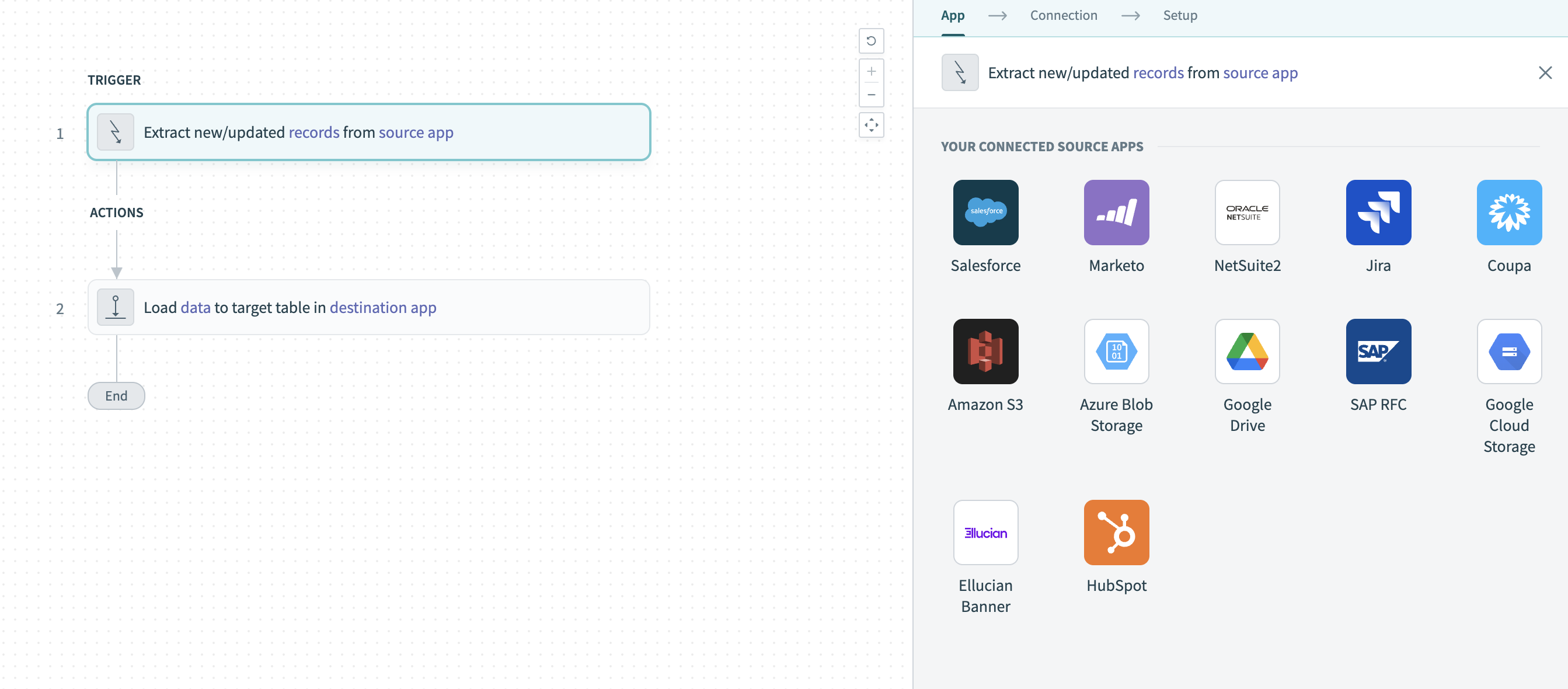 Configure the Extract new/updated records from source app trigger
Select Coupa from Your Connected Source Apps.
Choose the Coupa connection you plan to use for this pipeline. Alternatively, click + New connection to create a new connection.
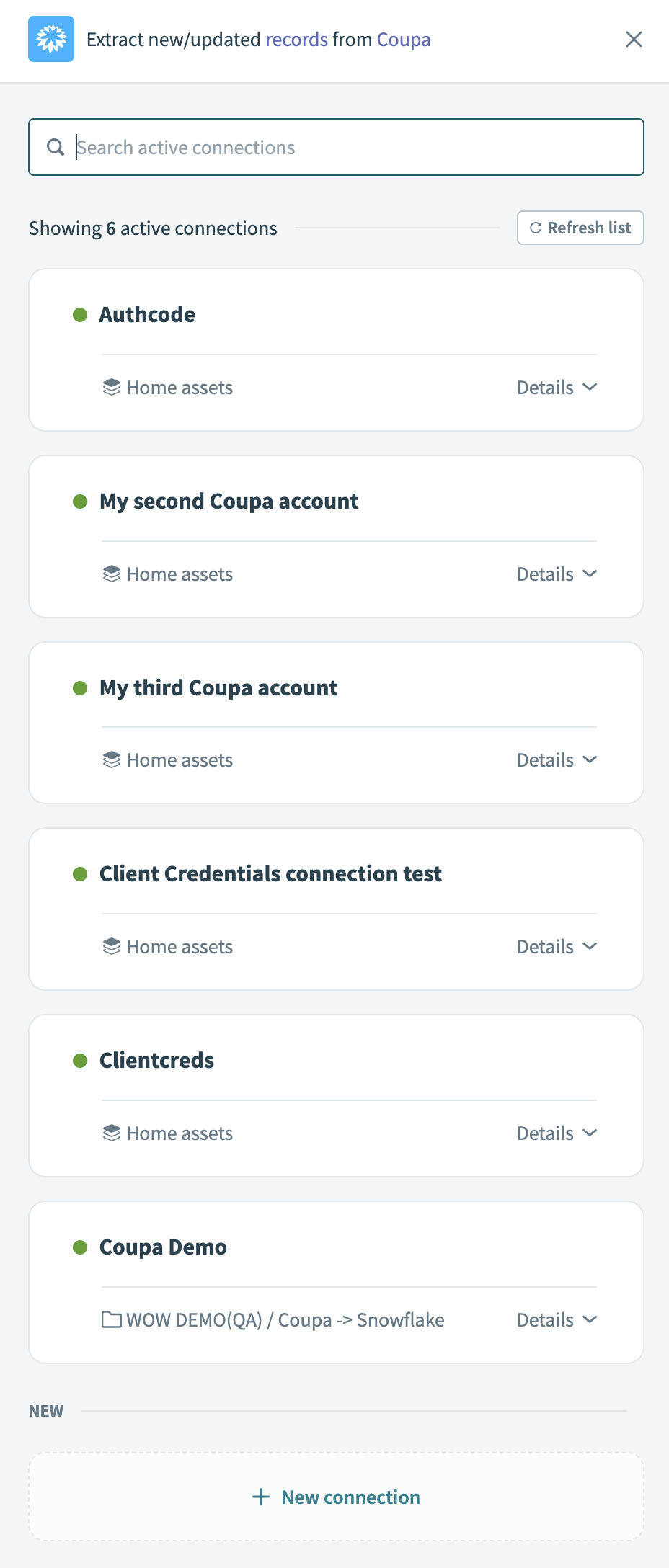 Choose a Coupa connection
Click Add object to open the object wizard.
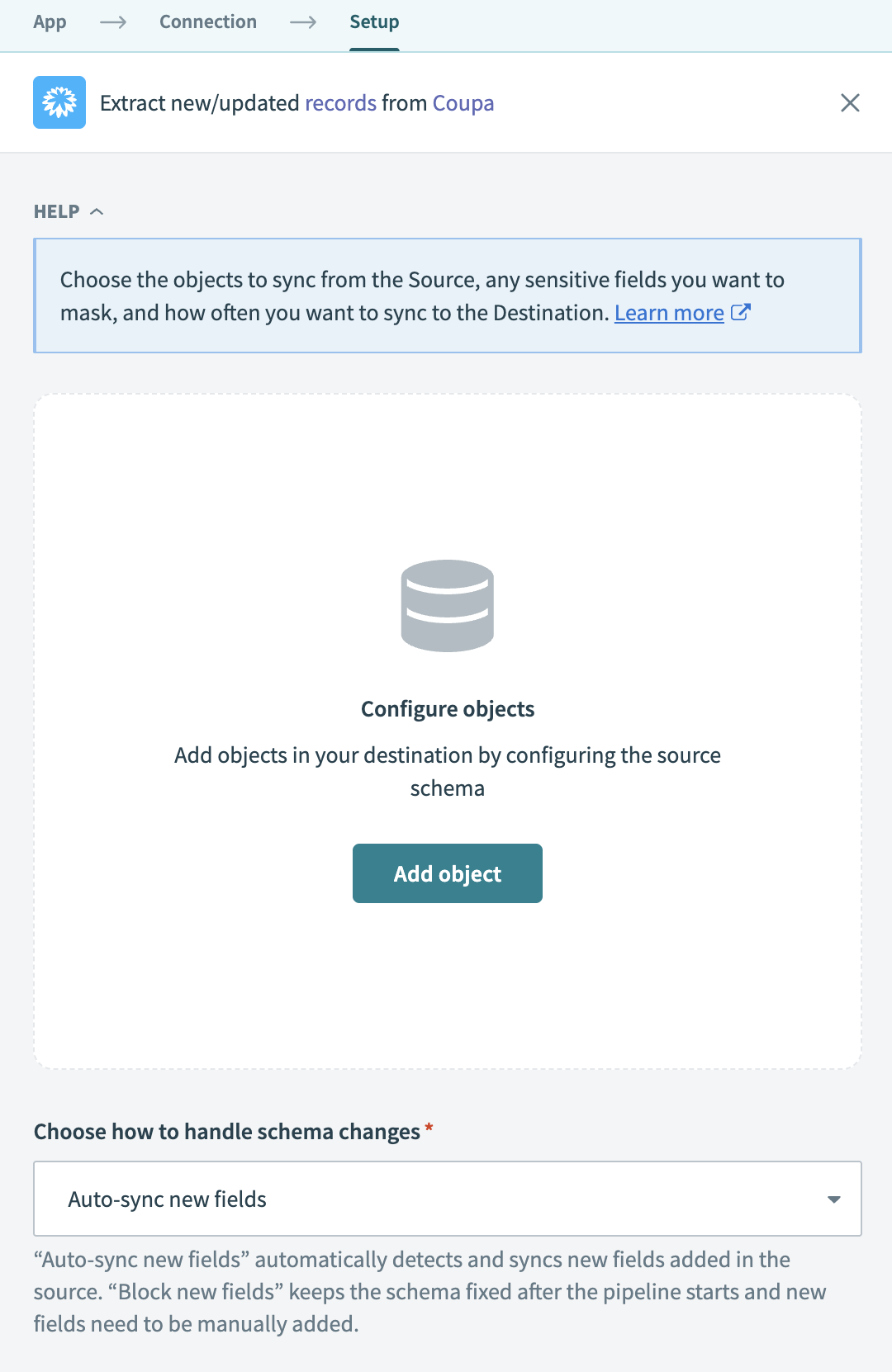 Add objects
Search or browse the list of available Coupa objects. Select the objects you plan to sync and click Add.
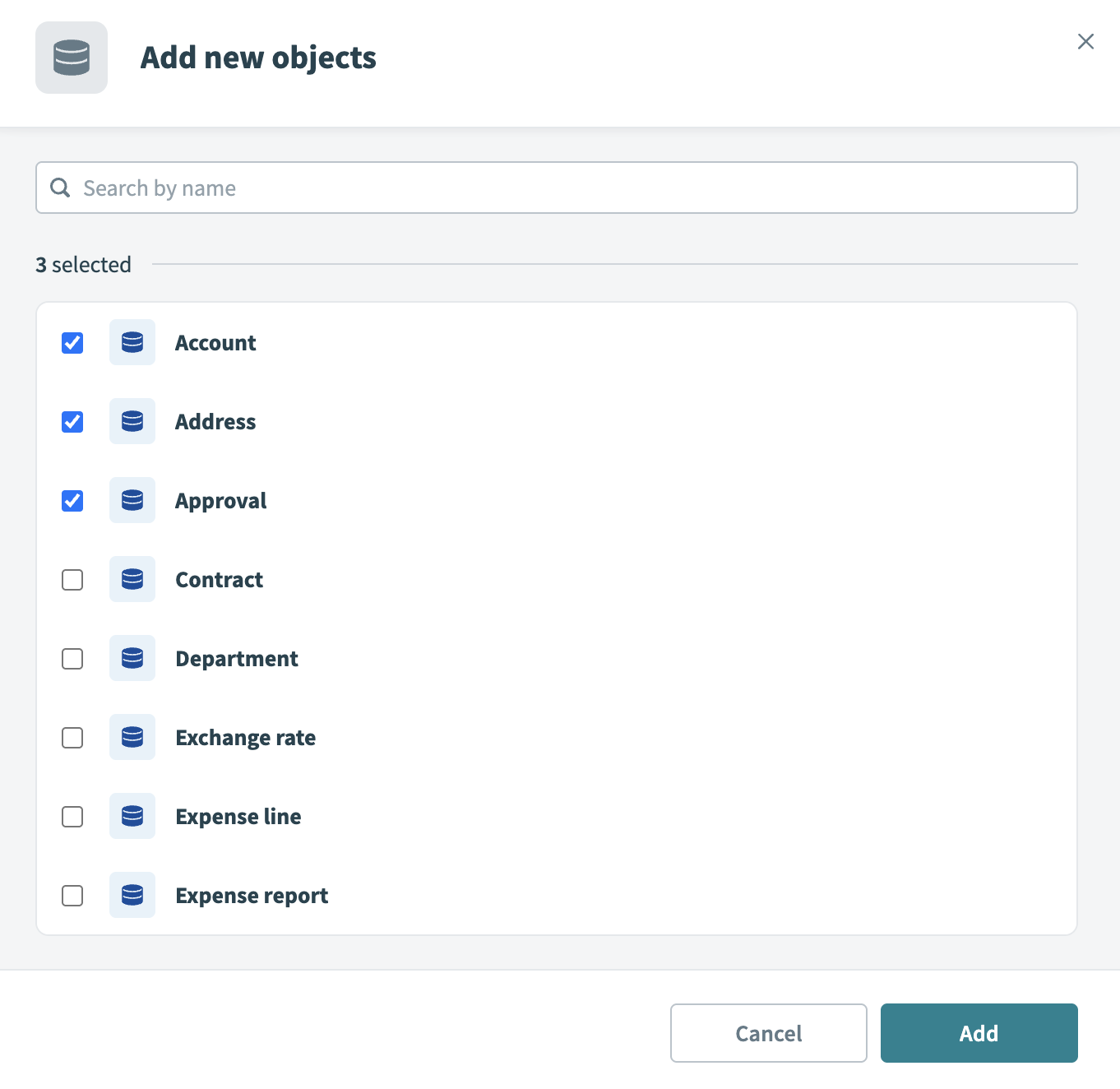 Select objects
Review and customize the schema for each selected object. When you select an object, the pipeline automatically fetches its schema to ensure the destination matches the source.
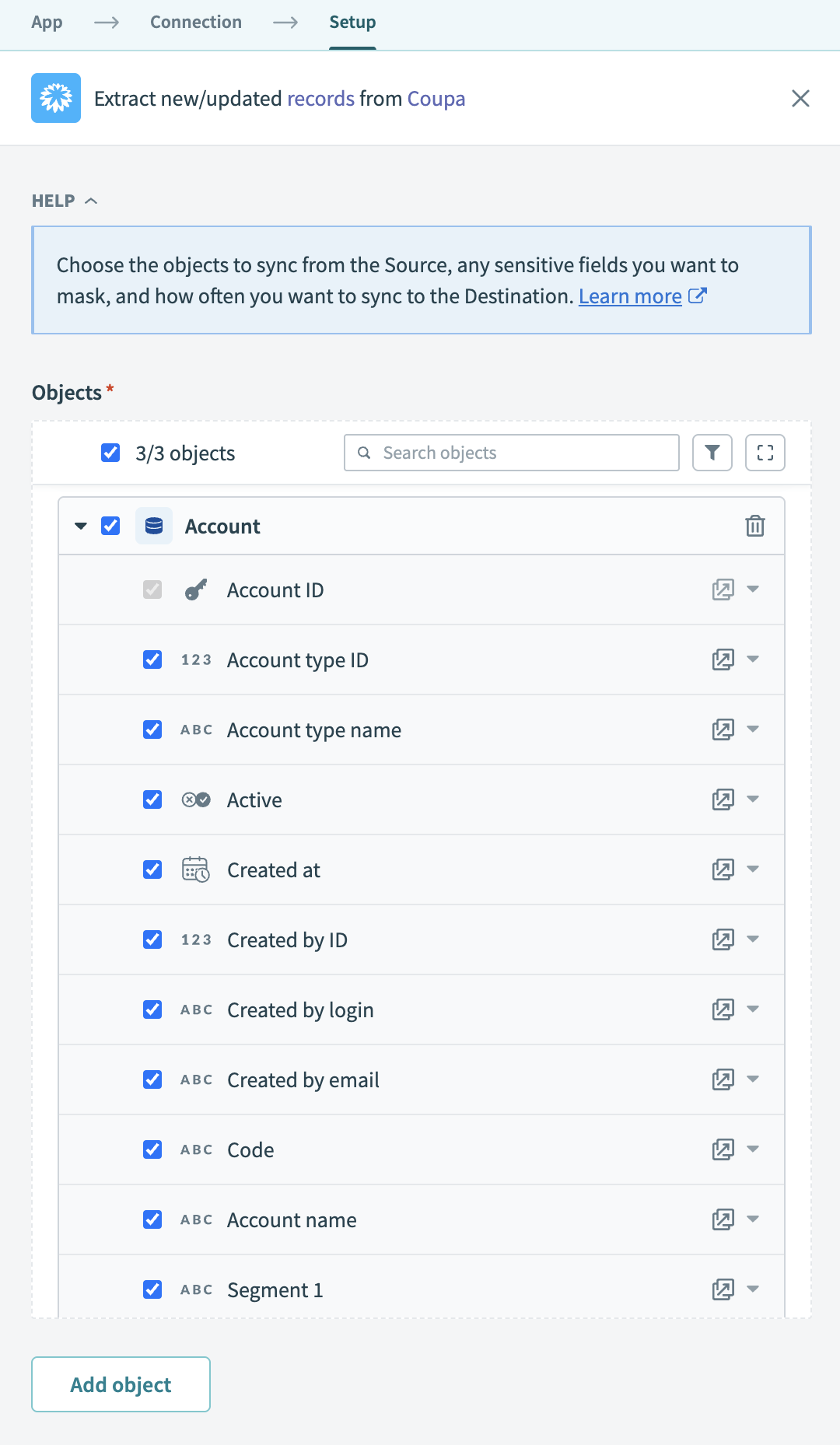 Expand object
Expand any object to view its fields. Keep all fields selected to extract all available data, or deselect specific fields to exclude them from data extraction and schema replication.
Optional. Configure field-level data protection. After you expand an object, choose how to handle each field:
- Replicate as is (default): Data values at the source are replicated identically to the destination.
- Hash: Hash sensitive data values in the column before syncing to your destination.
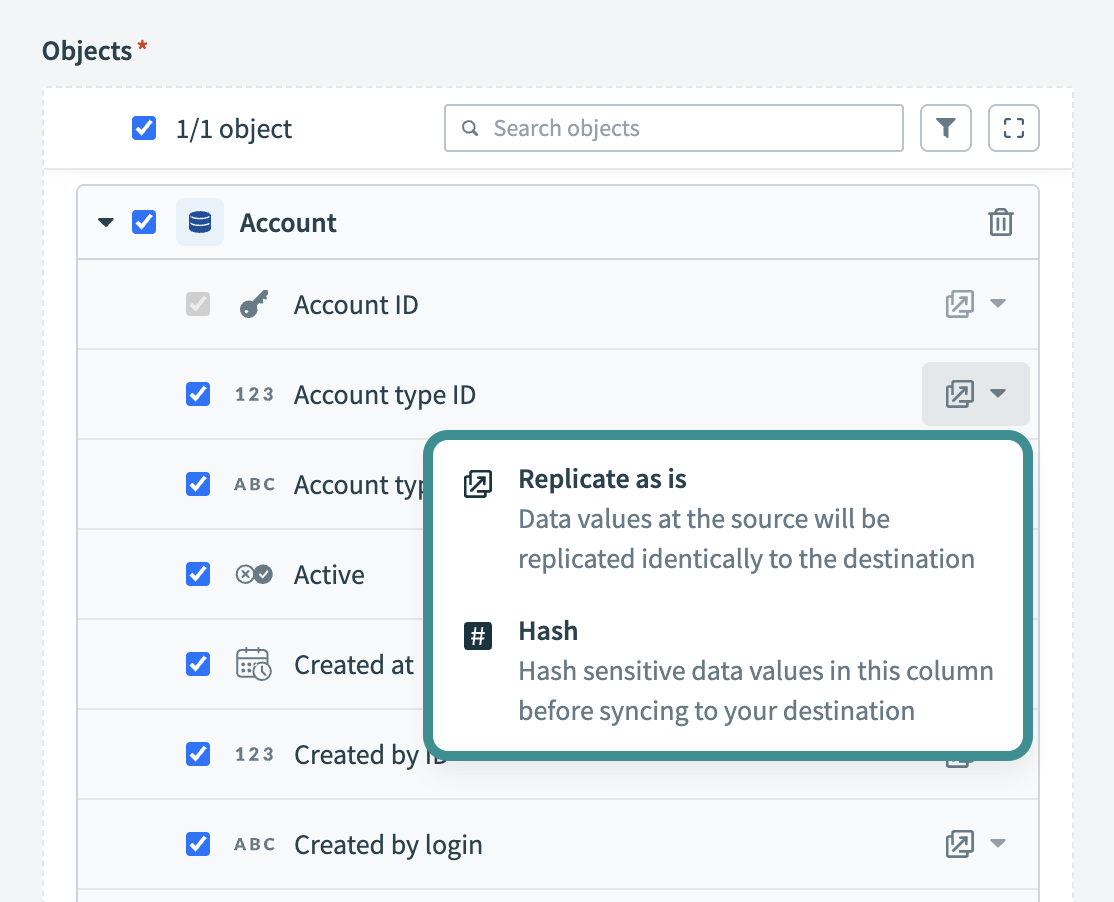 Configure field-level data protection
Click Add object again to add more objects using the same flow. You can repeat this step to include multiple Coupa objects in your pipeline.
Choose how to handle schema changes:
- Select Auto-sync new fields to detect and apply schema changes automatically.
- Select Block new fields to manage schema changes manually. This option may cause the destination to fall out of sync if the source schema updates.
Unsynchronized schema changes, also known as schema drift, can cause issues if not managed. Refer to the Schema drift section for more information.
Configure how often the pipeline syncs data from the source to the destination in the Frequency field. Choose either a standard time-based schedule or define a custom cron expression.
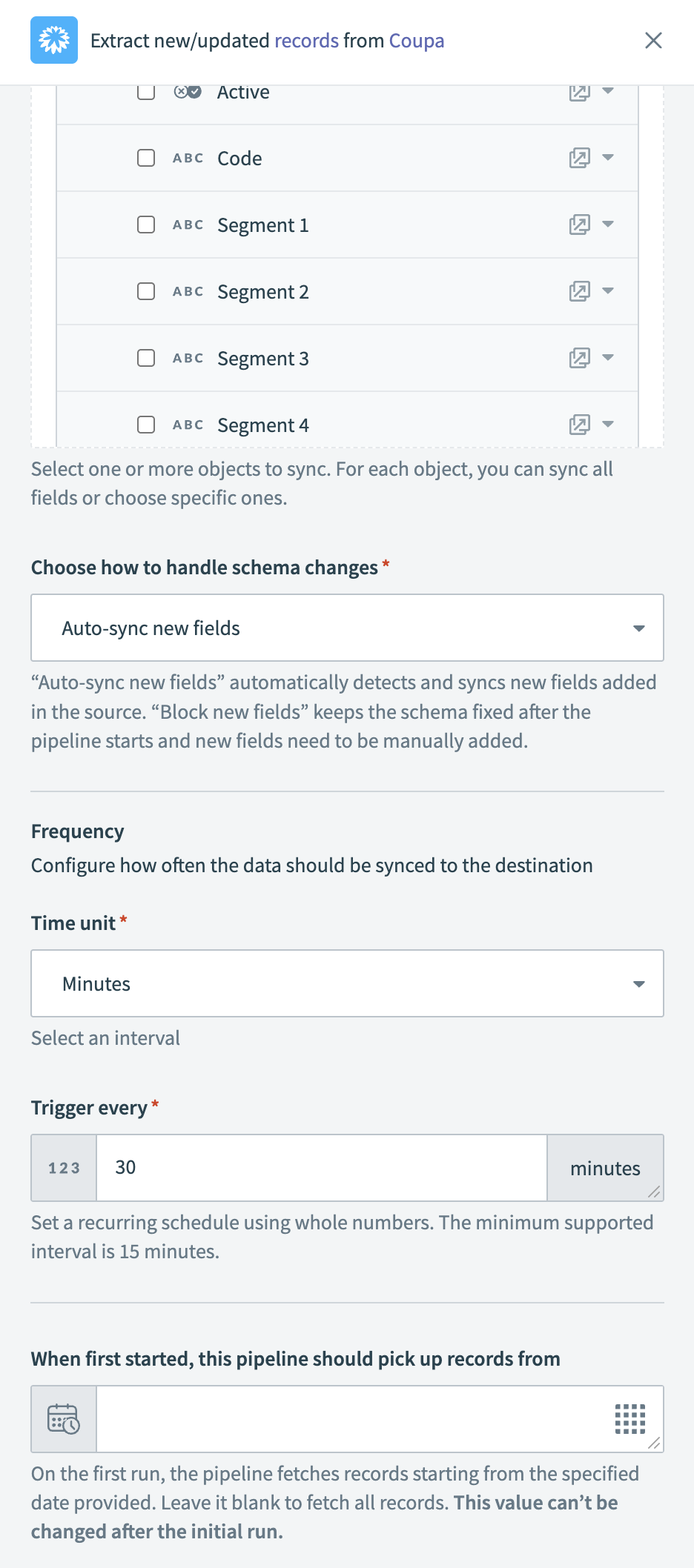 Configure sync frequency
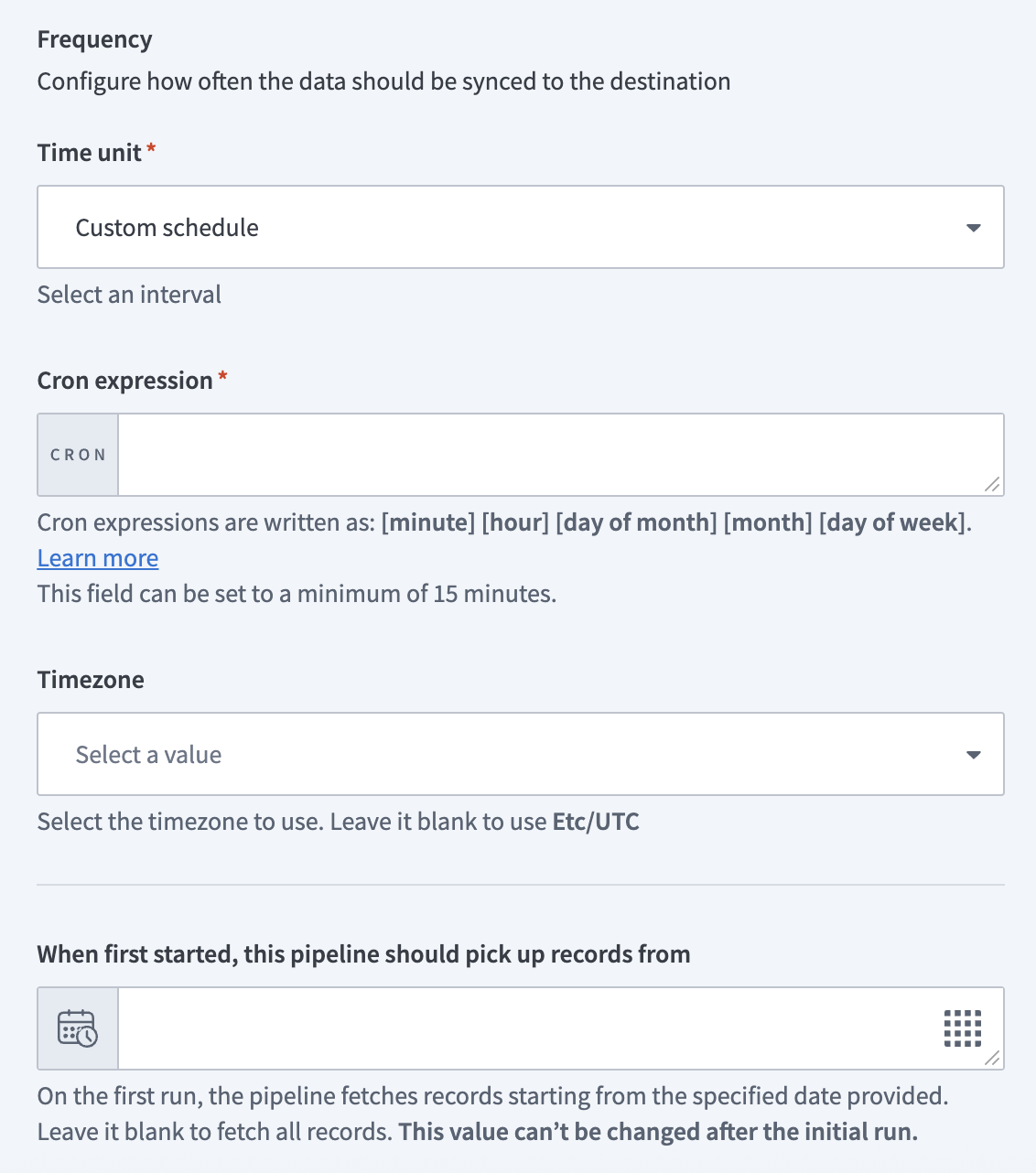 Configure sync frequency
Supported Coupa objects
The Coupa connector uses the Coupa REST API to retrieve records for pipeline sync. It supports standard objects commonly used in Coupa environments, including accounts, approvals, and contracts.
Last updated: