Xero - Create employee (US) action
The Create employee (US) action allows you to create a new employee record in Xero. This action only applies to US payroll accounts.
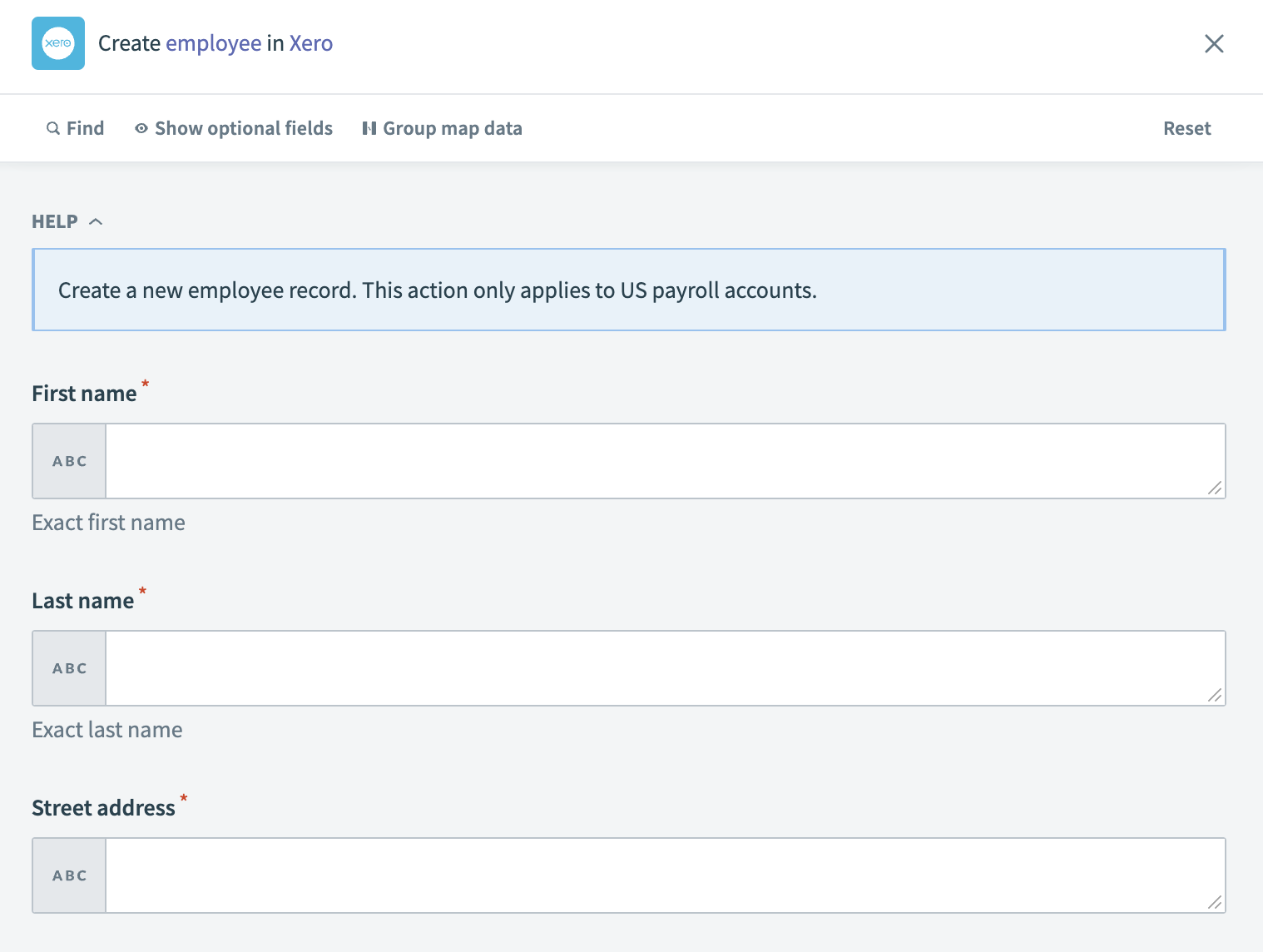 Xero - Create employee (US) action
Input
| Input field | Description |
|---|---|
| First name | Enter the first name of the employee. |
| Last name | Enter the last name of the employee. |
| Gender | Specify the gender of the employee. |
| Date of birth | Provide the date of birth of the employee. |
| Phone | Enter the employee's phone number. |
| Provide the employee's email address. | |
| Approve timesheets? | Indicate whether the employee has the authority to approve timesheets. |
| Approve time off? | Specify if the employee is allowed to approve time off. |
| Street address | Enter the street address of the employee. |
| Suite/apt/unit | Enter the suite or apartment of the employee. |
| City | Specify the city of the employee's address. |
| State | Enter the state of the employee's address. |
| Zip | Provide the zip code for the employee's address. |
| Latitude | Enter the latitude coordinate for the employee's address. |
| Longitude | Enter the longitude coordinate for the employee's address |
Output
| Output field | Description |
|---|---|
| Employee ID | The unique identifier for the employee in Xero. |
| First name | The first name of the employee. |
| Last name | The last name of the employee. |
| Gender | The gender of the employee. |
| Date of birth | The date of birth of the employee. |
| Phone | The phone number of the employee. |
| The email address of the employee. | |
| Updated date | The date when the employee's information was last updated. |
| Home address | The home address of the employee. |
| Mailing address | The mailing address of the employee, if different from the home address. |
Last updated: