Xero - Create employee (AU) action
The Create employee (AU) action allows you to create a new employee record in Xero. This action only applies to AU payroll accounts.
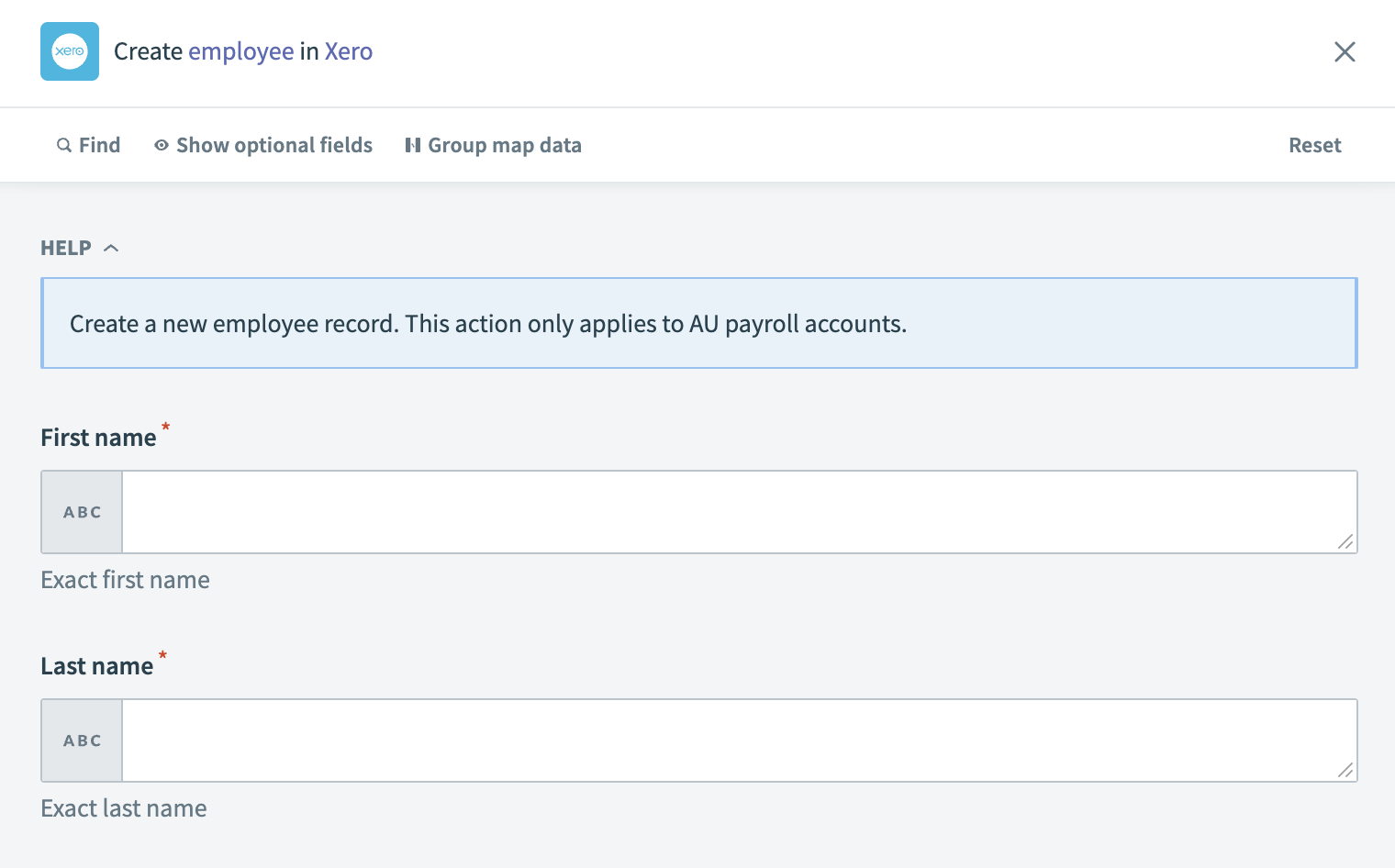 Xero - Create employee (AU) action
Input
| Input field | Description |
|---|---|
| First name | Enter the first name of the employee. |
| Last name | Enter the last name of the employee. |
| Gender | Specify the gender of the employee. |
| Date of birth | Provide the date of birth of the employee. |
| Phone | Enter the employee's phone number. |
| Provide the employee's email address. | |
| Approve timesheets? | Indicate whether the employee has the authority to approve timesheets. |
| Approve leave? | Specify if the employee is allowed to approve leave requests. |
| Address line 1 | Enter the first line of the employee's address. |
| Address line 2 | Enter the second line of the employee's address. |
| City | Specify the city of the employee's address. |
| Region | Indicate the region or state of the employee's address. |
| Postal code | Provide the postal code for the employee's address. |
| Country | Enter the country of the employee's address. |
Output
| Output field | Description |
|---|---|
| Employee ID | The unique identifier for the employee in Xero. |
| First name | The first name of the employee. |
| Last name | The last name of the employee. |
| Gender | The gender of the employee. |
| Date of birth | The date of birth of the employee. |
| Phone | The phone number of the employee. |
| The email address of the employee. | |
| Updated date | The date when the employee's information was last updated. |
| Home address | The home address of the employee. |
Last updated: