Xero - Create invoice payment action
The Create invoice payment action allows you to record a customer payment made towards an accounts receivable invoice in Xero.
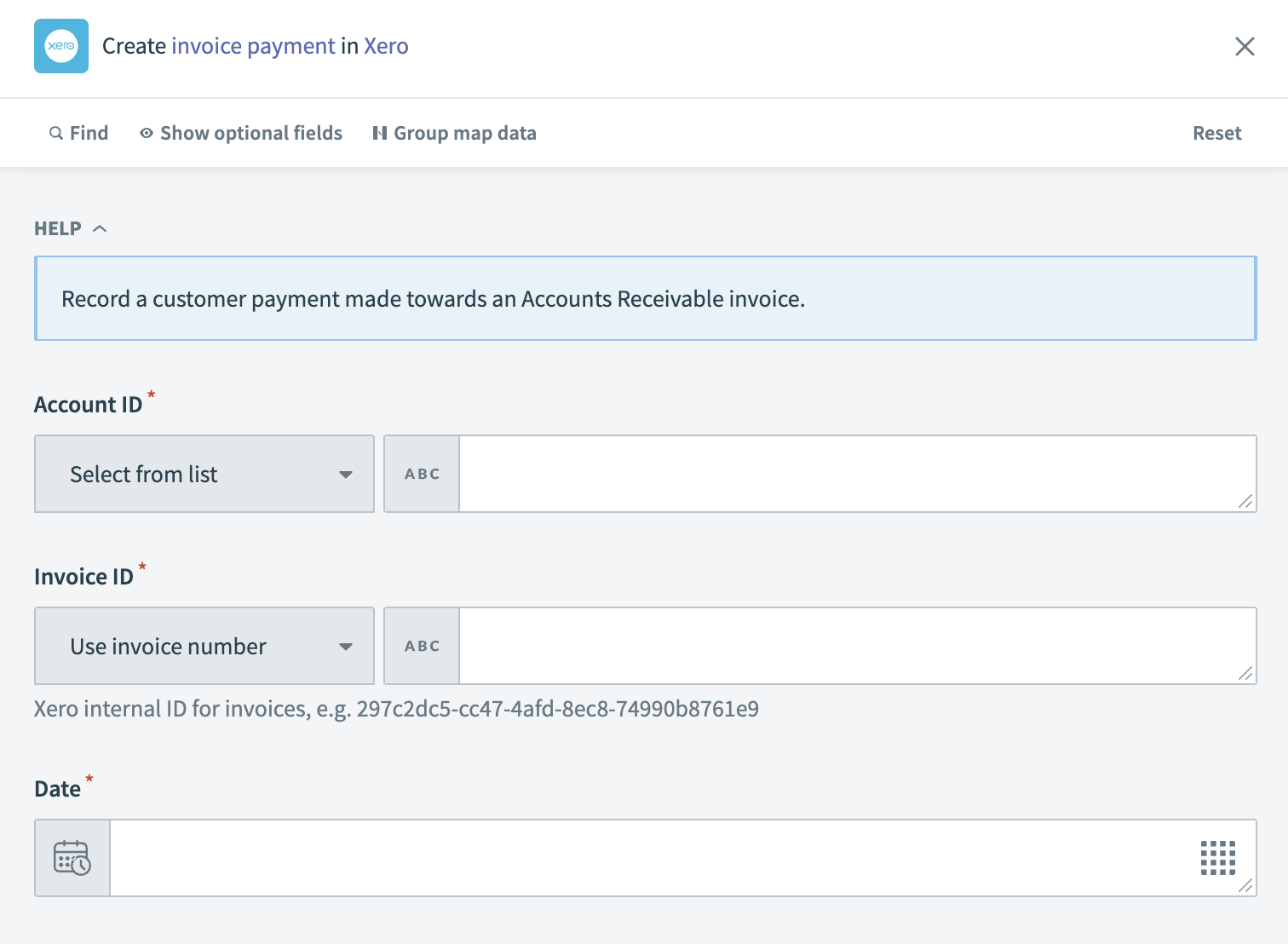 Xero - Create invoice payment action
Input
| Input field | Description |
|---|---|
| Account ID | Enter the unique identifier for the account in Xero. |
| Invoice ID | Enter the Xero internal ID or invoice number the payment applies to. |
| Date | Specify the payment date. |
| Amount | Input the payment amount from the customer. |
| Reference | Provide any reference text for the payment. |
| Is reconciled | Indicate whether to mark the payment as reconciled at the time of creation. |
Output
| Output field | Description |
|---|---|
| Payment ID | The unique identifier for the payment within Xero. |
| Date | The date the payment was made. |
| Bank amount | The amount of the payment in the bank's currency. |
| Amount | The amount of the payment. |
| Payment type | The type of payment. |
| Currency rate | The exchange rate for the payment currency. |
| Status | The current status of the payment. |
| Reference | A reference note or number for the payment. |
| Is reconciled | Indicates whether the payment has been reconciled with a bank transaction. |
| Updated date | The date when the payment was last updated in Xero. |
| Account | Details of the account where the payment was deposited. |
| Invoice | Information about the invoice related to the payment. |
Last updated: