Google BigQuery - Job completed trigger
The Job completed trigger polls regularly for jobs completed in Google BigQuery. This trigger can be configured to listen on various levels, from entire projects to individual tables. This trigger only picks up completed jobs.
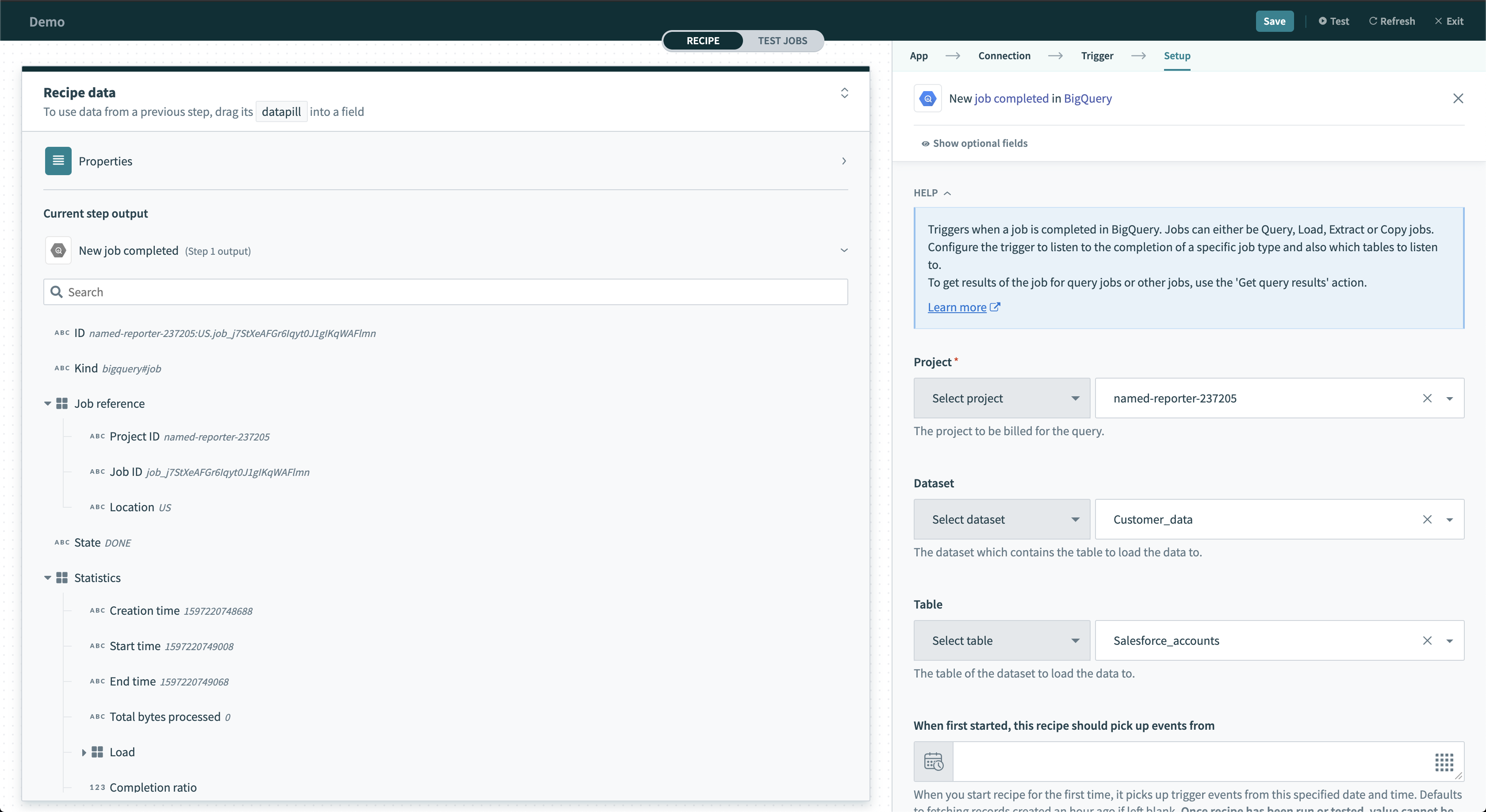 Job completed trigger
Input
| Input field | Description |
|---|---|
| Project | Select the project to monitor. |
| Dataset | Optional. Select the dataset to monitor. |
| Table | Optional. Select the table to monitor. |
| All users | Select an option from the list. Defaults to No. If Yes, all jobs will be listened on including those not pegged to the user. The user is the user who authorized the Google BigQuery connection. |
| When first started, this recipe should pick up events from | Provide a time to retrospectively pick up jobs from. Refer to Triggers to learn more about this input field. |
| Job Type | Provide a job type. Leave blank to listen on all jobs. When configured, it will only trigger on jobs that match. |
Output
| Output field | Description |
|---|---|
| ID | The ID of the job completed. |
| Kind | The type of the Google BigQuery job. |
| Job Reference | Contains information about the job such as Project ID, Job ID, and Location. |
| State | State of job. Must be DONE. |
| Statistics | Contains information about the query time and total bytes processed by the job. |
| Configuration | Contains information about the query configuration. |
| Status | Contains error results and messages if any. |
| User email | Email of the user who ran the job. |
Last updated: