Egnyte - Search objects batch action
The Search objects batch action allows you to search for objects in Egnyte.
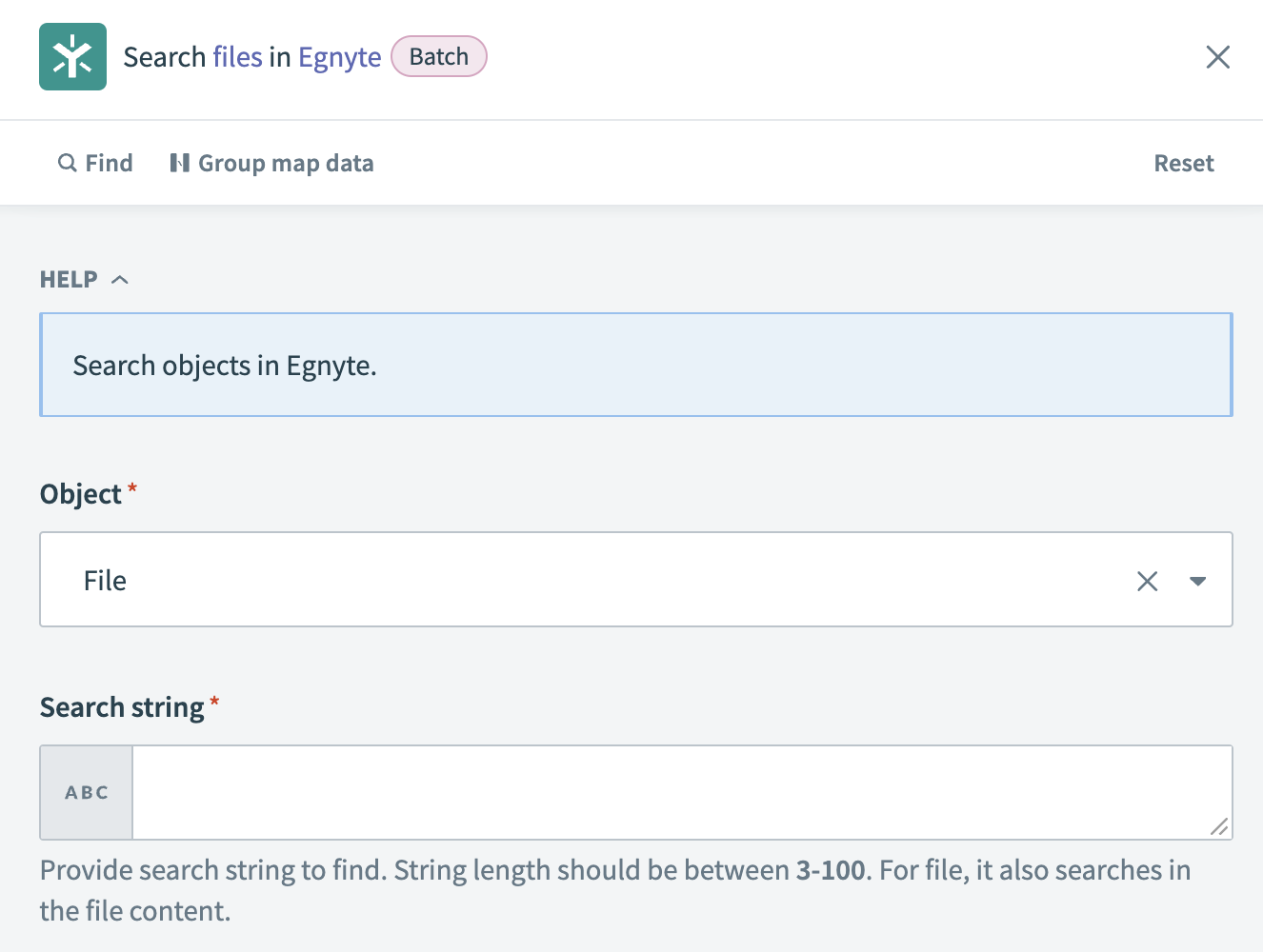 Search objects batch action
Input
| Input field | Description |
|---|---|
| Object | Select the object for which you plan to search. For example: file. |
| Search string | Enter the string you plan to use for the search, such as the file name or content. |
Output
| Output field | Description |
|---|---|
| Count | The number of items in the current result set. For example: 22. |
| Offset | The offset from the beginning of the full list. For example: 5. |
| Has more | Indicates whether there are more items beyond the current result set. |
| Total count | The total number of items available. For example: 29. |
| Results | A list of items in the current result set. |
| Name | The name of the file. For example: docs-test-file.csv. |
| Path | The path to the file. For example: /Shared/Documents/docs-test-file.csv. |
| Type | The MIME type of the file. For example: application/csv. |
| Size | The size of the file in bytes. For example: 448. |
| Snippet | A text snippet related to the file. |
| Entry ID | The ID of the file entry. For example: 5b2bf1dc-0715-4681-a5ef-8a32eb3c141d. |
| Group ID | The ID of the group associated with the file. For example: 7644a699-6c43-4164-ad41-533bcbdc077c. |
| Last modified | The timestamp when the file was last modified. For example: 2024-02-26T23:06:36.000000+00:00. |
| Uploaded by | The name of the user who uploaded the file. |
| Uploaded by username | The username of the user who uploaded the file. |
| Num versions | The number of versions of the file. |
| Snippet HTML | An HTML snippet related to the file. |
| Is folder | Indicates if the item is a folder or not. Values are true or false. |
| Custom properties | A list of custom properties associated with the file. |
Last updated: